
When we talk about course accessibility, the practice of designing online learning so people with disabilities can fully participate. Also known as inclusive education technology, it means your videos have captions, your PDFs are readable by screen readers, and your quizzes don’t rely on mouse-only navigation. This isn’t about checking a box—it’s about removing real barriers that stop people from learning. If your course can’t be used by someone with a visual impairment, a motor disability, or even temporary limitations like a broken arm, you’re not just excluding learners—you’re risking legal action.
Under web accessibility law, legal standards like the ADA and UK Equality Act that require digital content to be usable by all. Also known as ADA compliance e-learning, these rules aren’t suggestions—they’re enforceable requirements. In 2023, a UK college paid over £120,000 in settlements after a student with dyslexia couldn’t access course materials. That’s not a rare case. The same goes for accessible online learning, training platforms built with clear structure, readable fonts, keyboard navigation, and alternative text for images. It’s not just about making things easier for some—it’s about making sure no one falls through the cracks because of how the course was built.
Good course accessibility doesn’t mean expensive tools or complex redesigns. It starts with small, smart choices: using proper heading tags, adding alt text to every image, ensuring color contrast meets WCAG standards, and offering downloadable transcripts. These aren’t just technical fixes—they’re human ones. Think about the single mom juggling work and kids who needs to pause a video to feed her child. Or the veteran with PTSD who finds audio-only content overwhelming. Accessible design helps them, and it helps everyone. It makes your content clearer, faster to load, and easier to follow on any device.
What you’ll find in these posts isn’t theory. It’s real-world guidance from teams who’ve been sued, who’ve lost students, and who’ve turned things around. You’ll see how one company cut dropout rates by 40% just by adding captions and keyboard controls. You’ll learn what happens when you ignore accessibility—and how to fix it before it costs you. From legal risks to simple fixes, this collection gives you the tools to build courses that work for every learner, not just the ones who fit the mold.
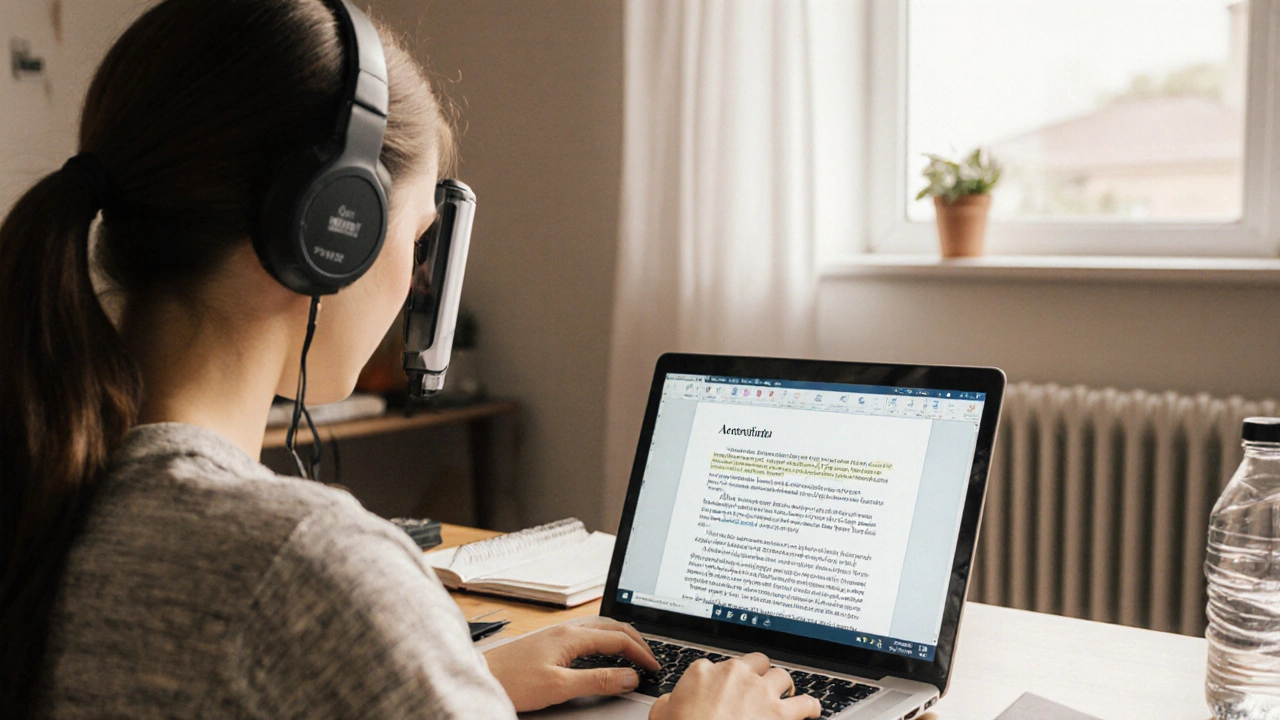
Learn how to create accessible PDFs and documents for all learners, using simple tools and best practices that ensure everyone-including those with disabilities-can engage with your course materials.
© 2026. All rights reserved.