
When you use Teachable, a platform that lets anyone create and sell online courses without coding. Also known as an online course builder, it lets coaches, trainers, and experts turn their knowledge into a scalable business—no tech team needed. Unlike complex learning systems that need IT support, Teachable gives you a simple dashboard to upload videos, set prices, accept payments, and track students—all in one place. It’s what UK freelancers, fitness instructors, and corporate trainers use when they want to stop relying on third-party marketplaces and own their audience.
Teachable works because it connects three key things: course creation, the process of turning lessons into structured digital content, learning management system (LMS) features, and digital education, the delivery of structured learning over the internet. You don’t need to be a developer to use it—you just need clear content. Teachable handles the backend: student accounts, payment gateways, email sequences, and even certificate generation. It’s built for people who want to teach, not manage servers.
What makes Teachable different from other platforms? It’s the balance between simplicity and power. You can start with a free plan and upgrade only when you need more students, custom domains, or advanced analytics. It integrates with tools like Zapier and Mailchimp so you can automate follow-ups. You can also use it to sell not just courses, but memberships, coaching packages, or even digital downloads. Many users in the Midlands start with one course on public speaking or Excel basics, then expand into a full digital business—sometimes replacing their 9-to-5 income.
Behind every successful Teachable course is solid structure. That means clear modules, actionable exercises, and real outcomes—not just videos. The best creators use worksheets, quizzes, and progress trackers to keep learners engaged. They also focus on outcomes: "By the end of this course, you’ll be able to..." instead of "In this module, we’ll cover..." This approach mirrors what works in corporate training and professional certification programs—where results matter more than hours spent.
Teachable isn’t just for individuals. Teams use it to train employees, onboarding new hires, or rolling out compliance courses across locations. It’s why enterprise LMS features like user groups, bulk enrollment, and reporting are so important. You can track who finished, who didn’t, and what parts caused drop-offs—all without needing a full-time tech person.
And if you’re worried about competition? The market isn’t crowded with perfect courses—it’s full of half-finished ones. People don’t need another generic tutorial. They need someone who’s been there, who can show them how to fix the real problems they face. That’s what Teachable empowers you to deliver: real solutions, packaged simply, sold directly.
Below, you’ll find practical guides on how to structure your course, automate student journeys, design certificates that feel valuable, and use behavioral nudges to boost completion rates. These aren’t theory pieces—they’re step-by-step breakdowns from people who’ve launched courses using Teachable and seen real results. Whether you’re just starting or scaling up, what’s here will help you move faster, avoid common mistakes, and build something that lasts.
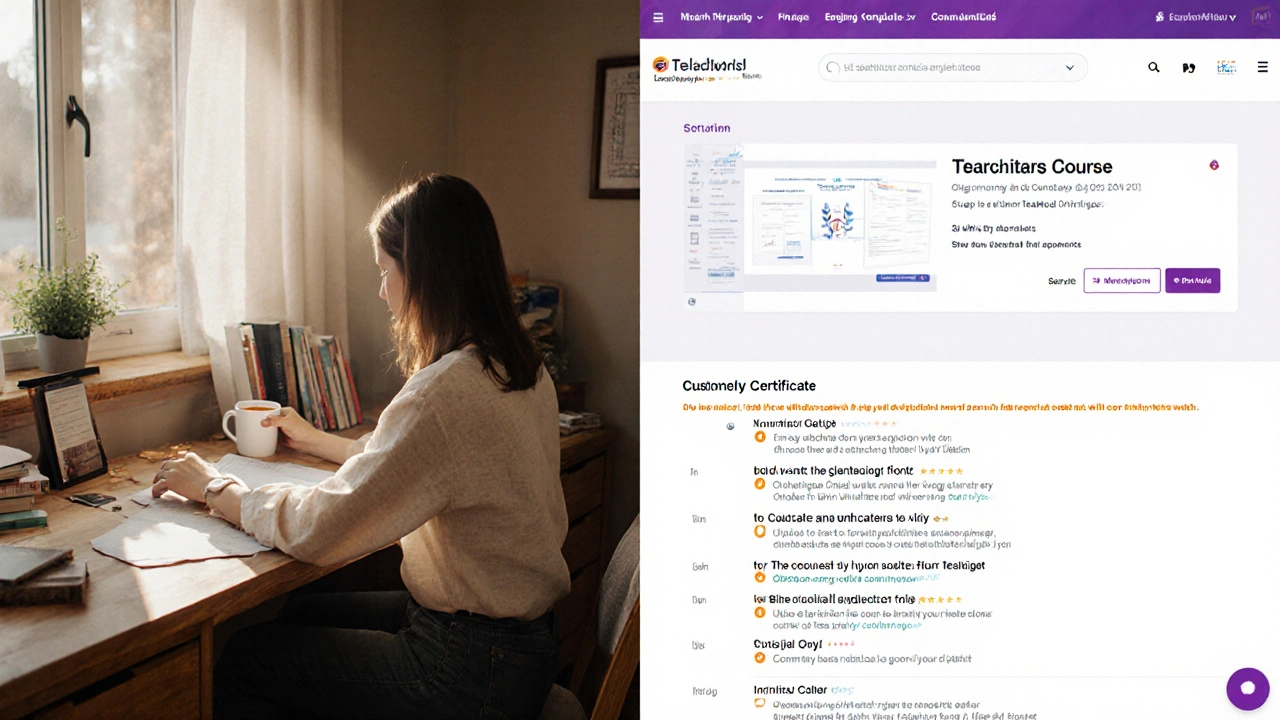
LearnWorlds and Teachable are top platforms for creating online courses. LearnWorlds offers deeper features, no transaction fees, and full branding control, while Teachable is simpler but takes a cut of your sales. This detailed comparison helps course creators choose the right platform.
© 2026. All rights reserved.