
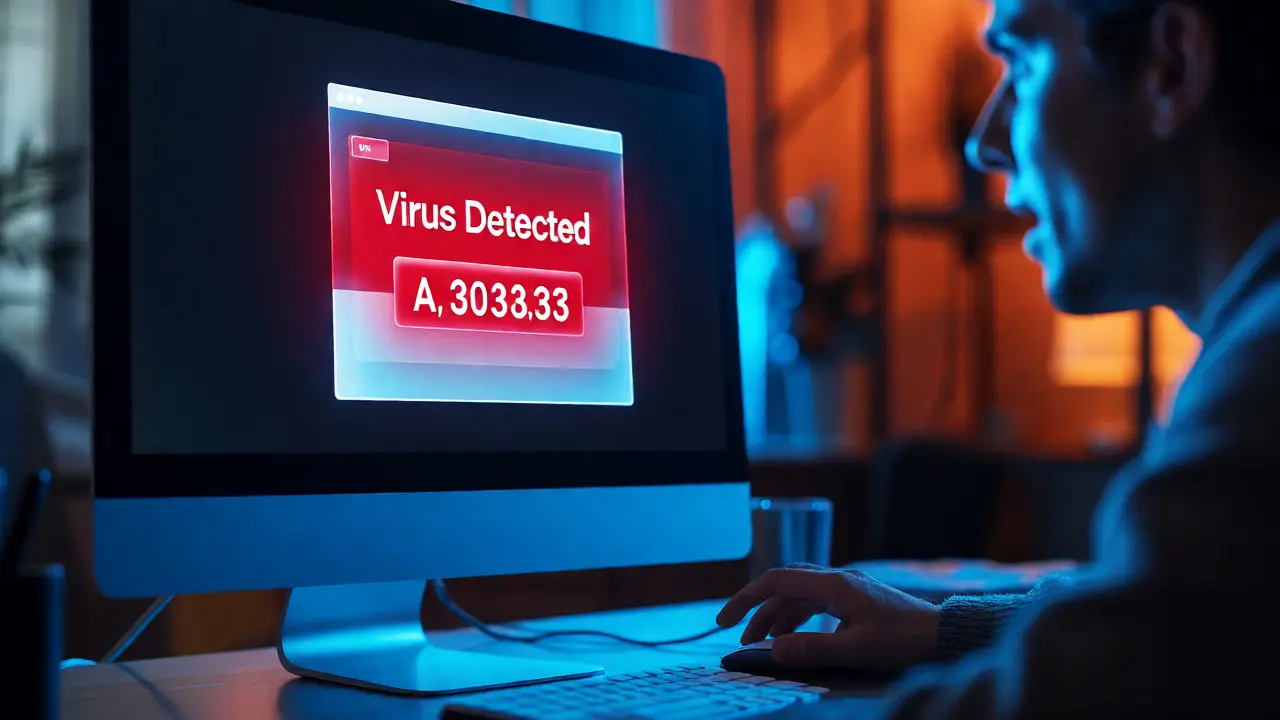
You get a pop-up. Your computer is infected. A number flashes on the screen. You call it, thinking you're saving your data. The person on the other end sounds professional, calm, and ready to help. They ask for remote access. You say yes. Ten minutes later, your bank account is empty, or your passwords are gone. This isn't just bad luck; it's Bridge Phishing. It’s a multi-stage attack that uses fake digital doors and fake human helpers to walk you right into a trap.
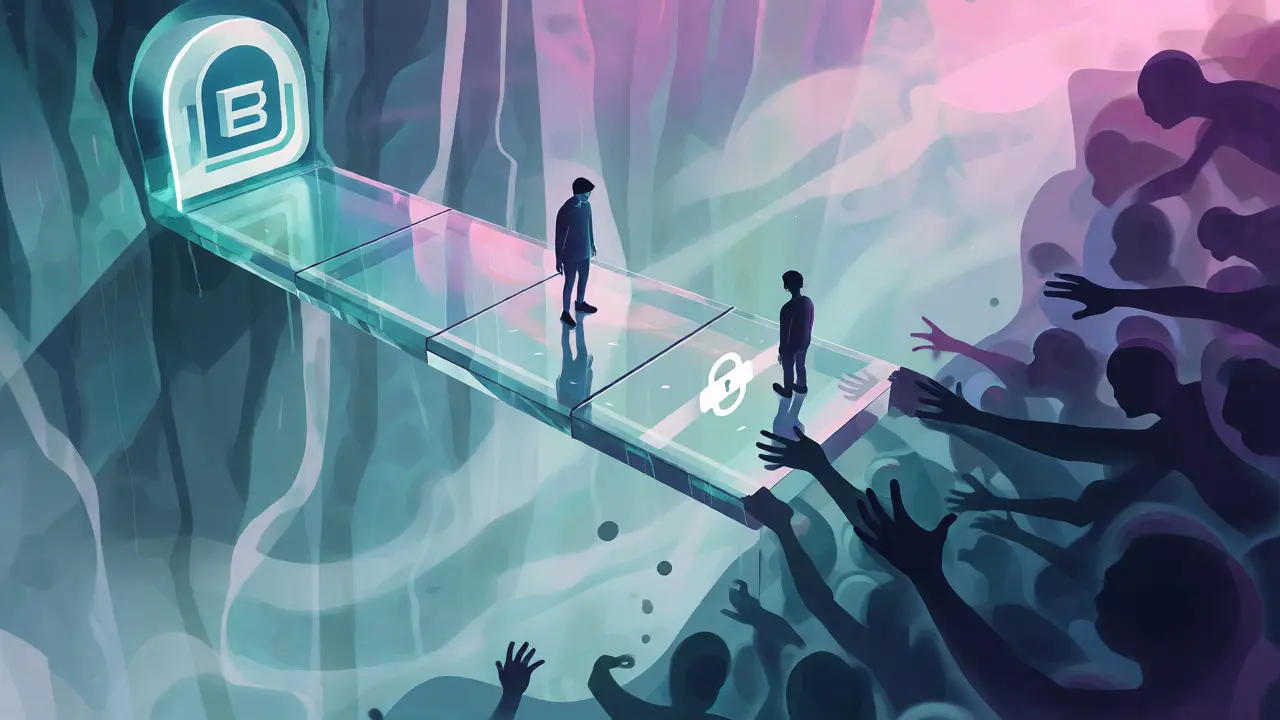
Traditional phishing was simple. You clicked a link in an email, typed your password, and lost your account. Bridge phishing is smarter. It builds a bridge between a fake website (the portal) and a fake person (the support agent). One creates the problem; the other sells you the solution. If you’ve ever felt pressured by a "urgent" security warning, you’ve likely walked across this bridge without realizing it.
What Exactly Is Bridge Phishing?
Think of Bridge Phishing as a relay race. The first runner is the fake portal, which grabs your attention. The second runner is the impersonated support agent, who closes the deal. Neither works well alone, but together they’re deadly effective.
The term isn’t in every textbook yet, but cybersecurity firms like Heimdal Security and regulators like the U.S. Federal Trade Commission (FTC) describe this exact pattern constantly. It combines visual deception with social engineering. The fake portal looks like your bank’s login page or a Microsoft Windows alert. It screams urgency. But instead of just stealing your password, it directs you to call a phone number or open a chat window. That’s where the human element kicks in.
This approach bypasses many traditional filters. Email gateways might catch the initial lure, but they can’t stop you from picking up the phone. Antivirus software might ignore the fake website because it’s not technically "malware," just HTML and CSS. The vulnerability here isn’t your code; it’s your trust.
The Anatomy of the Attack
Understanding the steps helps you spot them in real time. Here is how a typical bridge phishing campaign unfolds:
- The Decoy Surface: You encounter a fake portal. This could be a pop-up claiming your antivirus has expired, a cloned banking dashboard, or a search result for a hotel that doesn’t exist. These sites often use HTTPS locks and familiar logos to look legit.
- The Handoff: The site tells you something is wrong. "Your account is locked." "A virus was detected." It provides a contact method-a phone number, a WhatsApp link, or a live chat widget. This is the bridge.
- The Impersonator: A scammer answers. They sound like customer service. They might know your name if they scraped it from a previous breach. They claim to run diagnostics or verify your identity.
- The Extraction: The agent asks for credentials, one-time passcodes (OTPs), or remote access to your device. Alternatively, they guide you through a payment process using gift cards, crypto, or wire transfers.
The FTC notes that legitimate tech companies will never cold-call you to say your computer is broken. If you didn’t initiate the contact, it’s almost certainly a scam. Yet, scammers rely on panic. When people panic, they don’t check URLs; they check their wallets.
Fake Portals: The Digital Bait
Fake portals are designed to mimic authority. In banking, attackers clone login pages so perfectly that even the font spacing matches. In travel, sites like those analyzed by inHotel show how scammers build polished websites for non-existent hotels. They optimize these sites for search engines and AI tools, making them appear at the top of results.
| Feature | Legitimate Portal | Fake Portal |
|---|---|---|
| URL Structure | Matches official domain exactly (e.g., paypal.com) | Subtle typos or extra words (e.g., paypa1-secure.com) |
| Contact Method | Links to known support channels; rarely demands immediate phone call | Prominent phone number or chat button; urgent tone |
| Security Badges | Valid SSL certificates; verifiable trust seals | Static images of badges; no clickable verification |
| Behavior | Stable; loads quickly; consistent branding | May glitch; redirects unexpectedly; aggressive pop-ups |
A key tactic is "typosquatting" or brand impersonation. Scammers register domains that look nearly identical to the real thing. They might add a hyphen, swap a letter, or add a subdomain like "support.company-name-login.com." Always type the address yourself. Never click links in unsolicited emails or texts. As Bridge Community Bank advises, opening a new browser tab and typing the known URL breaks the bridge before it forms.

Fake Support Agents: The Human Hook
Once you’re on the line, the dynamic shifts. The scammer isn’t just reading a script; they’re adapting to you. If you hesitate, they reassure you. If you question them, they cite policy changes or system errors. This interactivity is what makes bridge phishing harder to detect than static email scams.
These agents operate across multiple channels. Vishing (voice phishing) uses spoofed caller IDs to make calls appear local or from major corporations. Smishing (SMS phishing) sends texts with short codes that look official. Even live chat is vulnerable. Heimdal Security documented cases where scammers posed as customers contacting genuine support agents, tricking employees into opening malicious files. The support staff became the unwitting bridge into corporate networks.
In publishing, the Authors Guild warns of similar tactics. Fraudsters pose as literary agents or publishers, offering contracts or services. They build trust over several emails before asking for fees. The pattern is identical: establish credibility, create urgency, extract value.
Why Traditional Defenses Fail
Email filters are great at spotting spam. Firewalls block known malware. But bridge phishing exploits gaps between these systems. An email gateway might let a "service notification" through because it doesn’t contain malicious attachments. The user clicks, sees a clean-looking webpage, and feels safe. Then they pick up the phone. No firewall monitors voice conversations.
Multi-factor authentication (MFA) is stronger, but not immune. Attackers now use "MFA fatigue" attacks, bombarding users with push notifications until they approve one out of annoyance. Or, the fake agent asks for the OTP code directly, claiming it’s needed to "verify" the login attempt. If you give them the code, they bypass MFA entirely.
Organizations need to harden their support workflows. Helpdesk teams must verify caller identities using callback procedures-calling back a number on file rather than trusting the incoming ID. Banks and SaaS providers should explicitly state that they will never ask for passwords or OTPs via phone or chat.
Practical Steps to Stay Safe
You don’t need to be a tech expert to beat bridge phishing. You just need to slow down. Speed is the scammer’s ally; hesitation is yours.
- Navigate Directly: Ignore links in emails and texts. Go to your bank’s website by typing the URL or using a bookmark.
- Hang Up and Call Back: If someone claims to be from your bank or internet provider, hang up. Find the number on the back of your card or in your official app. Call that number.
- Never Share OTPs: Legitimate companies do not need your one-time passcode to fix a technical issue. If someone asks for it, it’s a red flag.
- Check the Domain: Hover over links before clicking. Look for mismatches. Does "apple.com.support-help.net" make sense? Probably not.
- Use Password Managers: They won’t auto-fill credentials on fake sites unless the domain matches exactly. This acts as a silent alarm.
If you suspect you’ve been bridged, act fast. Change passwords immediately, especially if reused. Contact your bank to freeze transactions. Check credit reports with agencies like Equifax, Experian, or TransUnion for unauthorized inquiries.
The Future of Social Engineering
As AI improves, fake portals will become more convincing. Chatbots will sound more human. Voice cloning will make calls from "family members" or "bank reps" indistinguishable from reality. The Authors Guild and other bodies already see a rise in personalized impersonation scams.
Defense relies on verification, not just detection. We must move from "Does this look real?" to "Did I initiate this interaction?" If you didn’t start the conversation, assume it’s a trap. The bridge is built on your willingness to engage. Don’t cross it.
What is the main difference between standard phishing and bridge phishing?
Standard phishing usually involves a single step, like clicking a link to steal credentials. Bridge phishing is multi-stage. It uses a fake portal to lure you in, then transitions to a live interaction with a fake support agent (via phone, chat, or email) to complete the fraud. This human element makes it harder to detect with automated filters.
Can fake support agents access my computer remotely?
Yes. Many bridge phishing scams involve tech support fraud where the agent asks you to install remote access software (like TeamViewer or AnyDesk). Once installed, they can view your screen, steal files, and manipulate your browser to steal banking details. Never grant remote access to someone who contacted you unsolicited.
How do scammers make fake portals look legitimate?
Scammers clone the visual design of trusted brands, including logos, color schemes, and fonts. They often use HTTPS encryption, which displays a padlock icon, to suggest security. They may also use SEO techniques to rank high in search results, placing their fake sites near or above the real ones.
What should I do if I gave my password to a fake support agent?
Change the password immediately. If you reuse that password elsewhere, change it on all other accounts too. Monitor your bank statements for unauthorized transactions. Consider enabling multi-factor authentication if you haven’t already, and report the incident to your bank and relevant consumer protection agencies.
Are SMS phishing (smishing) messages part of bridge phishing?
Yes. Smishing often serves as the initial lure. A text message might claim there’s an issue with your delivery or bank account and direct you to a fake portal. From there, the attacker may ask you to reply, call a number, or enter credentials, effectively bridging the gap between a simple text and a complex fraud scheme.
