
Most course certificates look the same. Same font. Same seal. Same generic line that says "Completed with Distinction." And honestly? Nobody remembers them. Not employers. Not learners. Not even the person who earned it. That’s not because the course wasn’t valuable-it’s because the certificate didn’t reflect that value.
Why Most Certificates Fail
A certificate isn’t just a piece of paper or a PDF. It’s proof of skill, effort, and learning. But if it doesn’t communicate those things clearly, it’s just noise. A 2023 survey by the Association for Talent Development found that 68% of hiring managers couldn’t recall the name of any certificate they’d seen in the past year-not because they didn’t care, but because the design gave them nothing to remember.
Think about it: you spend weeks learning SQL, building dashboards, and cleaning messy datasets. You finish the course. You get a certificate that says "Data Fundamentals Certificate." No date. No issuing institution. No signature. No skills listed. What’s the point?
Meaningful certificates don’t just confirm completion. They answer three questions:
- What exactly did the learner do?
- Who says they did it well?
- Why should someone care?
If your certificate doesn’t answer those, it’s not a credential. It’s a souvenir.
Best Practice #1: List Specific Skills, Not Just Topics
Don’t write "Completed Python Programming Course." That’s too vague. Instead, list what the learner can actually do:
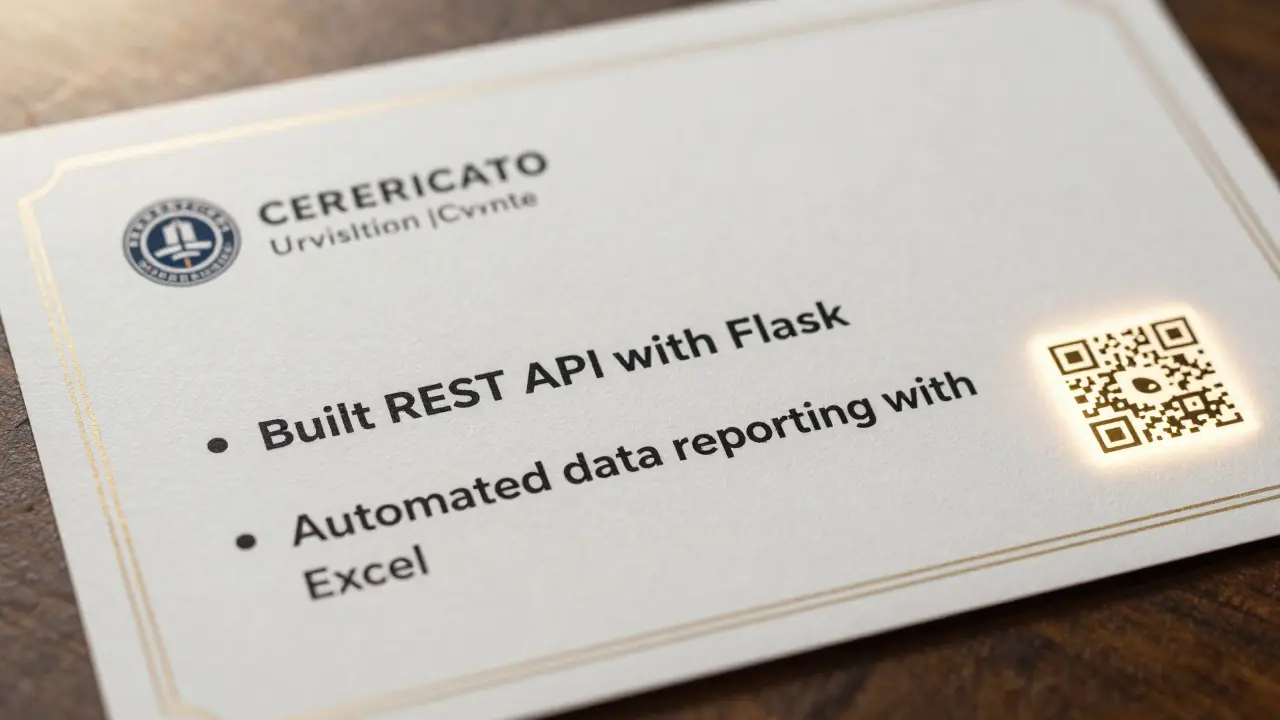
- Wrote and debugged Python scripts using Pandas and NumPy
- Automated data reporting with Excel integration
- Built a REST API endpoint using Flask
These aren’t just buzzwords-they’re concrete actions. They’re the kind of things a hiring manager can picture in a real work scenario. A 2024 study by LinkedIn Learning showed that certificates with specific skill listings were 4.3 times more likely to be shared on LinkedIn and 3.1 times more likely to be mentioned in job applications.
Use bullet points. Keep them short. Use action verbs. Avoid fluff like "understood concepts" or "gained knowledge." If you didn’t do it, don’t claim it.
Best Practice #2: Include Verifiable Details
A certificate without verification is meaningless. Anyone can print a fake one. To be trusted, your certificate must include:
- Full name of the learner
- Exact title of the course or program
- Date of completion
- Name and logo of the issuing organization
- A unique verification code or URL
- Digital signature or authenticated stamp
Verification is non-negotiable. Platforms like Credly and Accredible have made it easy to issue blockchain-backed or QR-code-enabled certificates. Even a simple link to a public verification page-like yourinstitute.edu/certificates/ABC123-adds legitimacy. No verification? You’re not issuing credentials. You’re printing decorations.
Best Practice #3: Use Design That Signals Authority
Design isn’t about making it pretty. It’s about making it credible.
Bad certificate design uses clip art, Comic Sans, or a generic template from Canva. Good design uses:
- A clean, professional layout with ample white space
- High-resolution logos (no pixelated icons)
- Official fonts-think Helvetica, Lato, or Georgia, not Papyrus
- Subtle textures or borders that suggest formality, not gimmicks
- A color palette that matches your institution’s branding
Studies in cognitive psychology show that people associate clean, minimalist design with professionalism. A cluttered certificate triggers subconscious doubt. If it looks like it was made in 2008, people assume the course was too.
Pro tip: Print a sample. Hold it in your hand. Does it feel like something you’d hang on your wall-or something you’d throw away?
Best Practice #4: Add a Short Description of the Course’s Impact
What did this course change? Not just what was learned-but what was achieved.
Instead of:
"Certificate in Digital Marketing"
Try:
"Earned by completing a 12-week program focused on driving 20%+ organic traffic growth through SEO and content strategy. Learners built and launched live campaigns with measurable results."
This isn’t marketing fluff. It’s context. It tells the reader why this certificate matters in the real world. It turns a passive achievement into an active outcome.
Even better: if learners submitted real projects as part of the course, mention that. "Includes a live campaign analysis submitted to industry panel." That’s proof-not just a claim.
Best Practice #5: Align with Industry Standards
If your course is meant to be taken seriously, it needs to fit into the broader ecosystem of recognized credentials.
For example:
- If you’re teaching project management, align with PMI’s competencies
- If you’re teaching cybersecurity, reference NIST frameworks
- If you’re teaching UX design, mirror the Interaction Design Foundation’s skill taxonomy
You don’t need to be accredited by a giant body-but you do need to show you know what the industry values. Look at what Google, IBM, or Coursera include in their certificates. Notice the structure. Notice the language. Mirror that rigor.
Even small training providers can build credibility by aligning with recognized frameworks. It signals: "We’re not making this up. We’re part of the real world of skills."
Best Practice #6: Let Learners Share It Easily
People won’t share your certificate if it’s hard to share.
Make sure every certificate comes with:
- A downloadable PDF with embedded verification
- A LinkedIn badge (via Credly or similar)
- A shareable link that works on mobile
- Clear instructions on how to add it to resumes or portfolios
One training provider in Austin saw a 70% increase in certificate sharing after they added a one-click LinkedIn badge. Why? Because the learner didn’t have to think. They just clicked. And when people share, they’re advertising your program.
Don’t assume learners know how to display credentials. Guide them. Make it effortless.
Best Practice #7: Collect Feedback and Iterate
Don’t design your certificate once and forget it. Ask learners:
- "Would you show this to a potential employer? Why or why not?"
- "What’s missing from this certificate?"
- "What would make you proud to display this?"
One bootcamp in Chicago redesigned their certificate after 82% of students said it "felt like a participation trophy." They added project screenshots, instructor endorsements, and a QR code linking to the learner’s portfolio. Within six months, 41% more graduates listed the certificate on their LinkedIn profiles.
Feedback turns your certificate from a static document into a living tool that evolves with real needs.
What to Avoid
Here’s what not to do:
- Use stock certificates from Etsy or Template.net
- Forget to include the date
- Use vague phrases like "excellence," "distinction," or "outstanding achievement" without proof
- Let the certificate look like it was made by a volunteer in their basement
- Don’t include your institution’s official contact info
These aren’t minor details. They’re red flags that tell people: "This isn’t serious." And in a world where fake certificates are rampant, being taken seriously is the only way to stand out.
Final Thought: Your Certificate Is Your Reputation
Every certificate you issue reflects on your program. Every one you don’t design well? It’s a quiet downgrade of your brand.
When you put effort into a certificate that’s specific, verifiable, professional, and shareable-you’re not just giving out paper. You’re giving learners a tool to prove their worth. And that’s worth more than any seal or signature.
Build certificates that people want to show. Not because they’re pretty. But because they’re powerful.
What’s the difference between a certificate and a credential?
A certificate confirms completion of a course. A credential proves competence in a skill, often backed by assessment, industry alignment, or third-party validation. Certificates are issued; credentials are earned.
Should course certificates include a grade or score?
Only if the grading system is clear and meaningful. A simple "Pass/Fail" is fine for introductory courses. For advanced programs, include performance levels like "Proficient," "Exemplary," or "Mastered"-but only if they’re defined by measurable outcomes, not subjective opinions.
Can I issue certificates without accreditation?
Yes. Accreditation adds authority, but it’s not required. What matters more is transparency: clearly state who issued it, what was learned, and how it was assessed. Many employers value demonstrable skills over institutional seals.
How do I make my certificate stand out to employers?
Include real-world outcomes: "Built a live e-commerce dashboard that improved reporting speed by 60%." Add a verification link. Use professional design. Avoid generic phrases. Employers care about what learners can do-not what they were told.
Is it worth spending money on digital certificate platforms?
If you’re issuing more than 50 certificates a year, yes. Platforms like Credly, Accredible, or Badgr reduce fraud, automate sharing, and add trust. For smaller programs, a simple verification page with a unique ID and digital signature is enough to start.

Comments (15)
anoushka singh January 23 2026
Ugh, another post about certificates. I’ve seen 100 of these. Nobody cares. Just give me the badge and shut up.
Jitendra Singh January 23 2026
I actually printed mine last year. It’s on my wall. Not because I’m proud of the paper-but because it reminds me I pushed through when I was burnt out.
Madhuri Pujari January 24 2026
Let’s be real-90% of these ‘best practices’ are just corporate fluff dressed up as wisdom. Who even checks certificates anymore? HR bots scan for keywords, not design. And if you’re relying on a ‘verification code’ to prove you know Python? You’re already behind.
Real skills don’t need seals. They need GitHub repos, live projects, and LinkedIn recommendations. Stop fetishizing PDFs.
Indi s January 26 2026
I didn’t even know certificates could be designed. I just thought they were for showing your mom. But now I see… maybe it’s not about the paper. It’s about feeling like you actually did something.
Rohit Sen January 27 2026
Design? Please. The only thing that matters is whether you can code. Or not. The rest is theater.
Vimal Kumar January 28 2026
I run a small coding bootcamp in Hyderabad and we just redesigned our certs last month. Added skill bullets, QR code to project demos, and the instructor’s handwritten note. Learners started sharing them like crazy. One guy even got a job offer just because his cert had a screenshot of his dashboard. Turns out, people care when you make it real.
Amit Umarani January 29 2026
There’s a comma missing after ‘Pandas and NumPy.’ Also, ‘REST API endpoint using Flask’ is grammatically incorrect-it should be ‘a REST API endpoint built with Flask.’ And ‘digital signature or authenticated stamp’-why are you using ‘or’? They’re not interchangeable. This entire article needs a copyeditor.
Noel Dhiraj January 31 2026
My brother took a data course last year and got a certificate with no date or logo. He showed it to his boss and the boss laughed. Said it looked like a birthday card. We redesigned it with our school’s font, added his project link, and now he uses it every time he applies. Small changes. Big difference.
vidhi patel February 1 2026
It is entirely unacceptable that the term 'certificate' is used interchangeably with 'credential' without a formal distinction being made in the body of the text. This is not merely a semantic issue-it is a fundamental erosion of professional standards. Furthermore, the use of the phrase 'you’re not issuing credentials. You’re printing decorations.' is both unprofessional and semantically imprecise. The word 'decorations' is colloquial and inappropriate in a context demanding lexical rigor.
Priti Yadav February 1 2026
Wait… are you telling me this isn’t all a scam? Like, what if the ‘verification link’ just leads to a page they made in Notion? What if the ‘digital signature’ is just a PNG? What if the whole thing is just a bot-generated PDF from a template? I’ve seen fake certs with fake QR codes that link to fake LinkedIn profiles. Who’s really verifying this? The government? No. The corporations? No. It’s all just a glittery illusion.
Ajit Kumar February 2 2026
It is worth noting, with the utmost gravity, that the entire premise of this article rests upon an implicit assumption-that the learner is motivated by external validation, rather than intrinsic growth. This is a deeply flawed anthropological assumption, rooted in late-stage capitalist pedagogy, wherein learning is reduced to performative output, and mastery is quantified by the aesthetic of a PDF. One must ask: if the certificate is the goal, then what was the learning for? And if the certificate is merely a tool for employment, then is education now merely a transactional service? The implications are not trivial. The certificate, as a symbol, reflects not only the learner’s ability, but the systemic devaluation of knowledge as a public good, now commodified into a branded token of compliance. One cannot design a better certificate without first dismantling the machine that demands it.
Diwakar Pandey February 2 2026
I used to ignore certificates too. Then I hired someone who had one with a QR code to their portfolio. Clicked it. Saw three real projects, a video explanation, and a thank-you note from their mentor. Hired them on the spot. No interview needed. That’s the power of good design-not the paper, but the proof behind it.
Geet Ramchandani February 3 2026
Look, I’ve reviewed hundreds of these certificates from online courses. Most are trash. But here’s the real problem: the people who design them don’t know how to write. They use phrases like ‘built a REST API endpoint’ like it’s a magic spell. Did they write the code? Or did they copy-paste from Stack Overflow? Did they test it? Did they handle edge cases? No one knows. And the worst part? The learners believe this fluff. They think ‘automated data reporting with Excel integration’ means they can actually automate anything. They can’t. They just clicked ‘export as PDF.’ This isn’t credentialing-it’s emotional manipulation dressed up as education.
And don’t even get me started on the ‘design’ part. Using Helvetica? Please. That’s the font of corporate soullessness. Real credibility doesn’t come from fonts. It comes from rigor. And no one’s teaching that.
Sumit SM February 3 2026
Is the certificate a mirror or a map? If it reflects the self, then it is sacred. If it maps to external validation, then it is a chain. We have forgotten that the learner is not a product to be branded, but a soul to be awakened. The ink on the paper is not the truth-the truth is in the silence after the course ends, when the learner sits alone and asks: ‘What did I become?’ The certificate should not answer that. It should only point to the space where the question lives.
Dave Sumner Smith February 5 2026
These ‘certificates’ are just part of the Great Credentialing Scheme. The government, the big tech companies, and the edtech monopolies are all in cahoots. They want you to believe you need these PDFs to be valuable. But the truth? They’re tracking you. Every time you share a certificate, they log your IP, your device, your location. They’re building a global skills database to control labor mobility. You think you’re showing off your skills? You’re giving them your biometric data. And that QR code? It’s a backdoor. Don’t be fooled.