

Quick Wins for Your First Week
- Set clear communication boundaries to avoid 3 AM emails.
- Create a 'Low-Stakes Win' to boost student confidence immediately.
- Establish a human connection before introducing the syllabus.
- Audit your tech stack to prevent mid-lecture crashes.
The Day One Connection Strategy
Your first interaction shouldn't be a lecture. It should be an invitation. When students enter a Virtual Classroom, they feel isolated and slightly anxious. Your job is to break that wall. Start with a 'Human-First' welcome. Instead of reading the rules, share a failure you had when you were learning the skill you're now teaching. This makes you a mentor rather than a distant authority figure.
Use a quick icebreaker that requires a specific action, not a generic 'tell us about yourself.' For example, ask them to post a picture of their workspace or the one tool they can't live without. This creates a visual connection and gives you a glimpse into their environment. By the end of day one, every student should feel seen and heard. If you have a class of 100, use small breakout rooms to ensure no one stays invisible.
Mastering the Digital Ecosystem
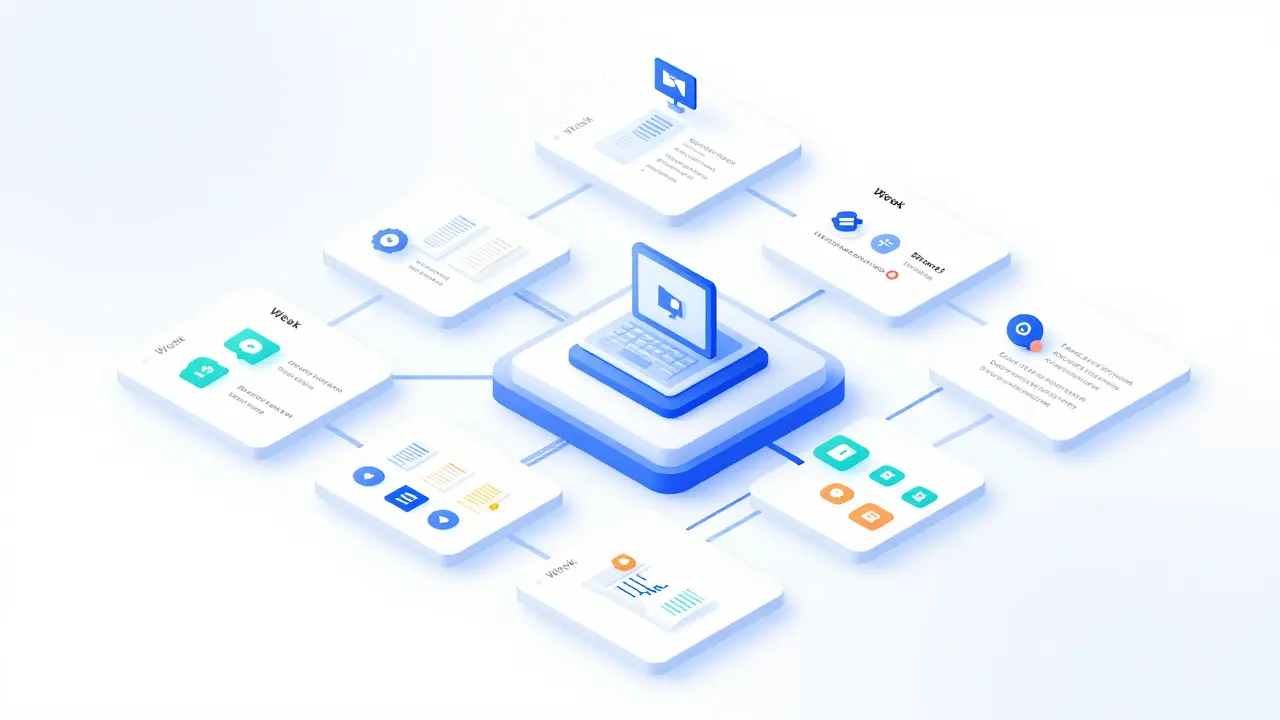
You aren't just a teacher; you're now a systems administrator. You need a Learning Management System (LMS) that works for you, not against you. Whether you are using Canvas, Moodle, or a custom portal, the layout must be intuitive. If a student spends more than three clicks trying to find the 'Submit' button, they get frustrated. Frustrated students stop learning.
Organize your course by 'Modules' or 'Weeks' rather than by 'File Type.' Don't have a folder for 'PDFs' and another for 'Videos.' Instead, put everything related to the first topic in one place. This reduces cognitive load. Also, spend an hour on Sunday pretending to be a student. Log in via a guest account and try to navigate your own course. You'll likely find a broken link or a confusing instruction that would have otherwise derailed your first day.
| Tool Category | Best For | Key Attribute | Potential Pitfall |
|---|---|---|---|
| Video Conferencing | Live interaction | Real-time feedback | Bandwidth lag |
| LMS | Content hosting | Centralized resources | Over-complicated UI |
| Collaboration Tools | Group work | Async creativity | Notification fatigue |
Designing the 'Low-Stakes Win'
Confidence is the engine of learning. In the first week, you need to give your students a win. This isn't a graded exam; it's a small, achievable task that proves they can succeed in your environment. If you're teaching coding, don't start with a complex algorithm. Start by having them change the color of a header in HTML. If you're teaching management, have them identify one bottleneck in their current workflow.
This 'Low-Stakes Win' serves two purposes. First, it validates their decision to take your course. Second, it tests their technical ability to interact with your tools. If they can't upload a simple screenshot for a win, they'll definitely struggle with a final project. Catch these technical gaps now, in week one, rather than in week ten when the stakes are high.
Setting the Culture of Communication
Online teaching can quickly become a 24/7 job if you don't set boundaries. Students are in different time zones and have different expectations. If you answer an email at 2 AM on a Tuesday, you've just told your students that you are available 24/7. This is a recipe for burnout.
Create a 'Communication Charter.' Be explicit: "I respond to emails within 24 hours during business days. For urgent technical issues, use the community forum." This doesn't just protect your time; it teaches students to be resourceful. Encourage them to ask their peers for help first. This builds a Peer-to-Peer Learning network, which is far more scalable than you being the sole source of truth.
Handling the 'Silent Room' Syndrome
There is nothing more terrifying than asking a question to a screen of muted microphones and getting total silence. This isn't usually a lack of interest; it's a fear of being the first to speak in a digital void. To fight this, stop asking "Does anyone have any questions?" That's a closed question that invites silence.
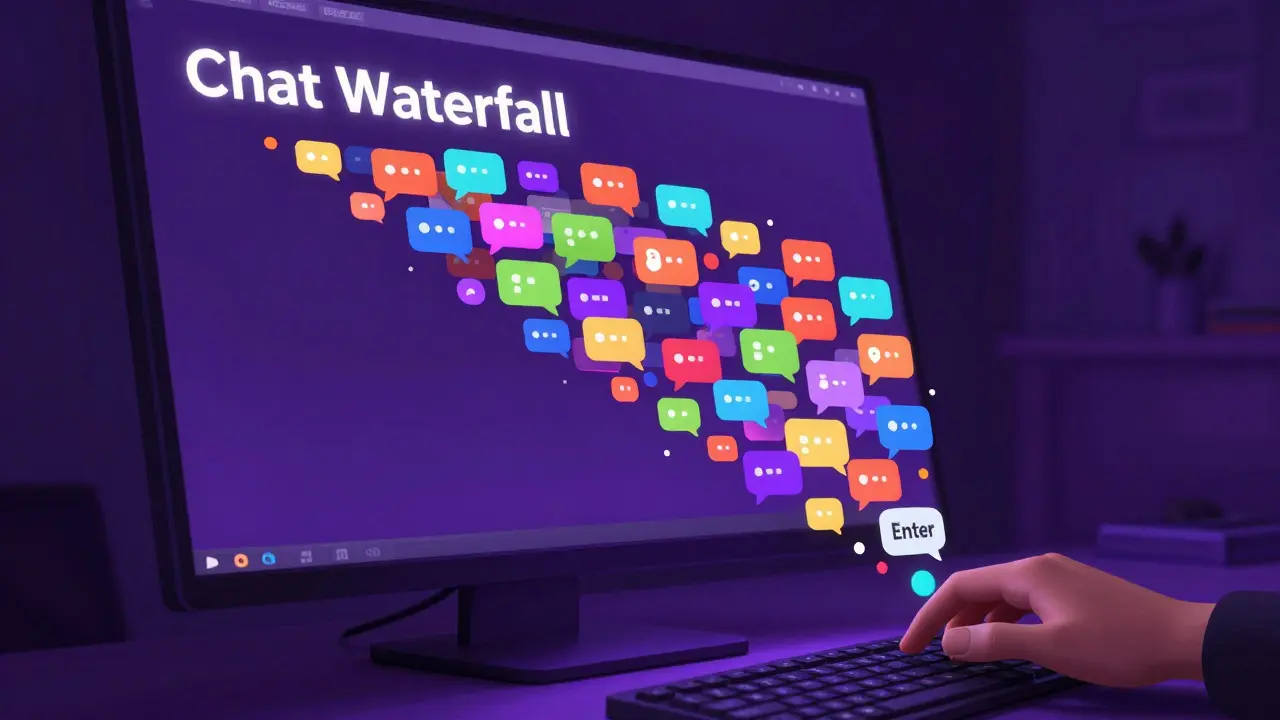
Instead, use a 'Directed Inquiry' approach. Say, "I want everyone to take 60 seconds to type one question into the chat, but don't hit enter until I say go." Then, on the count of three, everyone hits enter. This creates a 'Chat Waterfall' that provides you with a goldmine of student pain points and ensures every student is participating without the fear of speaking over someone else.
The Friday Review and Pivot
By Friday, you'll have enough data to know if your plan is working. Don't just move to the next module. Spend the final hour of the week doing a pulse check. Use a simple poll: "What was the most confusing part of this week?" and "What was the most helpful resource?"
The secret to great instructor skills is the ability to pivot. If 40% of your students struggled with a specific concept, don't tell them to 're-read the manual.' Instead, record a quick 5-minute 'Clarification Video' and pin it to the top of the forum. This shows you are listening and reacting to their needs in real-time, which cements the trust you started building on day one.
How do I deal with students who aren't participating?
Avoid calling them out publicly in a live session, as this can cause anxiety. Instead, send a private, supportive message asking if they are having technical issues or if there's a specific part of the material that feels overwhelming. Often, a simple "I noticed you've been quiet, just checking in" is enough to re-engage them.
What's the best way to organize my course materials?
Use a chronological structure. Instead of grouping by media (Videos, Readings, Assignments), group by topic or week. Every module should follow a consistent pattern: Learning Objective $\rightarrow$ Content $\rightarrow$ Practice $\rightarrow$ Assessment. This predictability reduces student anxiety.
How long should my recorded videos be?
Keep them short. Research into digital learning suggests that engagement drops significantly after 6 to 10 minutes. If you have a 60-minute lecture, break it into six 10-minute 'micro-learning' chunks with a small activity or reflection question between each one.
Should I use a live stream or pre-recorded content?
The best approach is a hybrid. Use pre-recorded videos for the 'What' (theory and facts) and use live sessions for the 'How' (application, Q&A, and troubleshooting). This allows students to learn the basics at their own pace and use the live time for high-value interaction.
How do I handle technical glitches during a live class?
Always have a 'Plan B.' If your screen share fails, have a PDF version of your slides ready to upload to the chat. If your internet drops, have a mobile hotspot ready. The most important thing is to stay calm; if you panic, the students will panic. Acknowledge the glitch with a joke and move to your backup plan.
Next Steps for New Instructors
Once you've survived the first week, your focus should shift toward sustainability. Start building a library of 'Canned Responses' for the most common questions you received. This saves you from typing the same answer twenty times. Also, look for your 'Super-Users'-the students who are answering other people's questions in the forum. Empower them by giving them a formal 'Peer Mentor' role. This scales your support system and gives those students a sense of leadership. From here, you can move from just surviving the week to actually refining the art of your delivery.

Comments (14)
mark nine April 7 2026
the chat waterfall thing is a total lifesaver for those awkward silences
it takes the pressure off and actually gives you a way to gauge where people are stuck without making them sweat on camera
Michael Thomas April 8 2026
Basic stuff. Everyone knows this.
Eva Monhaut April 9 2026
The idea of a low-stakes win is just brilliant for sparking that initial flame of confidence. It transforms the digital void into a vibrant garden where students actually feel emboldened to experiment and stumble without fear. I've found that when you prioritize that early emotional victory, the actual academic rigor becomes much easier to digest later on because the foundation of trust is already shimmering.
Buddy Faith April 10 2026
lms just a way for big tech to track how we think and control the flow of info lol
bet the guest account thing is just to see if you can be fooled by your own system
Chuck Doland April 11 2026
The conceptualization of the instructor as a facilitator of community rather than a mere conduit of information is profoundly significant. By intentionally dismantling the traditional hierarchy through the sharing of personal failures, one fosters an environment of intellectual humility and mutual growth. This philosophical shift is essential for the cultivation of a truly inclusive digital pedagogy.
Jen Kay April 13 2026
Oh, absolutely. Because nothing says "I'm a mentor" like telling fifty strangers about your biggest failures within ten minutes of meeting them. I'm sure they'll be totally focused on the curriculum after that absolute bombshell of a revelation.
Scott Perlman April 13 2026
this is great help thanks
Madeline VanHorn April 14 2026
Most people just can't handle the basic tech side. If you can't figure out a simple LMS, you shouldn't be teaching anything. It's really not that hard for people who actually know what they are doing.
Karl Fisher April 15 2026
I must say, the suggestion to use a 'Communication Charter' is just divine. It's so important to curate one's energy and not be accessible to everyone at all hours. I've always felt that a touch of mystery and unavailability adds a certain prestige to the instructor's role, don't you think? It's simply the most elegant way to manage a classroom.
Abert Canada April 16 2026
Man, the 3 AM emails are the worst part of this gig. Just shut the inbox down. I don't care how much they need help, if it's the middle of the night, it can wait until morning or they can find a peer who's actually awake. No way I'm letting students ruin my sleep schedule just because they forgot a deadline.
Sandi Johnson April 17 2026
Yeah, because nothing screams "professional boundary" like a written charter. I'm sure the students will be thrilled to read a formal document explaining why you won't answer them at 2 AM. Truly a masterclass in empathy.
Xavier Lévesque April 18 2026
Wow, a PDF as a backup plan. Groundbreaking. I'm just so thrilled by the prospect of my internet dying and then spending ten minutes trying to upload a file to a chat that's also probably lagging. Absolute peak efficiency right there.
Thabo mangena April 18 2026
It is truly heartening to see such a comprehensive guide for those embarking upon their pedagogical journey. The emphasis on creating a supportive environment for students of all backgrounds is most commendable, and I believe this approach will foster a wonderful spirit of global collaboration within the virtual classroom.
Nicholas Carpenter April 19 2026
I really appreciate the tip about the 'Friday Review'. It's so easy to just keep pushing forward with the slides, but taking a moment to actually listen to the students makes a huge difference. It's a great way to keep everyone on track while staying encouraging throughout the first few weeks.