

Ever sat through an online course that felt like drinking from a firehose? You weren’t lazy. The course was just badly designed. Too much information at once. No breaks. No rhythm. Your brain didn’t stand a chance.
Why Your Learners Tune Out
Our working memory can only hold about four items at a time. That’s not a suggestion-it’s neuroscience. When you dump 20 new concepts into a 15-minute video, you’re not teaching. You’re overwhelming. And when learners feel overwhelmed, they quit. Not because they’re unmotivated. Because their brains shut down.
Course creators often think more content equals more value. That’s backwards. Real value comes from clarity. From giving learners just enough to absorb, then letting them breathe. That’s where content chunking comes in.
What Is Content Chunking?
Content chunking is the practice of breaking down complex topics into small, digestible pieces-each focused on one clear idea. Think of it like building a sandwich. You don’t shove all the ingredients in at once. You layer them. Bread. Lettuce. Tomato. Cheese. Each bite has purpose. Each chunk should too.
Good chunks are:
- Under 10 minutes long
- Centered on one learning objective
- Self-contained-no need to jump to another module to understand it
- Followed by a quick check-in (quiz, reflection, or action step)
Studies from the University of Michigan show learners retain 68% more when material is chunked into 5-7 minute segments versus 20-minute lectures. That’s not magic. It’s biology.
The Three Types of Cognitive Load
To chunk well, you need to understand the three types of mental effort learners face:
- Intrinsic load: The inherent difficulty of the topic itself. Learning quantum physics is harder than learning how to use a spreadsheet.
- Extraneous load: Poor design. Cluttered slides, confusing navigation, unnecessary animations. This is the load you can control.
- Germane load: The mental work that leads to real learning-connecting ideas, building schemas, making sense of it all.
Your goal? Reduce extraneous load so learners can focus on germane load. That’s where chunking shines.
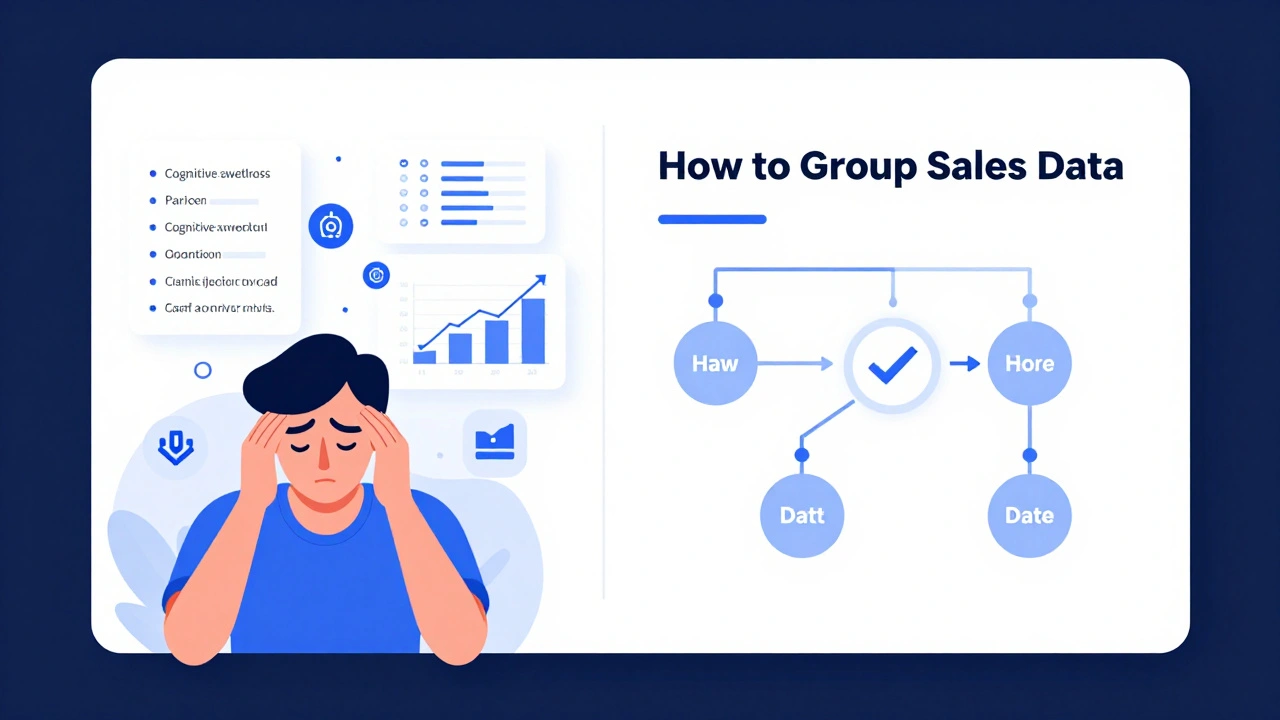
For example, if you’re teaching Excel pivot tables, don’t start with macros, filters, and calculated fields all at once. Start with: "How to group sales data by region." That’s one chunk. Then: "How to show totals by category." Another. Then: "How to filter results." One more. Each chunk builds on the last. No overload. No confusion.
How to Chunk Your Course Content
Here’s how to turn a bloated module into clean, effective chunks:
- Start with the outcome. What should learners be able to do after this chunk? Write it down. If you can’t say it in one sentence, split it.
- Map the flow. Break the topic into logical steps. Don’t skip ahead. If learners need to know A before B, teach A first. No exceptions.
- Trim the fat. Delete anything that doesn’t directly help them reach the outcome. That story about your first failed presentation? Cut it. The 3-minute background on the company’s history? Delete it. Stay focused.
- Use micro-interactions. After each chunk, ask a question. "What would you do differently?" "Why does this matter?" Even a simple poll or one-sentence reflection boosts retention.
- Test it. Have someone new to the topic go through your chunks. Watch where they pause, rewind, or get confused. Those are your weak spots.
One course creator in Edinburgh redesigned a 45-minute compliance training into six 6-minute chunks. Completion rates jumped from 52% to 89%. Engagement time doubled. Why? Because learners could finish a chunk during their coffee break. No pressure. No guilt.
Chunking Formats That Work
Not every chunk needs to be a video. Mix formats to match the learning goal:
- Short video (3-7 min): Best for demonstrations, walkthroughs, or explaining a process.
- Interactive diagram: Use clickable flowcharts for decision trees or system layouts.
- PDF cheat sheet: Summarize key steps, formulas, or rules. Learners can download and keep.
- Audio summary (2-4 min): Great for commutes or multitaskers. Perfect for reviewing concepts.
- Mini-case study: One real scenario. One problem. One solution. No fluff.
Don’t force everything into video. Some topics are better learned by reading. Others by doing. Match the format to the cognitive work.
Common Mistakes to Avoid
Even experienced creators mess up chunking. Here’s what to watch for:
- Chaining chunks: "Watch this video, then read the article, then do the quiz, then go to the forum." Too many steps. Each chunk should be a standalone experience.
- Overloading visuals: A slide with 12 bullet points, icons, arrows, and a graph? That’s cognitive chaos. One idea per screen.
- Ignoring pacing: If every chunk feels the same speed, learners tune out. Vary length and style. A 3-minute video. Then a 2-minute quiz. Then a 5-minute reflection prompt.
- Skipping the "why": Don’t just teach the "how." Explain why this matters. "This step cuts report time in half" is more motivating than "Click here."
One course on project management had a chunk titled "Gantt Charts." It showed how to build one in Excel. But it didn’t say why. Learners skipped it. After adding: "This helps you spot delays before they cost you $10K," completion rose by 40%.

Tools to Help You Chunk
You don’t need fancy software. But these tools make it easier:
- Notion: Use databases to map each chunk to its objective, format, and estimated time.
- Canva: Build clean, single-idea visuals in minutes.
- Loom: Record quick 5-minute videos without editing.
- Quizizz or Kahoot: Turn each chunk into a quick, gamified check-in.
- Google Forms: Add a one-question reflection after each module.
These aren’t about tech. They’re about structure. The right tool just makes the process faster.
Real Example: From Overwhelm to Engagement
A UK-based training provider had a 90-minute course on GDPR compliance. Learners gave it a 2.1/5 rating. They said: "Too long. Too confusing. I forgot half of it."
They rewrote it as seven chunks:
- What is GDPR? (3 min video)
- Who does it affect? (interactive diagram)
- What counts as personal data? (PDF checklist)
- How to get consent? (scenario quiz)
- What to do if there’s a breach? (audio guide)
- How to train your team? (one-page template)
- What happens if you fail? (real case study)
Completion rate jumped to 94%. Ratings hit 4.7/5. Why? Because learners could do one chunk while waiting for their coffee. They didn’t feel like they had to "study." They just learned a little, then moved on.
Chunking Isn’t Just About Length-It’s About Flow
It’s not about making things shorter. It’s about making them clearer. About letting learners think. About giving their brains space to connect the dots.
When you chunk well, learners don’t just finish your course. They remember it. They use it. They recommend it.
That’s not luck. That’s design.
How long should each content chunk be?
Most effective chunks are between 3 and 10 minutes long. For videos, aim for 5-7 minutes. For reading or activities, 5-8 minutes of focused work is ideal. The key isn’t time-it’s focus. Each chunk should cover one clear idea without distractions.
Can I use chunking for text-heavy courses?
Absolutely. Break long articles into sections with clear headings. Add a short summary at the end of each section. Include a quick reflection question. Use bullet points instead of dense paragraphs. Even in text, chunking means giving the brain space to process one idea before moving on.
Do I need to restructure my whole course to use chunking?
Not all at once. Start with one module. Pick the most confusing part. Break it into two or three chunks. Test it with a small group. See how learners respond. Then expand. Chunking is a habit, not a one-time project.
What’s the difference between chunking and scaffolding?
Chunking is about breaking content into small pieces. Scaffolding is about supporting learners as they build understanding. You can chunk without scaffolding-like giving someone a recipe without explaining the terms. But the best courses do both: chunk the content and scaffold each step with examples, prompts, or hints.
How do I know if my chunks are too long?
Watch your analytics. If learners skip past 70% of a video, or spend less than 30 seconds on a page, it’s too long. Also, ask them: "Did you feel overwhelmed at any point?" If they say yes, even once, your chunk needs splitting.
Is chunking only for online courses?
No. Chunking works for in-person training, workshops, and even printed manuals. Any time you’re delivering information, your brain needs space to absorb it. Breaking it into small, focused pieces helps everyone-whether they’re learning online, in a classroom, or on the job.
If you’re creating e-learning content, your job isn’t to fill every minute with information. It’s to make sure every second counts. Chunking isn’t a technique-it’s a mindset. One idea at a time. No rush. No clutter. Just learning that sticks.

Comments (11)
sonny dirgantara December 14 2025
this made me finally get why my last course made me wanna scream. 5 min chunks? yes. 20 min lectures? no. thank you.Gina Grub December 15 2025
Chunking is just pedagogy with a buzzword makeover. The real issue is that corporate L&D teams outsource to freelancers who don’t understand cognitive load theory. They’re not designing. They’re packaging.Eric Etienne December 16 2025
I read this whole thing and still think most e-learning is just corporate filler. Nobody cares if you chunk it or not. People just want to click next and get their certificate.Lauren Saunders December 17 2025
Ah yes, the classic ‘neuroscience says’ argument. As if the 4-item working memory limit is some sacred law. Have you considered cultural differences in information processing? Or that chunking assumes a neurotypical, Western, individualistic learner? You’re reducing cognition to a PowerPoint slide.Nathan Jimerson December 18 2025
This is exactly what I’ve been trying to tell my team for months. Small steps. One idea. No fluff. It works. People actually finish things now. Thank you for putting it so clearly.Sandy Pan December 19 2025
What if the problem isn’t the chunk size, but the assumption that learning is a linear, measurable output? We treat minds like software updates-download, install, done. But what if learning is messy? What if it requires wandering, looping, forgetting? Chunking gives us control. But is control the goal of education?Dylan Rodriquez December 20 2025
I’ve used this approach with adult learners in community colleges and it’s been life-changing. One woman told me she finally understood taxes after 20 years because you broke it into ‘what you owe’ and ‘what you get back.’ No jargon. Just clarity. This isn’t theory. It’s human.Andrew Nashaat December 21 2025
You say ‘under 10 minutes’-but you missed the most important rule: NO INTRO MUSIC. NO ‘HI I’M JEN FROM ACME’ CREDITS. NO ‘IN THE NEXT VIDEO WE’LL TALK ABOUT…’ THAT’S NOT CHUNKING, THAT’S A TRAILER. CUT THE FLUFF. EVERY. SINGLE. TIME.Amanda Ablan December 22 2025
I’ve been teaching compliance training for 12 years. This post is the first thing that actually made me rethink everything. I used to think more content = more thorough. Turns out, more clarity = more compliance. I’m redesigning my whole course this week.Meredith Howard December 22 2025
The distinction between extraneous and germane cognitive load is critical yet frequently misunderstood. The reduction of extraneous load through structural clarity enables the allocation of cognitive resources toward schema construction which is the foundation of meaningful learningYashwanth Gouravajjula December 24 2025
In India, we call this ‘one thing at a time’. Our grandmothers taught it without knowing neuroscience. Simple. Smart. Works.