
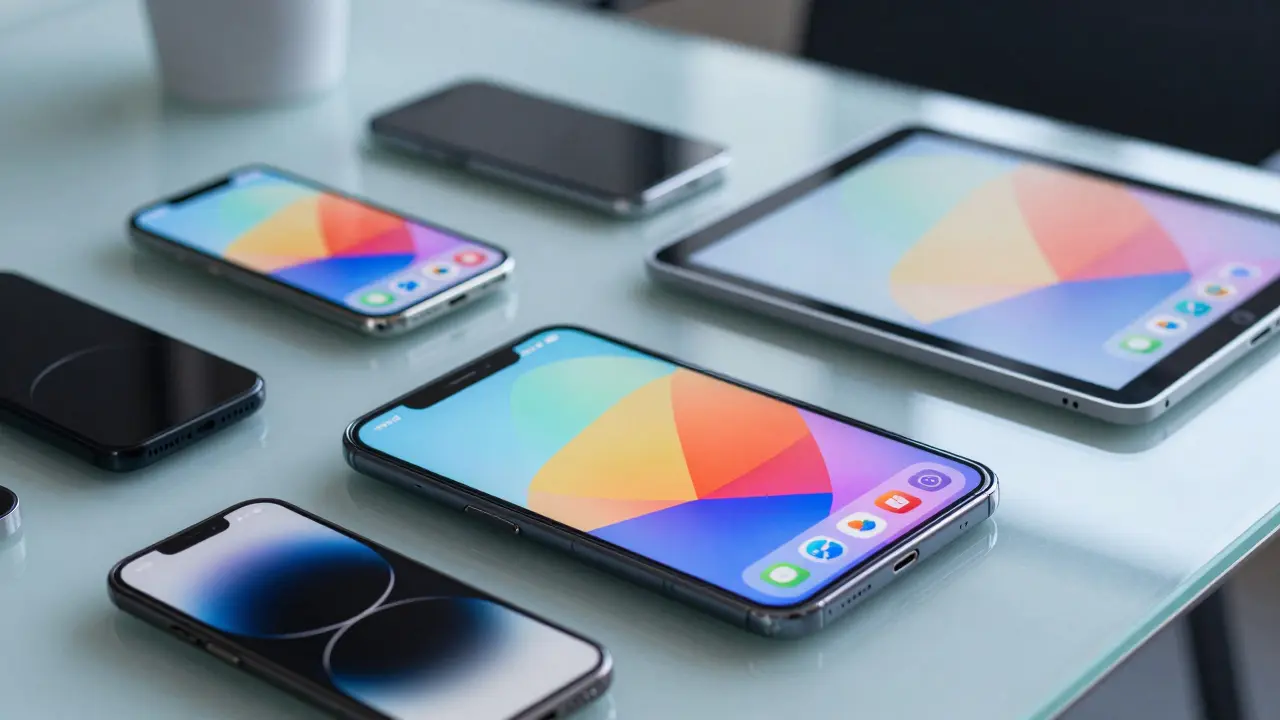
Why Mobile Compatibility Matters More Than Ever
If your eLearning course breaks on a student's phone, you've lost them forever. In 2026, over 70% of learners access training modules via smartphones and tablets rather than desktop computers. Mobile Device Compatibility Testing ensures your content looks right and works smoothly on the many different screens people use daily.
This isn't just about making things look pretty. It is about functionality. Does the video play? Can they tap the quiz button? Will the score save correctly to the Learning Management System (LMS)? If the answer is no, the entire learning experience fails. We need to treat mobile testing as a core requirement, not an afterthought.
Understanding the Device Landscape in 2026
The hardware market keeps shifting. You aren't just testing on "iPhones." You are dealing with a massive range of operating systems and screen sizes. iOS and Apple Operating System dominate the tablet space, while Android, the open-source platform developed by Google, powers thousands of unique device models from Samsung, Pixel, OnePlus, and others.
Screen fragmentation is the biggest challenge. A layout designed for a 6-inch display will look squeezed on a 4-inch budget phone or stretched on a tablet. Foldable devices are also becoming common corporate issue tools, meaning your content might appear on two screens simultaneously when unfolded. Your design must adapt without requiring users to pinch-and-zoom repeatedly.
| Platform | Key Characteristics | Testing Priority |
|---|---|---|
| iPhone (iOS) | Strict UI guidelines, touch sensitivity | High |
| Samsung Galaxy (Android) | Varied screen ratios, custom browser engines | High |
| Amazon Kindle Fire | Web-based browsers, distinct resolution | Medium |
| Foldable Phones | Dynamic screen resizing | Increasing |
Ensuring Technical Stability with LMS Integration
Visuals are easy to mess up, but data tracking is where projects die. When a learner completes a module on their commute, does the progress register on the server? Most modern Learning Management Systems (Software platforms that manage and deliver training content) rely on communication protocols to track completion.
We often use standards like SCORM or xAPI. While these work great on desktop browsers, mobile browsers handle cookies and session tokens differently. A secure connection might drop mid-lesson due to signal switching from Wi-Fi to 5G. Your testing process needs to simulate network interruptions. If the lesson pauses and resumes automatically without losing data, you pass the technical hurdle.
The Critical Role of Responsive Design
Static images don't scale well on mobile. Using fixed-width containers causes horizontal scrolling, which feels amateurish on small screens. Instead, we rely on Responsive Web Design to fluidly adjust layout elements.
Key elements to check:
- Typography: Font sizes must increase proportionally on smaller screens to maintain legibility without zooming.
- Image Scaling: Ensure heavy graphics compress automatically so they don't drain battery or data plans.
- Navigational Menus: Hamburger menus must work smoothly; hovering with a mouse doesn't exist on touchscreens.
If a user has to squint to read a slide, they won't finish the course. Simple CSS flexbox or grid layouts often outperform older fixed-grid designs because they collapse naturally when screen width drops below 768 pixels.
Tactile User Experience and Touch Interactions
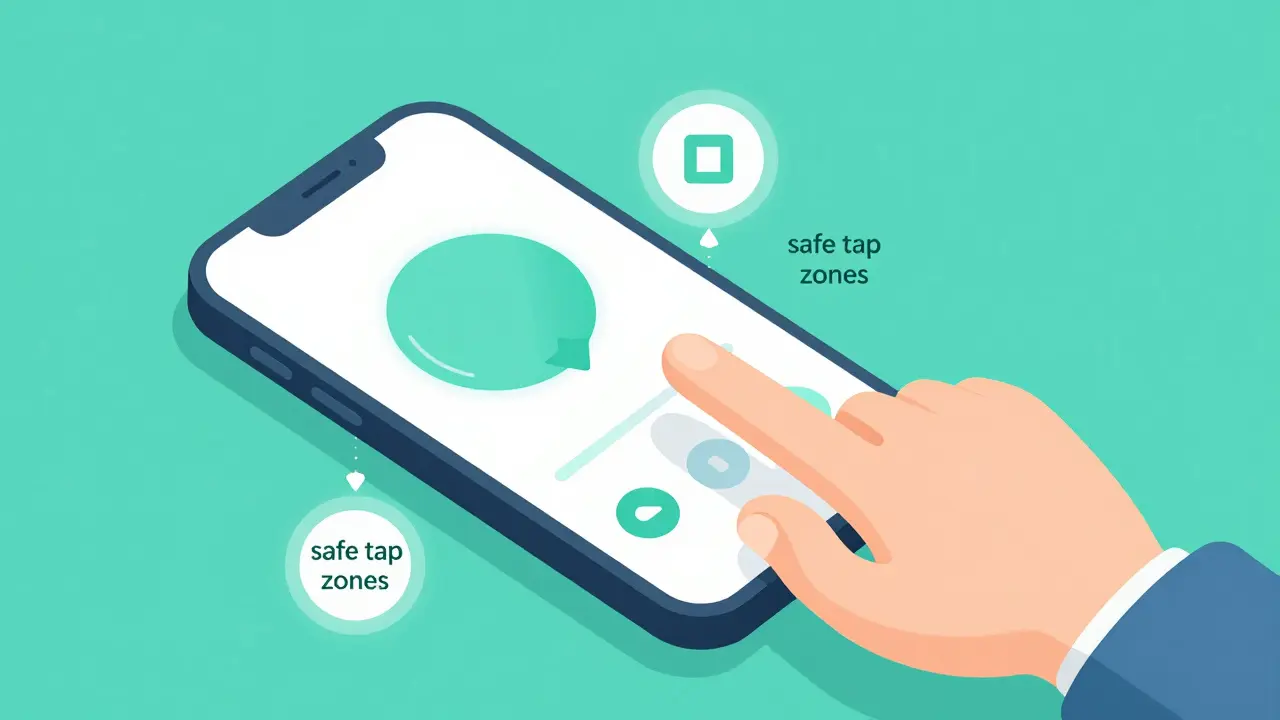
On a PC, users click with a mouse cursor, a precise tool. On a phone, the pointer is a fat thumb. Buttons must meet minimum Touch Target Size requirements.
Industry standard suggests interactive elements should be at least 44x44 pixels on touch devices. Anything smaller leads to accidental taps and frustration. Test your quizzes specifically for this. If a multiple-choice answer gets selected next to the intended one, your interface spacing is too tight. Also, consider swipe gestures. Some users expect to swipe left/right between slides, while others prefer arrow buttons. Supporting both prevents usability friction.
Accessibility Compliance for Mobile
Inclusive design applies even more strictly on mobile due to the variety of assistive technologies people use. Many employees and students depend on screen readers like VoiceOver or TalkBack. Web Content Accessibility Guidelines (WCAG 2.x/3.x) define strict rules for digital accessibility.
Check that all images have alt-text that describes the learning concept, not just the file name. Videos must include accurate captions synchronized with audio. Color contrast is crucial; outdoors, sunlight washes out low-contrast text. High-visibility modes help learners who view content in bright environments. Ignoring these factors creates legal risks and disqualifies portions of your audience from accessing the training.
Practical Testing Strategies and Tools
How do you actually perform these checks without buying 50 physical devices? A mix of software and hardware provides the best coverage.
- Cloud-Based Device Farms: Services allow remote access to real devices hosted in the cloud. You connect via browser and interact with the live hardware.
- Browser DevTools: Chrome and Safari offer simulation modes to mimic specific viewport sizes. They are fast but less accurate for rendering performance.
- Physical Borrowing: Ask team members to download your course on their personal devices. Their environment reflects real-world usage conditions best.
Always test on at least one newer device and one slightly older model (e.g., an iPhone SE alongside an iPhone 15) to gauge performance across processing speeds.
Building Your Quality Assurance Checklist
A structured approach saves time. Here is a concise protocol to follow before launching a mobile-first module:
- Verify navigation flows horizontally on small screens.
- Test playback speed of video files on cellular connections.
- Confirm interaction points are large enough for fingers.
- Ensure the LMS reports progress after completing a slide sequence.
- Cycle through different orientations (portrait vs. landscape) to ensure stability.
- Run automated scripts to validate metadata tagging for analytics.
If your content passes these steps, you significantly reduce support tickets. Learners appreciate courses that respect their time and device limitations.
What is the difference between responsive and adaptive design?
Responsive design uses fluid grids to resize content for any screen size automatically. Adaptive design serves predefined layouts specifically built for common resolutions (like tablet or mobile).
Should we test on tablets if we test on phones?
Yes. Tablets occupy a unique middle ground where portrait mode behaves like a phone but landscape mode offers near-desktop utility. Interfaces often need different arrangements for this form factor.
Does offline mode affect mobile compatibility?
Offline functionality is a major mobile feature. Testing must verify that local caching allows the course to load without internet, then syncs progress once connectivity returns.
How often should we re-test existing content?
Operating system updates occur regularly. Best practice dictates running regression tests after every major version update (e.g., iOS 19 launch) to catch breaking changes in webview behavior.
Is emulator testing enough for enterprise apps?
No. Emulators simulate screen size but miss hardware specifics like touch sensitivity, battery impact, and network switches. Real device testing remains essential for validation.

Comments (11)
Nicholas Carpenter March 29 2026
Mobile testing is something most dev teams skip until it is too late. We really need to push back against that mindset before the LMS breaks. It feels like everyone knows the stats but still ignores the implementation details. Seeing people prioritize foldables is refreshing though. I hope this guide gets shared more in management meetings. Quality assurance needs to be budgeted properly from day one. Otherwise support tickets will bury the helpdesk.
John Fox March 31 2026
honestly just buy a couple old phones and keep em in the office drawer
Kate Tran April 2 2026
yea i agree kate here in uk we see tons of android fragmentation issues all the time
Mark Brantner April 3 2026
dont tell me im the only one who thinks mobile is overrated its just desktop but smaller lol
Jim Sonntag April 3 2026
mark u always tryna flip the script on valid tech stuff tho
Samar Omar April 4 2026
The discourse surrounding digital pedagogical frameworks often neglects the nuanced implications of screen real estate on cognitive load processing. When we discuss compatibility we must consider the philosophical shift towards ubiquitous computing environments. It is not merely technical compliance but rather an ethical imperative to ensure equitable access. Many organizations claim commitment to diversity yet fail to validate their assets across the spectrum. The reliance on proprietary systems creates a barrier that is both financial and experiential for learners. Furthermore the lack of standardized testing protocols leaves room for significant variance in quality delivery. We cannot allow our infrastructure to dictate the boundaries of knowledge dissemination. Responsive architecture is a baseline requirement not a luxury feature for modern educational institutions. Those who argue otherwise are likely benefiting from legacy system inertia which resists change inherently. A robust mobile strategy requires foresight into how operating systems evolve over time. Ignoring the dynamic nature of device ecosystems invites systemic failure down the line. We must advocate for rigorous validation methods that account for network instability scenarios. This ensures continuity of service even during intermittent connectivity periods which are common globally. Ultimately the integrity of the learning outcome depends on the fidelity of the delivery mechanism. It is high time stakeholders prioritize these structural elements above superficial aesthetic concerns. Without this focus the entire enterprise training initiative risks becoming obsolete.
Tasha Hernandez April 5 2026
oh god stop being so pretentious about basic html coding nobody cares about your ethics speech
chioma okwara April 7 2026
yall need to fix ur grammar in this thread if you want to talk about standards
Deepak Sungra April 9 2026
actually she does make a point about the standards being ignored frequently
Anuj Kumar April 10 2026
big tech wants us to break old computers so they sell new ones
amber hopman April 10 2026
thats a fun theory but mostly its just about usability improvements honestly