
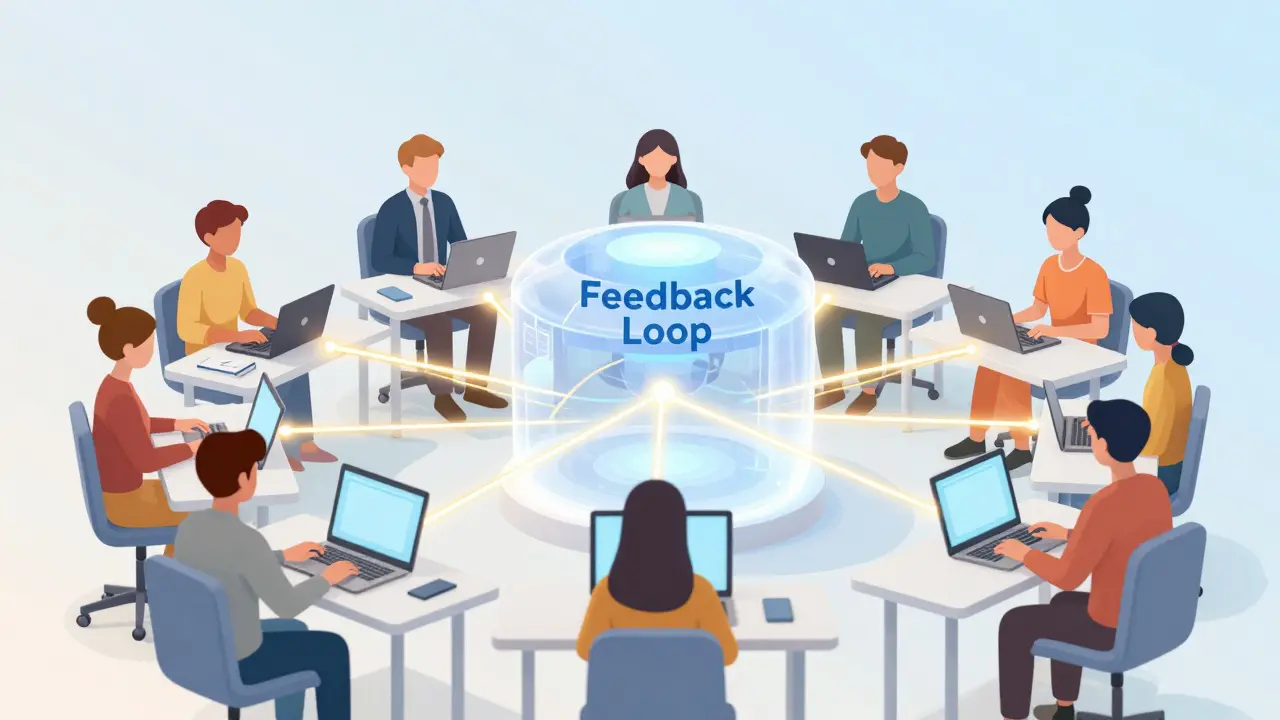
Why Your Online Course Needs Better Feedback Loops
You’ve spent months building your online course. The content is solid, the videos are crisp, and the curriculum makes sense. But when you look at your completion rates, they’re flatlining. Why? Because you aren’t listening to your students. Student surveys are structured tools used to gather direct insights from learners about their experience, challenges, and satisfaction levels. They are the bridge between what you think works and what actually works.
In the world of online education is the delivery of educational content via digital platforms, allowing for flexible, remote learning experiences, silence is not consent. It’s confusion. Without active feedback collection is the systematic process of gathering opinions, suggestions, and critiques from participants to improve a service or product, you are flying blind. This guide will show you how to design surveys that people actually want to fill out, analyze the data without getting overwhelmed, and turn vague complaints into concrete improvements.
The Psychology Behind Effective Student Engagement
Before you write a single question, you need to understand why students ignore most surveys. Survey fatigue is real. If your course has ten modules and you send a survey after every module, your response rate will drop to near zero. The key is timing and relevance.
Student engagement is the level of interest, attention, and effort a learner demonstrates during an educational activity. High engagement correlates directly with completion rates. When students feel heard, their engagement spikes. They see their input as valuable, which creates a psychological contract: "I give feedback; you improve the course." Break that contract, and they disengage.
Consider the difference between a generic end-of-course survey and a micro-feedback loop. A generic survey asks, "Did you enjoy the course?" That’s useless. A micro-feedback loop asks, "What was the most confusing part of Module 3?" That’s actionable. You want to move from passive observation to active participation.
- Avoid binary questions: Yes/No questions kill nuance. Use Likert scales (1-5) for sentiment and open-ended fields for specifics.
- Keep it short: If it takes more than three minutes, you’ve lost half your audience.
- Make it timely: Ask immediately after a challenging task, not weeks later.
Designing Surveys That Get Responses
Let’s talk structure. A well-designed survey respects the student’s time. Start with the easiest questions to build momentum. Then, move to the harder, reflective ones. End with an open invitation for free-form thoughts.
Here is a simple framework for a high-response survey:
- Warm-up: "How would you rate the clarity of today’s video?" (Scale 1-5)
- Pain Point Identification: "Which concept required you to re-watch the material?" (Multiple choice + "Other")
- Value Check: "Did this module help you achieve your learning goal?" (Yes/No)
- Open Floor: "One thing we could improve:" (Text box)
Notice the flow? It starts quantitative and ends qualitative. This gives you hard data for trends and soft data for context. Tools like Google Forms is a free web-based tool for creating surveys, quizzes, and polls or Typeform is a user-friendly platform for creating interactive forms and surveys with a focus on design and user experience make this easy. Don’t overcomplicate it with logic jumps unless necessary. Simplicity wins.
Integrating Feedback into Learning Management Systems
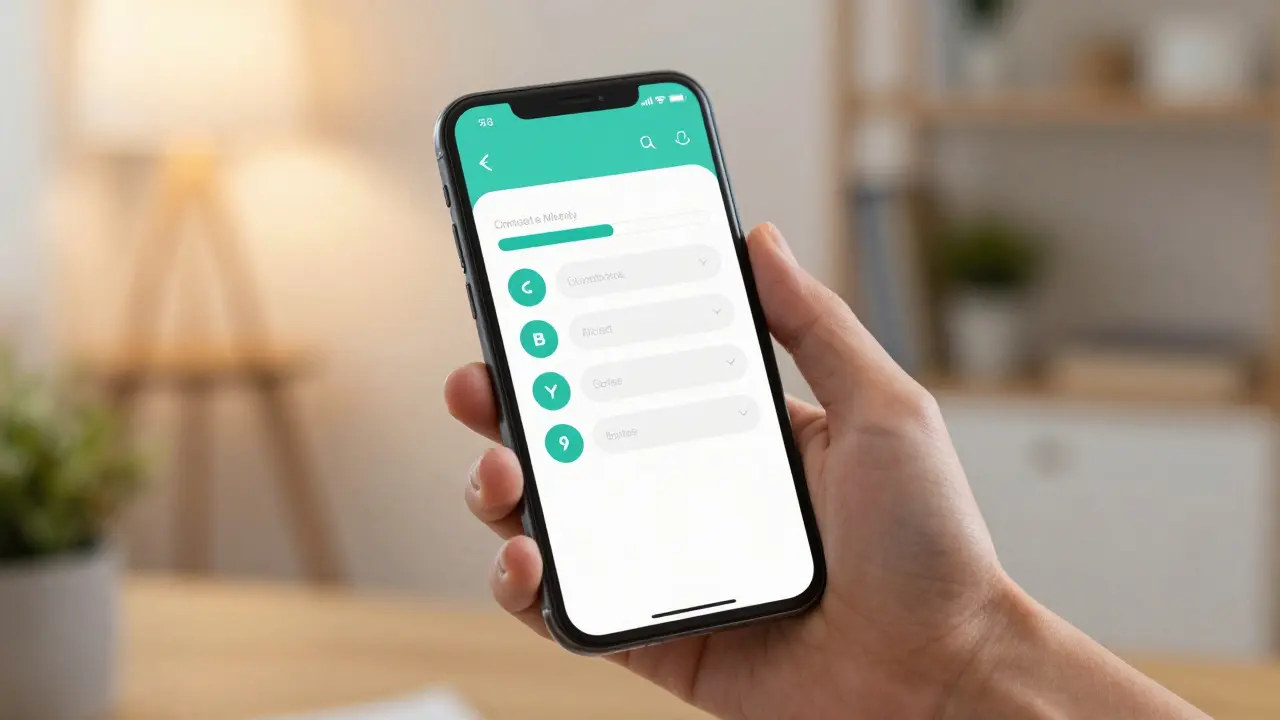
If you are using a dedicated Learning Management System (LMS) is software applications used for the administration, documentation, tracking, reporting, and delivery of educational courses or training programs, you have a massive advantage. Platforms like Moodle is an open-source LMS that provides educators with a robust suite of tools to create online learning sites, Canvas is a cloud-based LMS owned by Instructure, widely used in higher education for its intuitive interface and scalability, or Kajabi is an all-in-one platform for creating, marketing, and selling online courses, targeting entrepreneurs and coaches allow you to embed surveys directly into the learning path.
This reduces friction. The student doesn’t have to leave the course environment to give feedback. It becomes part of the learning ritual. For example, Canvas allows you to trigger a survey upon submission of an assignment. This captures feedback while the experience is fresh in the student’s mind.
| Tool | Best For | Integration Ease | Cost |
|---|---|---|---|
| Google Forms | Quick, low-budget checks | High (embed anywhere) | Free |
| Typeform | High-design, engaging surveys | Medium (API needed for deep LMS integration) | Freemium/Paid |
| Moodle Quiz/Survey | Academic institutions | Native (built-in) | Free (open source) |
| Kajabi Drip Content | Course creators selling directly | Native (built-in) | Paid subscription |
Analyzing Data: From Noise to Signal
Collecting data is only half the battle. The real value comes from analysis. You might get 50 responses. Ten say the audio was bad. Five say the pacing was too fast. What do you do?
First, categorize feedback into themes. Create tags like "Technical Issue," "Content Clarity," "Pacing," and "Relevance." Assign each piece of feedback to a tag. This turns unstructured text into structured data. If 40% of your negative feedback falls under "Technical Issue," you don’t need to rewrite the course; you need to fix the hosting server.
Second, look for patterns over time. Did the complaint about pacing disappear after you shortened the videos? That’s validation. Use learning analytics is the measurement, collection, analysis, and reporting of data about learners and their contexts, for purposes of understanding and optimizing learning and the environments in which it occurs to track these changes. Most modern LMS platforms provide dashboards that visualize completion rates alongside survey scores. Correlate the two. If Module 4 has a low survey score and a high dropout rate, that’s your red flag.

Common Pitfalls to Avoid
Even experienced educators make mistakes here. Here are the top three traps:
- The Bias Trap: Asking leading questions like, "How much did you love our new module?" forces a positive response. Instead, ask, "How useful was the new module?" Neutrality yields honesty.
- The Ignorance Trap: Collecting feedback but never acting on it. Students notice. If they complain about broken links and nothing changes, trust erodes. Always close the loop. Add a note in the next module: "You asked for clearer examples, so we added Case Study B."
- The Overload Trap: Asking for too much detail. If you want specific feedback on a quiz, ask one question about the quiz. Don’t ask for life stories.
Implementing a Continuous Improvement Cycle
Feedback should not be an event; it should be a habit. Build a cycle:
- Collect: Deploy micro-surveys at key milestones.
- Analyze: Review data weekly or bi-weekly. Tag and categorize.
- Act: Make small, iterative changes. Fix typos, clarify instructions, adjust video length.
- Communicate: Tell students what you changed and why. This reinforces engagement.
- Repeat: Go back to step one.
This approach transforms your course from a static product into a living ecosystem. It adapts to the needs of your learners, ensuring higher satisfaction and better outcomes. In 2026, with AI-driven analytics becoming more accessible, you can even use natural language processing to automatically tag and summarize open-ended responses, saving hours of manual work.
Conclusion: Making Your Voice Heard
Your students are your best quality assurance team. By implementing thoughtful student surveys and effective feedback loops, you create a course that evolves with its audience. Don’t wait for the end of the term to find out what went wrong. Find out now, fix it, and keep moving forward. The difference between a good course and a great one is often just how well it listens.
How often should I send surveys to online students?
Aim for micro-feedback rather than large, infrequent surveys. Send a quick 1-3 question check-in after major modules or assignments. Avoid sending surveys more than once a week to prevent fatigue. The key is relevance, not frequency.
What is the best type of question for student feedback?
Use a mix of Likert scale questions (1-5 ratings) for quantifiable data and one open-ended question for qualitative insights. Likert scales are easy to analyze, while open-ended questions reveal specific pain points you might not have anticipated.
How do I increase survey response rates?
Keep surveys short (under 3 minutes), integrate them directly into the LMS workflow, and explain why their feedback matters. Show students previous changes made based on their input to prove their voice has impact.
Can AI help analyze student survey results?
Yes. Many modern LMS platforms and third-party tools use Natural Language Processing (NLP) to automatically categorize open-ended responses, identify sentiment, and highlight common themes, saving significant manual analysis time.
What if students give negative feedback?
Treat negative feedback as a gift. It identifies specific areas for improvement. Acknowledge the issue publicly if appropriate, implement a fix, and communicate the change to the class. This builds trust and shows you are responsive.

Comments (11)
poonam upadhyay May 28 2026
Oh, look at you! Trying to tell us how to think!
You really think we need a 'guide' for this? Please. I have been teaching online since the dial-up days, and let me tell you, your little Likert scales are nothing but corporate fluff designed to keep us busy while you make money!
But sure, go ahead. Fill out your surveys. Click your buttons. Pretend that your opinion matters to the algorithm!
I bet you don't even read them. You just feed the data into some AI black box and call it 'analytics'! It's all a sham! A beautiful, colorful, over-punctuated sham!!!
Rakesh Dorwal May 30 2026
This is exactly why our education system is failing! The West wants to control our minds through these digital traps!
They say 'feedback' but they mean 'surveillance'. Every click, every pause, every survey answer is being tracked by foreign entities to weaken our national spirit!
We should be proud of our traditional methods. No surveys needed there. Just respect and discipline. This whole 'online course' thing is a conspiracy to dilute our culture with Western individualism. Stay strong, brothers and sisters. Do not fall for their psychological warfare!
Vishal Gaur May 30 2026
i mean its okay i guess but honestly who has time for this stuff like seriously if i am studying i want to study not fill out forms because then i get distracted and then i forget what i was doing and also the internet is slow sometimes so loading the form takes forever and then i give up anyway so maybe just dont do it or something idk seems like a lot of work for both sides really
Nikhil Gavhane May 30 2026
I totally understand where everyone is coming from here. It can feel overwhelming when you are trying to learn and suddenly you are asked to stop and evaluate everything. But please remember that your voice truly does matter. When we share our honest experiences, we help create a better environment for everyone. It is a small step towards a more inclusive learning community. Let us support each other in this journey. We are all in this together.
Rajat Patil May 31 2026
It is indeed a very interesting perspective on the matter. One must consider that feedback is essential for growth. However, it should be done with great care and respect for the student's time. The author makes some valid points about timing. I agree that short surveys are better. Long surveys are often ignored. This is a simple truth. We should all strive for clarity and brevity in our communications.
deepak srinivasa May 31 2026
I wonder if the LMS integration actually works well with older browsers? I tried using Canvas last week and it kept crashing my laptop. Is it possible that the feedback loop is broken before it even starts? Also, does Google Forms save data locally if the connection drops? I am curious about the technical reliability of these tools in areas with poor internet infrastructure.
pk Pk June 1 2026
Hey team! Let's focus on the positive aspects here. We can definitely improve our courses by listening to students. It is an opportunity to grow together. Don't let the negativity bring you down. Instead, see this as a chance to build a stronger community. Reach out to your peers. Share your thoughts. Make your voice heard. We are building something amazing here!
NIKHIL TRIPATHI June 2 2026
I think we can all agree that communication is key. Whether you love surveys or hate them, the goal is improvement. Some people prefer quick polls, others want detailed discussions. Both have value. Let's try to find a middle ground that works for everyone. Collaboration is the way forward. We should listen to each other and adapt our methods accordingly.
Shivani Vaidya June 3 2026
Peace and harmony are important in any learning space. If surveys cause stress perhaps we should rethink the approach. Maybe informal chats are better. Or small group discussions. There are many ways to gather insights without making people feel pressured. Let us choose kindness over data collection. A calm mind learns better than a stressed one.
Rubina Jadhav June 3 2026
Please keep the comments respectful. We are here to learn and share ideas. Thank you for reading the guide.
sumraa hussain June 4 2026
Wow!!! What a reaction!!! Everyone is so passionate!!! I just sit back and watch the drama unfold!!! It is like a soap opera but with spreadsheets!!! Hahaha!!! Keep it up guys!!! You are entertaining!!!