

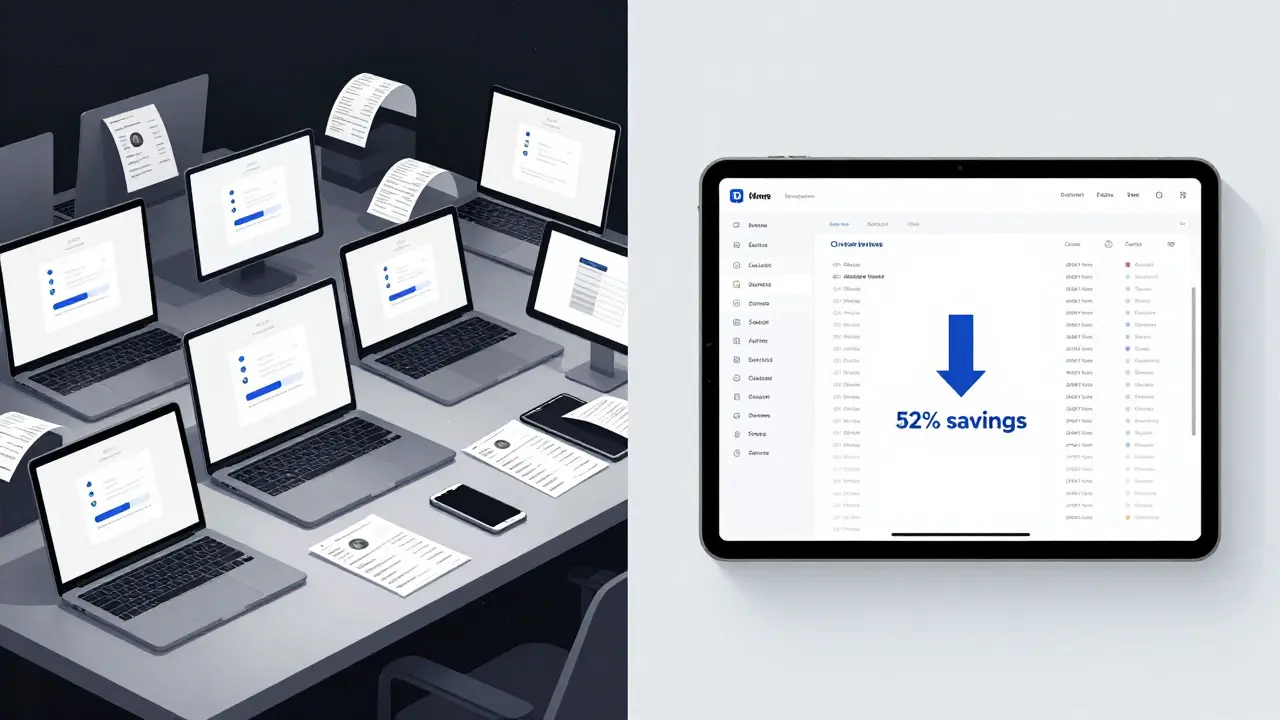
When companies need to train dozens-or hundreds-of employees, buying individual course licenses one by one doesn’t just cost more. It’s a logistical nightmare. That’s where corporate seat licensing comes in. Instead of paying per person, organizations buy blocks of access called enterprise SKUs, and get steep volume discounts for doing so. It’s not just cheaper-it’s smarter.
What Exactly Is Corporate Seat Licensing?
Corporate seat licensing means an organization purchases a set number of access seats for a training platform or course library. Think of it like buying a bulk pack of software licenses, but for learning. Each seat lets one employee log in and complete the training. The key difference from individual purchases? You’re not paying $99 per person. You’re paying $29 per person when you buy 100 seats.
Platforms like LinkedIn Learning, Udemy for Business, Pluralsight, and Coursera for Organizations all offer this model. Companies don’t need to manage individual accounts for each learner. HR or L&D teams assign seats in bulk, track progress via dashboards, and renew licenses as a single contract. It’s one invoice. One renewal date. One negotiation.
How Volume Discounts Actually Work
Volume discounts aren’t a flat 10% off. They’re tiered-and the bigger your team, the more you save. Here’s how it typically breaks down:
- 1-20 seats: No discount. You pay list price.
- 21-50 seats: 15-20% off
- 51-100 seats: 25-30% off
- 101-500 seats: 35-45% off
- 501+ seats: 50%+ off, sometimes up to 70%
For example, if a course normally costs $89 per user, a company with 300 employees might pay just $44 per seat. That’s a $13,500 savings just on one course. Multiply that across 15 training modules, and you’re looking at six-figure savings annually.
These discounts aren’t just for big corporations. A Scottish SME with 85 staff using Udemy for Business saved over £18,000 last year by switching from individual subscriptions to a 100-seat enterprise plan. They didn’t need to change tools. They just bought smarter.
Enterprise SKUs: More Than Just More Seats
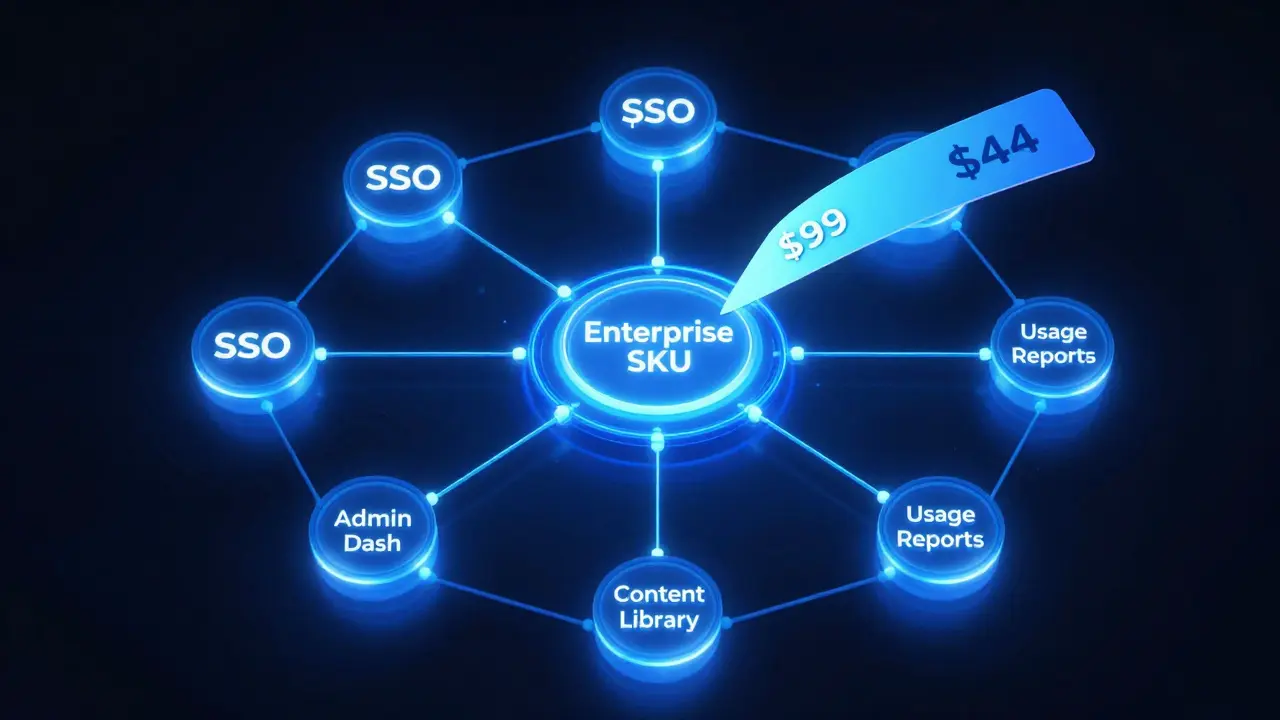
An enterprise SKU isn’t just a bigger bundle. It’s a tailored package. Vendors design these specifically for organizations. They often include:
- Single Sign-On (SSO) integration with your existing identity system (like Azure AD or Okta)
- Custom branding so your training portal looks like your company’s website
- Admin dashboards with role-based access (HR sees all, managers see their teams)
- Usage reports that show which courses are being completed-and which are ignored
- Priority support with dedicated account managers
- Content curation services-vendors help you pick the right courses for your industry
These features turn a simple course platform into a learning management system (LMS) without the cost or complexity of building one. Companies like Standard Life Aberdeen and Scottish Water use enterprise SKUs not just to train staff, but to meet compliance deadlines, upskill for digital transformation, and reduce onboarding time.
Why This Beats Individual Subscriptions
Some teams still buy individual licenses. They think it’s flexible. But here’s what they miss:
- Cost creep: If 12 people join over the year, you’re paying 12 extra full-price licenses. With enterprise licensing, you just add seats to your pool.
- Lost visibility: No way to know who’s training, who’s falling behind, or what’s working. Enterprise dashboards show real-time completion rates.
- Admin chaos: Managing 50 separate logins, passwords, and renewal dates? That’s not HR work-that’s IT hell.
- No negotiation power: Individuals can’t haggle. Companies can. Enterprise contracts often include free trial periods, extended payment terms, or even custom course development.
One Edinburgh-based fintech startup switched from individual Udemy subscriptions to an enterprise plan with 75 seats. Within six months, they cut training costs by 63%, reduced onboarding time from 10 days to 4, and saw a 40% increase in course completion rates because managers could track progress and nudge lagging staff.
What to Look for in an Enterprise License
Not all enterprise plans are equal. Here’s what to ask before signing:
- What’s the minimum seat requirement? Some vendors require 50+ seats. Others start at 10.
- Can you add or remove seats mid-year? Flexibility matters if your team grows or shrinks.
- Is content locked to specific courses, or do you get full library access?
- Do they offer integration with your HRIS? (e.g., Workday, SAP SuccessFactors)
- What’s the renewal process? Is it auto-renew? Can you pause it?
- Is there a trial? Test the platform with 5-10 users before committing.
One company signed a 12-month contract with 200 seats, only to realize 60 of their staff were contractors who didn’t need access. They lost £12,000 because they didn’t ask about seat flexibility. Don’t make that mistake.
Who Benefits Most From This Model?
Corporate seat licensing works best when:
- You have 20+ employees who need regular training
- You’re in a regulated industry (finance, healthcare, legal) and need compliance records
- You’re rolling out new tools, software, or processes company-wide
- You want to build a culture of continuous learning
- You’re tired of chasing receipts for 30 individual subscriptions
It’s less useful if you’re a solo founder or a team of 3. But if you’re scaling, hiring, or upgrading systems-this model pays for itself in months.
Real-World Impact: Numbers Don’t Lie
A 2025 survey of 142 UK businesses using enterprise licensing found:
- Average cost savings: 52% per learner
- Training completion rates increased by 68%
- Time spent managing licenses dropped by 89%
- 83% reported improved employee retention after launching structured learning programs
These aren’t guesses. These are numbers from companies like ScottishPower, Nationwide Building Society, and a dozen mid-sized tech firms in Glasgow and Edinburgh.
Next Steps: How to Get Started
If you’re considering corporate seat licensing:
- Count how many employees need training right now-and how many you expect to hire in the next 12 months.
- Identify the top 3 training needs: compliance? software onboarding? leadership?
- Compare 2-3 vendors (Udemy for Business, LinkedIn Learning, Pluralsight, Coursera). Ask for custom quotes based on your headcount.
- Request a 14-day trial with 10 free seats. Test the interface, content quality, and admin tools.
- Negotiate: Ask for 3 months free, or a 10% discount if you pay annually.
You don’t need a legal team to sign up. But you do need to ask the right questions. The savings aren’t just on price-they’re in time, clarity, and control.
Can I get volume discounts if I have fewer than 20 employees?
Some vendors offer small business plans starting at 5-10 seats with modest discounts (5-10%). But true volume pricing usually kicks in at 20+. If you’re under 20, compare the cost of individual subscriptions versus a small enterprise plan-it might still be cheaper to buy a 10-seat bundle than 10 individual licenses.
Do enterprise licenses include all courses in the library?
Most do. Platforms like Udemy for Business and LinkedIn Learning give full access to their entire libraries with enterprise plans. But some niche providers limit access to a curated selection. Always check the fine print. If you need specialized content-like cybersecurity or GDPR training-confirm those courses are included.
Can I use corporate licenses for contractors and freelancers?
It depends on the vendor’s terms. Some allow contractors to be included under the same license. Others require separate billing. Always clarify this upfront. Including contractors in your license can be a smart move-if they’re doing core work for you, they should be trained on your systems and policies.
What happens if someone leaves the company?
Most platforms let you reclaim seats. When an employee leaves, their license becomes inactive, and you can reassign it to a new hire. This is one of the biggest advantages over individual subscriptions-you’re not paying for dead seats. Always confirm the reassignment process with your vendor before signing.
Is there a difference between enterprise SKUs and LMS systems?
Yes. An enterprise SKU is a licensing model that gives you access to a learning platform. An LMS (Learning Management System) is software you install or host to manage, track, and deliver training. Many enterprise SKUs include LMS-like features (dashboards, reporting, SSO), so you don’t need a separate system. But if you need deep customization-like custom certificates or complex workflows-you might still need a dedicated LMS.

Comments (12)
Tia Muzdalifah March 10 2026
so like… i just switched my team to udemy for business last month and holy cow the difference is insane. we used to have people losing logins, forgetting passwords, and i was literally managing 27 separate subscriptions. now? one email, one bill, and my hr person can see who’s slacking off. also, we added 5 new hires last week and just clicked ‘assign seat’-no extra cost. 10/10 would recommend.
Zoe Hill March 12 2026
i know right?? i was skeptical at first but after our compliance audit last quarter, the dashboard saved us. we had 3 people who hadn’t done the harassment training in 2 years-system flagged it automatically. no more chasing people with emails. also, the branding thing? our employees thought it was our own internal portal. cool af.
Albert Navat March 12 2026
let me cut through the fluff-enterprise skus aren’t just about cost savings, they’re about operational leverage. when you centralize access via sso + role-based dashboards + usage analytics, you’re not just training people-you’re building a data-driven learning culture. the real win? you can correlate completion rates with promotion velocity. we did this internally and saw a 22% uptick in internal mobility. that’s not a perk, that’s strategic infrastructure.
Sagar Malik March 13 2026
you all are being manipulated. this is just another corporate surveillance scheme disguised as ‘learning.’ they track everything-what videos you pause, how long you spend on each slide, even which tabs you switch to. your ‘training’ data gets sold to recruiters, advertisers, and probably the feds. next thing you know, your boss gets an alert: ‘Sagar Malik spent 4 minutes on ‘critical thinking’ module. low engagement risk.’ conspiracy? no. it’s already happening. 🤖👁️
Seraphina Nero March 13 2026
my sister works at a small nonprofit with 15 people and they got the 10-seat plan. it was cheaper than buying 15 individual ones. they didn’t even know they could do that. i told her to ask for a trial. she did. got 2 weeks free. loved it. now they’re renewing. sometimes the simplest stuff is the best.
Megan Ellaby March 14 2026
we started with 50 seats and now we’re at 120 because we kept adding people. the best part? when someone leaves, the seat goes back into the pool. no wasted money. also, our new interns get assigned their seat on day one. it makes them feel part of the team immediately. small thing, big impact. also, the content is way better than free youtube tutorials. no cap.
Rahul U. March 16 2026
great breakdown! 🙌 one thing to add: if you're in tech, check if the vendor integrates with your hris. we use workday and the sync was seamless. no manual exports, no csv chaos. also, the analytics let us see which departments are under-engaging. we targeted our sales team with a 3-course series on negotiation-they completed it at 92%. now they’re closing deals 18% faster. data > gut feeling. 💡
E Jones March 16 2026
ok but have you thought about what happens when the vendor gets bought by a private equity firm? or when they suddenly change pricing after year 2? or when they lock your content behind a paywall because ‘they’re pivoting to ai-only content’? this isn’t training-it’s a subscription trap. you’re giving them your company’s entire learning footprint. one day they’ll say ‘oh, we’re discontinuing your course library, here’s a new one with 30% less content and 200% more ads.’ you’re not saving money-you’re building a dependency. and dependencies? they get exploited. i’ve seen it. it’s not paranoia. it’s history.
Barbara & Greg March 17 2026
While I acknowledge the financial logic underpinning enterprise licensing, I find the underlying assumption-that human development can be quantified via dashboard metrics and seat allocations-deeply troubling. Learning is not a commodity to be optimized like inventory. It is a sacred, nonlinear, deeply personal process. To reduce it to completion rates and usage analytics is to commodify the soul of professional growth. We must ask: at what cost do we sacrifice depth for efficiency?
selma souza March 17 2026
There are multiple grammatical errors in the original post. ‘One invoice. One renewal date. One negotiation.’ - this is not a sentence. It is a fragment. Also, ‘$29 per person when you buy 100 seats’ - missing article. And ‘they didn’t need to change tools. They just bought smarter.’ - ‘smarter’ is a comparative adjective without a baseline. This is amateur writing. I expect better from a corporate article.
Frank Piccolo March 18 2026
yeah sure, ‘corporate seat licensing’ sounds fancy. but let’s be real - this is just another way for big tech to lock you into their ecosystem. linkedin learning? coursera? they’re all owned by the same conglomerates. you think you’re saving money? you’re just giving them more data, more control, more leverage. next thing you know, your employees can’t access training unless they’re logged into their corporate google account. and don’t get me started on the ‘custom branding’ - that’s just corporate brainwashing with a pretty logo. we’re not training people. we’re conditioning them.
James Boggs March 20 2026
Agreed. The real value isn't in the discount-it's in the clarity. We went from chaos to control. One admin. One system. One team. Simple. Effective. And honestly? It made our L&D team look like heroes. No spreadsheets. No panic calls. Just results. Thanks for the post.