
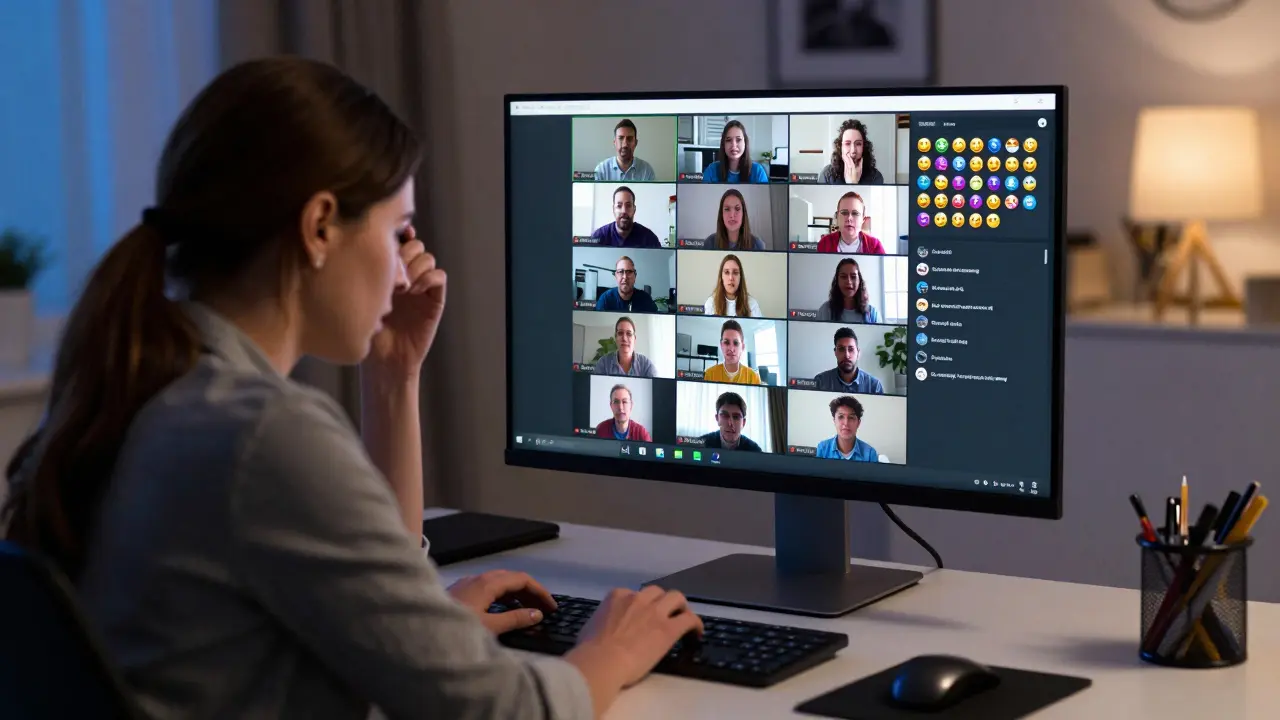
Quick Wins for Virtual Control
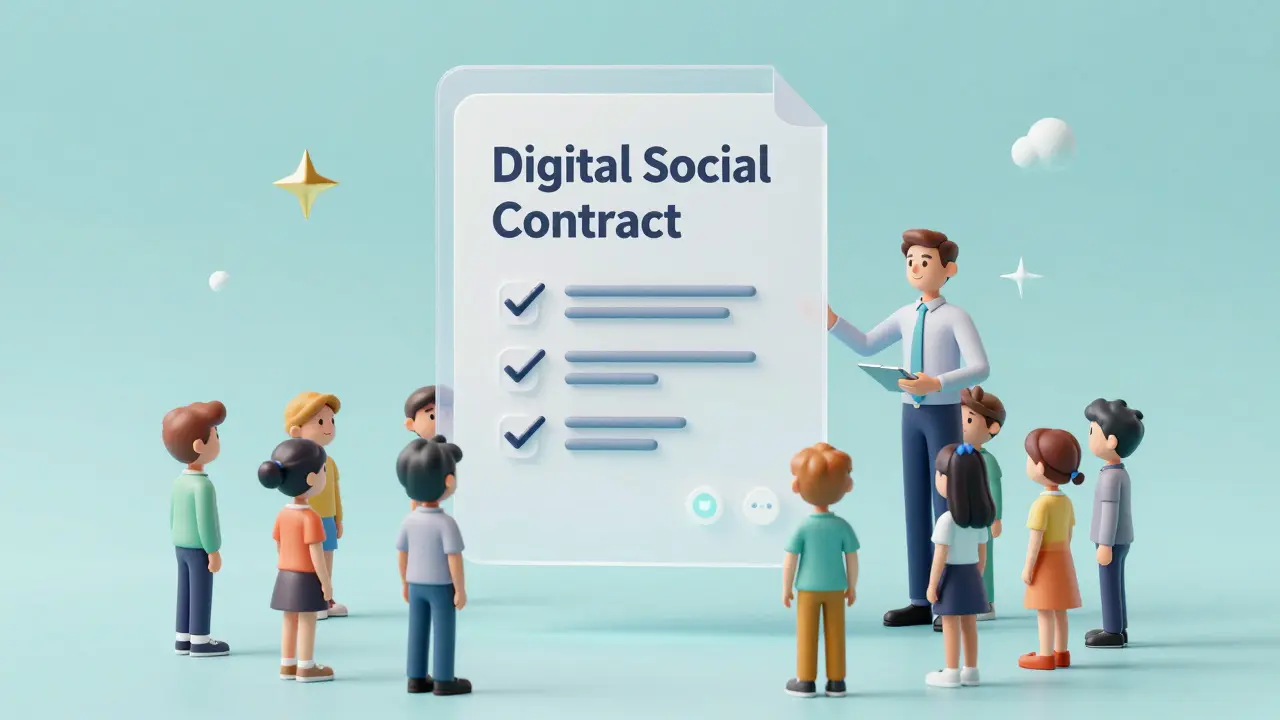
- Set a "Digital Social Contract" before the first lesson.
- Use "Mute All" as a strategic tool, not a punishment.
- Implement a "Parking Lot" for off-topic questions.
- Leverage non-verbal cues like emojis or poll buttons.
- Focus on private redirects rather than public call-outs.
When we talk about managing classroom disruptions is the process of identifying, addressing, and preventing behaviors that interfere with the learning process in a virtual environment , we aren't just talking about "bad kids." In a digital space, disruptions often stem from technical frustration, boredom, or a simple lack of understanding of online etiquette. To fix this, you have to shift your mindset from being a lecturer to being a community manager.
The Anatomy of Digital Disruptions
Not all disruptions are created equal. To stop them, you first need to recognize what you're actually dealing with. I usually group these into three buckets: technical noise, social friction, and active defiance.
Technical noise includes things like background dogs barking or the "echo' loop that happens when two people are on the same Wi-Fi. Social friction happens when students use the Chat Feature is a real-time text communication tool integrated into virtual meeting platforms to start side-conversations. Active defiance is the rarest but toughest-think of the student who intentionally disrupts the flow to get a reaction from you or their peers.
If you treat a technical glitch like a behavioral issue, you'll alienate your students. If you treat active defiance like a technical glitch, you'll lose control of the class. The key is matching your response to the cause.
Building Your Digital Social Contract
The best way to handle a fire is to make sure there's nothing flammable in the room. In the online world, this means creating a Digital Social Contract is a collaborative agreement between students and instructors that defines acceptable online behavior and shared expectations . Don't just hand out a list of rules; that feels like a police report. Instead, spend the first ten minutes of your first session asking students: "What makes a Zoom call annoying?" and "How do we want to handle disagreements here?"
When students help write the rules, they feel a sense of ownership. Instead of "Don't talk over people," the rule becomes "We listen until the other person finishes." When someone eventually breaks the rule, you aren't the "mean teacher"-you're simply reminding them of the agreement they helped create.
| Scenario | Physical Classroom Approach | Virtual Classroom Approach |
|---|---|---|
| Student talking out of turn | Eye contact or physical proximity | Direct name-mention or private chat message |
| Off-topic discussions | "Ssh" or a hand gesture | "Parking Lot" document for later discussion |
| Lack of engagement | Walking around the room | Frequent use of Polls and Breakout Rooms |
| Disruptive behavior | Sending student to the office | Temporary removal from meeting / Private call |
Strategic Use of Virtual Tools
Most Learning Management Systems (LMS) like software applications for the administration, documentation, tracking, and delivery of educational courses and meeting platforms like Zoom or Microsoft Teams have built-in tools that can either be your best friend or your worst enemy. The "Mute All" button is a power tool. If you use it too often, you kill the energy of the room. Use it only when the noise floor makes teaching impossible, and always announce it: "I'm muting everyone for five minutes so we can focus on this demo, then I'll open the floor."
Another powerful tool is the Breakout Room is a feature that splits a large virtual meeting into smaller, separate sessions for focused group work . Often, disruptions happen because a student is bored or craving social interaction. By moving them into a small group with a specific task, you channel that energy into a productive outlet. If a specific student is causing trouble in the main room, moving them to a breakout room with you for a one-on-one check-in is much more effective than calling them out in front of thirty peers.
The Art of the Private Redirect
Publicly shaming a student in a virtual setting is a recipe for disaster. In a physical room, a stern look can work. Online, a public correction often triggers a "defensive loop" where the student feels the need to perform for their classmates. Instead, use the private chat.
A quick message saying, "Hey Alex, I noticed you're struggling to stay on topic today. Is everything okay? Let's chat for two minutes after the session," does two things. First, it stops the behavior immediately without escalating the tension. Second, it shows the student you care about them as a person, not just as a source of noise. Most disruptions are actually cries for attention or signs of stress at home.
Designing for Engagement to Prevent Boredom
The biggest cause of disruption is a boring lesson. In a virtual setting, the "attention window" is significantly shorter than in person. If you speak for more than ten minutes without asking for input, you're essentially inviting students to find their own entertainment (i.e., disruptions).
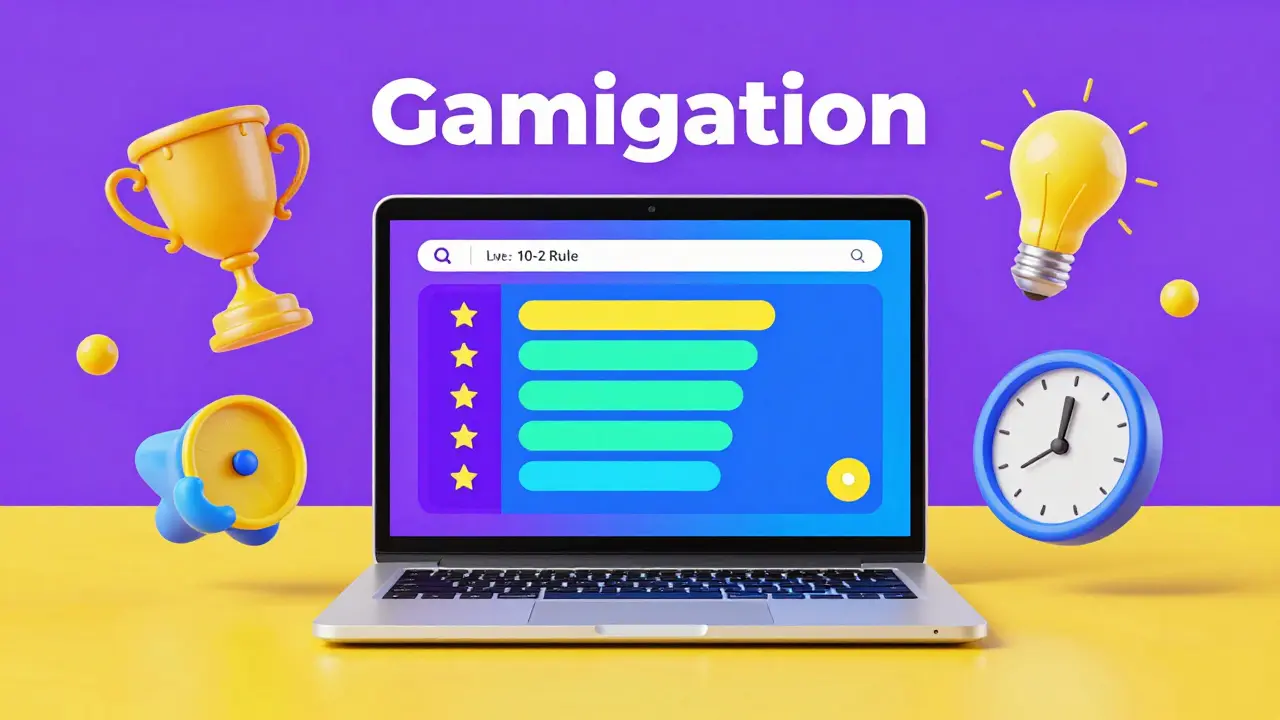
Apply the "10-2 Rule": For every ten minutes of instruction, give students two minutes to process. This could be a quick poll, a chat-storm where everyone types an answer and hits "Enter" at the same time, or a quick stretch break. When students know that interaction is built into the schedule, they are less likely to force interaction through disruptive behavior.
Consider integrating Gamification is the application of typical elements of game design, such as point scoring, competition, and badges, to activities outside of games . Using tools like Kahoot! or Quizizz turns the desire for competition into a structured activity. If the energy in the room is too high, a timed quiz can snap everyone back into a focused state.
Handling High-Conflict Situations
What happens when a student becomes truly hostile or refuses to follow the social contract? This is where you need a clear escalation path. You can't just "ignore it" because the other students are watching how you handle it. Their sense of psychological safety depends on your ability to maintain order.
- The Gentle Warning: A private chat message reminding them of the social contract.
- The Direct Request: A verbal request in the main room: "Sam, please turn off your music so we can hear the presentation."
- The Technical Intervention: Temporarily muting the student or disabling their ability to chat.
- The Removal: Removing the student from the call and immediately emailing them (and their parents/supervisors) to explain why and how they can rejoin once they are ready to follow the rules.
The key here is consistency. If you let one student slide because they're a "high achiever," the rest of the class will see the system as unfair, which leads to more resentment and more disruptions.
How do I handle students who keep their cameras off?
Forcing cameras on often creates anxiety and can lead to more disruptions. Instead, create "Camera-On Moments." For example, tell the class, "Everyone turn your cameras on for the next three minutes for our icebreaker, then you can switch them off for the lecture." This makes the requirement feel like a specific activity rather than a surveillance measure.
What if the chat becomes a distraction during a guest lecture?
Use a designated "Chat Moderator." This could be a teaching assistant or a student leader who filters questions and highlights the best ones for the speaker. If the platform allows it, you can also temporarily disable the chat or restrict it to "Host Only" during critical portions of the presentation.
How can I tell if a student is disengaged or just having technical issues?
Look for patterns. If a student is consistently silent and doesn't respond to polls, it's likely disengagement. If they are sporadically disappearing from the call or their audio keeps cutting out, it's a technical problem. The best approach is a quick private message: "I noticed your connection is dipping; do you need a recording of this section?"
Should I use a "Waiting Room" for disruptive students?
Yes, the Waiting Room is an excellent "digital hallway." If a student is being disruptive, you can move them back to the waiting room. This gives them a moment to cool down and gives you a moment to breathe. You can then message them privately to agree on a behavior change before admitting them back into the main session.
How do I handle arguments between students in the chat?
Immediately intercept the argument by moving the conversation to a "Parking Lot." Say, "I see we have a strong debate starting about [Topic]. To keep the lesson moving, I'm adding this to our Parking Lot document, and we will spend the last five minutes of class resolving it." This validates the students' interest while stopping the disruption of the current flow.
Next Steps for Instructors
If you're currently struggling with a chaotic virtual class, don't try to fix everything at once. Start by implementing one change. Maybe this week you'll introduce the "Parking Lot" for off-topic comments. Next week, try the "10-2 Rule" for engagement.
For those teaching advanced students, you can delegate more of the management to them. Let them lead the breakout rooms or manage the chat. For beginners or younger students, you'll need to be more explicit with your boundaries and use more frequent, short bursts of activity to keep them anchored to the screen.

Comments (14)
NIKHIL TRIPATHI April 26 2026
The "Parking Lot" idea is actually genius. I've tried something similar with a shared Google Doc where students can drop their random thoughts without killing the vibe of the live lecture. It keeps the flow going and they feel heard.
Vishal Bharadwaj April 26 2026
probly wont work in real world. kids just find new ways to trolling regardless of some "social contract" lol. its basiclly just a list of rules they ignore
Madhuri Pujari April 28 2026
Oh, honey... a "Digital Social Contract"??? How quaint!!! Do you actually believe that a bunch of teenagers will suddenly develop a moral compass because you asked them what makes Zoom annoying??? Give me a break!!! The level of naivety here is absolutely staggering!!!
Noel Dhiraj April 29 2026
Love the energy of this approach! The 10-2 rule is a total game changer for keeping the kids hyped and focused
Amit Umarani April 29 2026
The author's use of terminology is fine, but the formatting of the table is a bit clunky. Still, the advice is decent enough for a basic guide.
vidhi patel May 1 2026
It is utterly appalling that some instructors would even consider "private redirects" as a primary strategy when blatant disciplinary action is required. One must maintain absolute authority in a professional educational setting; otherwise, the entire academic structure collapses into anarchy.
Priti Yadav May 2 2026
Funny how they talk about "technical noise" as just accidents. You ever notice how the "glitches" always happen right when the teacher asks a hard question? It's probably some built-in feature of the software to keep us from actually learning anything critical
also the grammar in that last section is slightly off.
Ajit Kumar May 2 2026
One must consider the moral imperative of the educator to instill a sense of civic duty within the student, for the lack of discipline in a virtual space is not merely a technical failure but a reflection of a deeper societal decay where the immediate gratification of a meme outweighs the timeless pursuit of knowledge. If we treat these disruptions as mere "boredom," we are failing to teach the students the virtue of patience and the respect that is inherently owed to those who dedicate their lives to the enlightenment of others, and thus, we must hold them to a standard of conduct that transcends the medium of the screen.
Diwakar Pandey May 4 2026
I think the breakout rooms are the way to go. It lets the quieter kids speak up without the pressure of the big group.
Geet Ramchandani May 5 2026
This whole "community manager" mindset is just a fancy way of saying teachers have to baby the students now because they can't actually control them. It's honestly pathetic how we've gone from actual teaching to designing "engagement loops" like we're managing a social media account for a brand of toothpaste, and the idea that a student will suddenly care about a "social contract" they barely read is just laughable in its optimism.
Pooja Kalra May 5 2026
The chaos is but a mirror of the internal void. We seek to control the screen because we cannot control the self.
Sumit SM May 7 2026
Exactly!!! It is all about the flow... the energy... the vibration of the digital space!!! If you can align the students' spirits with the lesson, the disruptions simply vanish into the ether!!!
Jen Deschambeault May 7 2026
Keep pushing through, everyone! We can make virtual learning amazing!
Shivani Vaidya May 8 2026
The approach regarding the camera-on moments is most commendable as it respects the privacy of the students while maintaining a level of human connection without creating unnecessary anxiety