
Quick Wins for Your IR Plan
- Establish a Core Team: Define who makes the calls (Legal, IT, Comms) before the crisis hits.
- Map Your Data: Know exactly where PII (Personally Identifiable Information) lives in your database.
- Create a 'Break-Glass' Kit: Keep a physical or offline digital folder with emergency contacts and admin credentials.
- Run Tabletop Exercises: Simulate a ransomware attack once a quarter to find the gaps in your logic.
What Exactly is Incident Response for LMS?
When we talk about Incident Response Planning, we aren't talking about a simple backup strategy. It is a structured process your organization uses to detect, respond to, and recover from security breaches. For LMS teams, this is unique because your users are often students and educators who rely on the system for high-stakes deadlines. A four-hour outage during finals week isn't just a technical glitch; it's an institutional crisis.
An effective plan focuses on Containment-stopping the bleed-and Eradication-removing the threat. If a malicious actor gains access to an instructor's account and begins changing grades or stealing quiz banks, your response needs to be surgical. You can't just shut down the whole server if that prevents 10,000 other students from submitting their work.
Building Your LMS Response Team
You cannot handle a security breach with just one "IT guy." You need a cross-functional team. Each person has a specific job to do, so they aren't tripping over each other when the pressure is on.
First, you need a Technical Lead. This is the person who understands the Application Layer and can track logs to see how the attacker got in. Then, you need a Communications Lead. Their job is to manage the narrative. If you tell students "we're having technical issues" while a hacker is posting their emails on a forum, you've lost the war of trust.
Don't forget Legal Counsel. In the US, FERPA (Family Educational Rights and Privacy Act) dictates how student records are handled. In Europe, GDPR requires you to report certain breaches within 72 hours. If your legal team isn't in the loop from minute one, you might be technically secure but legally bankrupt.
| Role | Primary Goal | Key Attribute | Trigger Action |
|---|---|---|---|
| Incident Commander | Decision Making | Authority | Declares "Incident State" |
| Security Engineer | Containment | Technical Expertise | Isolates affected servers |
| Privacy Officer | Regulatory Compliance | Legal Knowledge | Notifies data authorities |
| PR/Comms | User Trust | Empathy/Clarity | Drafts student notifications |
The Step-by-Step Response Workflow
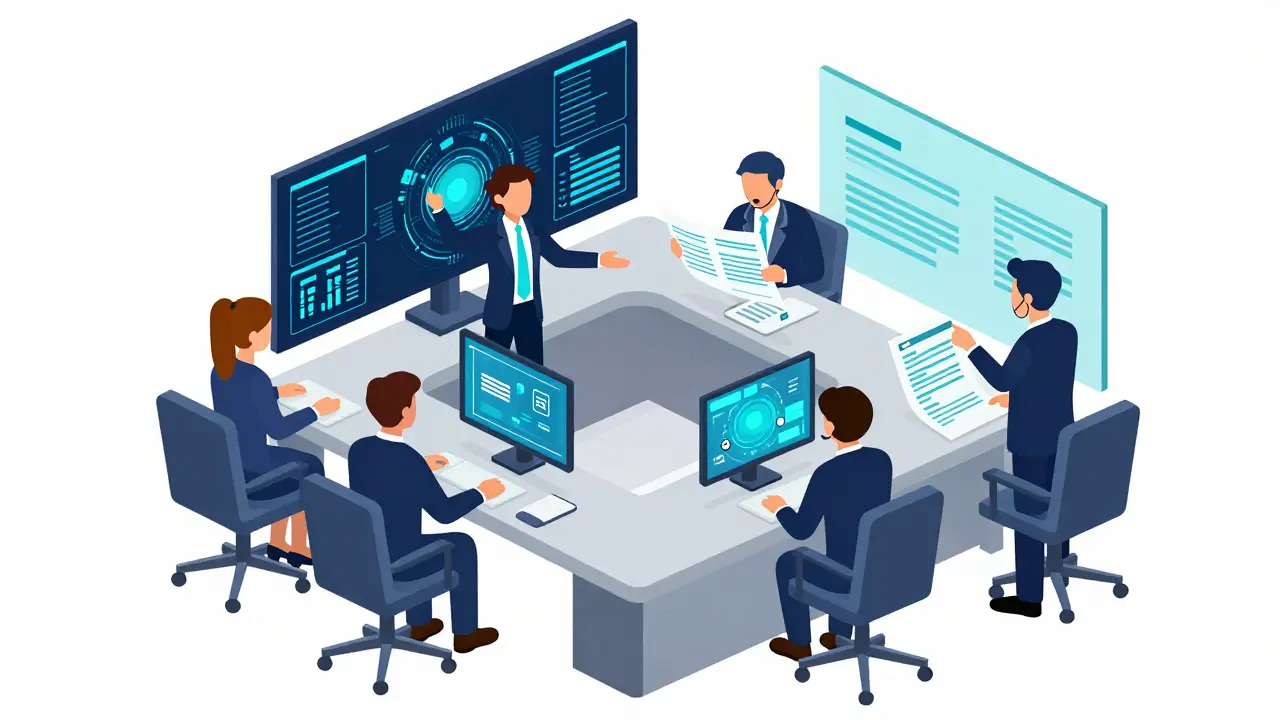
Following a framework like NIST SP 800-61 ensures you don't miss a step. Here is how to apply that to a learning environment.
- Preparation: This is where you are right now. You are writing the plan, auditing your Cloud Infrastructure (like AWS or Azure), and ensuring your backups are immutable. If your backups are connected to the same network as your LMS, a ransomware attack will encrypt both.
- Detection and Analysis: How do you know you've been hit? Maybe it's an alert from your SIEM (Security Information and Event Management) tool, or maybe 50 students report they can't log in. You need to determine if this is a DDoS attack, a credential stuffing attempt, or an internal mistake.
- Containment: If one account is compromised, lock it. If one server is acting up, pull it from the load balancer. The goal is to keep the "blast radius" small. For example, if a specific plugin in your Moodle or Canvas setup is the vulnerability, disable that plugin immediately across the site.
- Eradication: This is the cleanup. You don't just delete the bad file; you find the root cause. Why did the attacker have admin rights? Was there a SQL Injection vulnerability in a custom form? Patch the hole before you bring the system back online.
- Recovery: Slowly bring services back. Start with read-only access if necessary. Monitor the logs heavily to ensure the attacker hasn't left a "backdoor" that lets them back in the moment you reboot.
- Post-Incident Activity: This is the most ignored step. You need a "blameless post-mortem." What failed? Why did it take two hours to find the leak? Update your plan based on these answers.
Common LMS Attack Vectors and How to Counter Them
Learning systems are tempting targets because they hold a goldmine of personal data and often have a wide, porous perimeter (thousands of students logging in from random IPs worldwide). One common threat is Account Takeover (ATO). Students often use the same password for their LMS as they do for their social media. When a third-party site leaks, attackers use those credentials to get into the LMS.
To fight this, implement Multi-Factor Authentication (MFA). It is the single most effective way to stop ATOs. If you can't force MFA on all students, at least require it for every single staff member and administrator.
Another risk is API Abuse. Many modern LMS platforms integrate with third-party tools like Zoom, Turnitin, or digital textbooks via APIs. If an API key is accidentally committed to a public GitHub repository, an attacker can bypass your login screen entirely and scrape your entire user database. Rotate your keys every 90 days and use environment variables instead of hard-coding them.
Compliance and the Legal Minefield
Security isn't just about hackers; it's about auditors. If you're operating in the US, FERPA means you can't just share student data with whoever asks. During an incident, you might be tempted to give a third-party security firm full access to your database to help you clean up. But did you sign a Data Processing Agreement (DPA) with them? If not, you've just created a second compliance breach while trying to fix the first one.
In the EU, the GDPR focuses on the "Right to be Forgotten" and data minimization. If your IR plan involves restoring a backup from two weeks ago, you might accidentally restore data that a student had legally requested to be deleted. Your recovery process must include a way to re-apply those deletion requests after a restore.
Practical Pitfalls to Avoid
One big mistake teams make is creating a 50-page manual that no one reads. In a crisis, no one is going to flip through a PDF to find the "Communication Protocol" section. Your IR plan should be a Runbook: a series of checklists. "If X happens, do Y, then call Z."
Another trap is relying solely on the vendor. If you use a SaaS LMS, you might think, "They handle the security." That's only half true. The vendor handles the infrastructure, but you handle the users and the configurations. If a teacher sets a course to "Public" and exposes sensitive student IDs, the vendor's security won't save you. Your plan must cover the "shared responsibility model."
How often should we update our LMS incident response plan?
At a minimum, review it every six months. However, you should update it immediately after any major system change (like migrating to a new cloud provider) or after a real-world security incident. Running a simulated "tabletop exercise" quarterly is the best way to identify where the plan is outdated.
What is the difference between a disaster recovery plan and an incident response plan?
A Disaster Recovery (DR) plan is about getting the lights back on after a catastrophe (like a server fire or a total region outage). It's focused on availability. An Incident Response (IR) plan is about dealing with a security threat (like a hacker or malware). It's focused on integrity and confidentiality. You need both, but they use different tools and mindsets.
Do we need to notify students if a breach only affected a few accounts?
Generally, yes. Both GDPR and various US state laws have specific thresholds for notification. Even if the number of affected users is small, the type of data (e.g., Social Security numbers or private health records) often triggers a legal requirement to notify. Always consult your legal counsel to avoid heavy fines.
Can a small team realistically implement all of this?
Yes, by focusing on a "Minimum Viable Plan." Start with a simple contact list and a backup verification process. You don't need an expensive SIEM tool on day one; a well-configured log alert system and a clear chain of command are more valuable than expensive software you don't know how to use.
What is the first thing I should do if I suspect a breach right now?
Isolate and document. Disconnect the affected system from the network if possible to stop the spread, and immediately start a log of every action you take. Do not run "cleanup" scripts or reboot servers until you've captured the current state (RAM dumps/logs), as you might destroy the only evidence needed to find the attacker.
Next Steps for Your Team
If you're starting from scratch, don't try to build the perfect plan in one week. Start by auditing your access levels. Who actually needs "Super Admin" rights to the LMS? If the answer is "everyone in the IT department," you've found your first vulnerability. Move toward a Principle of Least Privilege, where users only have the access they need for their specific job.
Next, schedule a one-hour meeting with your legal and communications leads. Don't talk about tech; talk about scenarios. Ask, "If we had to shut down the LMS for 48 hours, how would we tell the students?" The gaps in their answers will tell you exactly where your plan needs more detail.

Comments (8)
Ryan Toporowski April 5 2026
This is a great breakdown! 🚀 Really helps to simplify the chaos of a breach. Keep it up! 👏✨
Michael Gradwell April 5 2026
basically just saying dont be an idiot and have a plan lol. most of you guys just wing it until the legal team screams and then you panic. its not rocket science just basic hygiene
Ian Maggs April 5 2026
One must wonder... if we spend all our time preparing for the disaster... do we lose the essence of the learning process itself??? The paradox of security is that the more we lock the doors... the less we actually invite the seeker in...!!!
Emmanuel Sadi April 6 2026
Oh wow, a "Break-Glass Kit". How absolutely adorable. I'm sure your physical folder of passwords is totally safe from the intern who spends twelve hours a day cleaning the office. Truly a masterclass in security theater here. 🙄
Samuel Bennett April 7 2026
The "shared responsibility model" is just a fancy way for vendors to avoid lawsuits when they're actually selling your data to the highest bidder. Also, "SaaS" is an acronym, not a word, and the lack of a comma in the third paragraph is honestly offensive. Wake up people, the cloud is just someone else's computer that they're spying on!
Priyank Panchal April 8 2026
Stop talking about "small teams" and "minimum viable plans." Either you secure your student data or you don't. There is no middle ground when it comes to PII. If you can't afford a proper SIEM, you shouldn't be hosting sensitive data for 50k people. It is a blatant failure of leadership to call a contact list a "plan." Get your act together or get out of the industry before you ruin thousands of lives with your incompetence.
Jen Becker April 9 2026
Too much text. Boring. I'd just quit.
Flannery Smail April 10 2026
Actually, I think relying on the vendor is the only sane way to do this. Why spend a quarter of your budget on a "core team" that's just going to argue in a conference room for three hours while the servers are burning? Just pay for the premium support tier and let them take the blame when it all goes south. It's way more efficient than some imaginary "runbook" that nobody will ever actually open during a real crisis anyway. Plus, most of these "tabletop exercises" are just corporate roleplay that doesn't reflect real-world chaos. You can't simulate the panic of a 2 AM outage with a PowerPoint presentation and some coffee.