

Keeping track of who shows up in a virtual classroom isn’t as simple as taking a roll call. With students logging in from different time zones, turning cameras off, or joining late after fixing internet issues, traditional methods fail. Teachers and course managers need reliable, scalable ways to know who’s actually learning-not just who clicked ‘join’.
Why Attendance Tracking in Virtual Classrooms Matters
Attendance isn’t just about compliance. Studies from the University of Edinburgh’s Centre for Digital Education show that students who attend at least 80% of live sessions are 3.2 times more likely to pass their courses. But in virtual settings, attendance data often gets distorted. A student might be logged in but distracted, or worse-someone else might be using their account. That’s why tracking methods need to go beyond simple login timestamps.
Accurate attendance helps instructors spot early warning signs: a student who used to join every day suddenly disappears. It helps schools meet funding requirements tied to participation. And for parents, it provides transparency without needing to hover over their child’s shoulder all day.
Manual Methods: Still Used, But Problematic
Some educators still rely on manual tracking-asking students to type ‘here’ in chat, using Google Forms, or calling names during roll call. These methods work for small groups of 10-15 students, but they fall apart fast at scale.
Here’s why manual tracking doesn’t cut it in 2025:
- It’s time-consuming-teachers lose 10-15 minutes per session just collecting responses.
- Students can fake attendance by copying someone else’s ‘here’.
- It doesn’t capture engagement-just presence.
- No way to verify identity. One student can log in from two devices.
- No data history. If you forget to save the form, the data vanishes.
Manual methods might feel familiar, but they’re a bottleneck in modern online education. If you’re still using them for classes over 20 students, you’re working harder than you need to.
Automated Tools: How LMS Platforms Handle Attendance
Most virtual classrooms run on Learning Management Systems (LMS) like Moodle, Canvas, Google Classroom, or Blackboard. These platforms have built-in attendance features that auto-record when a student logs in, opens a lesson, or submits an assignment.
Here’s how they work in practice:
- Moodle has an Attendance plugin that lets teachers mark presence manually or auto-record based on activity within a 15-minute window after class starts.
- Canvas tracks page views and assignment submissions. If a student opens the weekly module and completes a quiz, it counts as attendance-even if they never joined the live Zoom call.
- Google Classroom doesn’t track live attendance but ties participation to graded assignments. No submission? No credit. No attendance.
These tools are great for tracking participation, but they have blind spots. A student could open the lesson page, then leave their laptop open while watching Netflix. The system thinks they’re present. That’s why many schools combine LMS data with live session tracking.
Live Meeting Tools: Zoom, Teams, and Google Meet
When classes happen live, platforms like Zoom, Microsoft Teams, and Google Meet offer attendance reports you can download after each session.
Here’s what each offers in 2025:
| Platform | Auto-Attendance | Duration Tracking | Identity Verification | Export Format |
|---|---|---|---|---|
| Zoom | Yes (login/logout timestamps) | Yes (minutes attended) | Yes (requires login with school email) | CSV, Excel |
| Microsoft Teams | Yes (via attendance report) | Yes | Yes (integrates with Azure AD) | CSV |
| Google Meet | No | No | No | None |
Zoom is the most widely used for attendance because it tracks exact join and leave times. You can see if someone joined at 9:05 and left at 9:12-or stayed for the full hour. Teams does the same but only if your school uses Microsoft 365 Education. Google Meet? Forget it. No native attendance reports. You’d need third-party tools to track it.
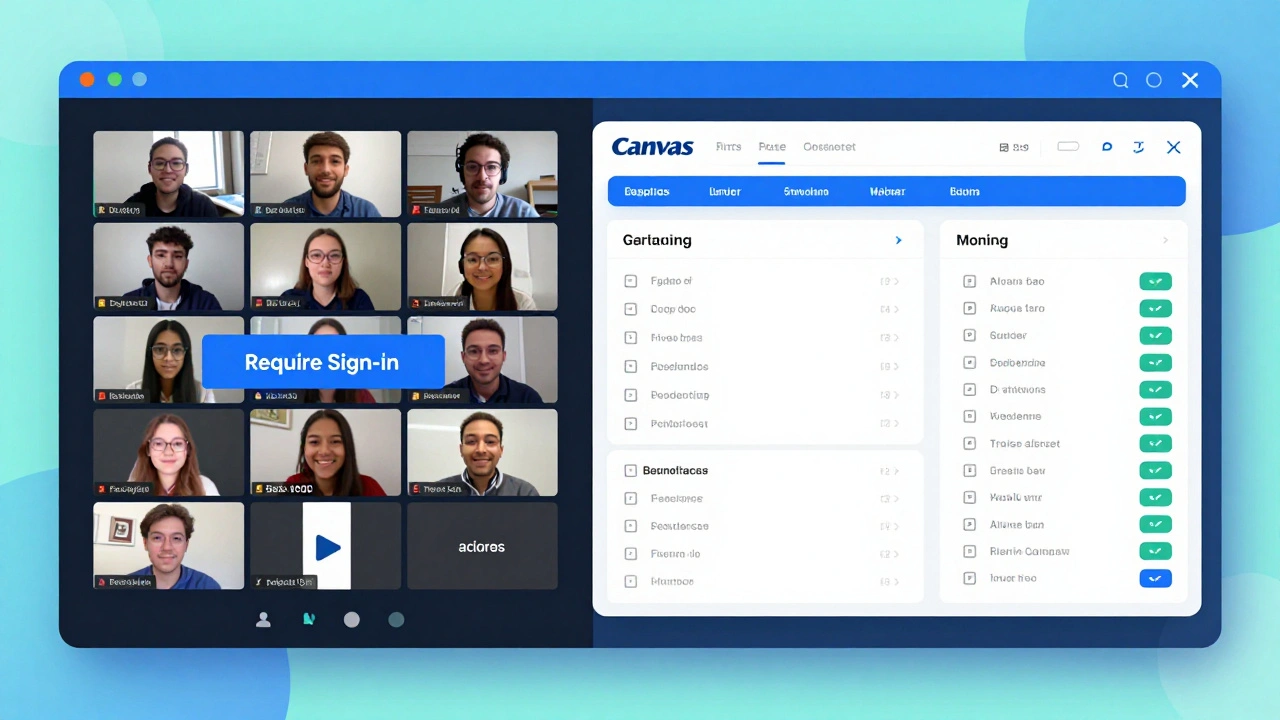
Pro tip: Enable the “Require sign-in to join” setting on Zoom or Teams. That forces students to log in with their school accounts, making it impossible to fake attendance with a guest link.
AI-Powered Attendance: The New Frontier
Some advanced platforms now use AI to go beyond login data. Tools like ClassIn, Top Hat, and Turnitin’s Attendance analyze:
- Camera presence (if enabled)
- Microphone activity
- Chat participation
- Mouse movement and screen focus
For example, Top Hat’s attendance system can detect if a student’s camera is on, if they’re speaking during discussions, or if their cursor has been idle for 5+ minutes. It assigns a participation score-not just a pass/fail attendance mark.
These tools aren’t perfect. Privacy concerns are real. Some students feel watched. But in higher education and professional certification courses, they’re becoming standard. A 2024 survey of 120 UK universities found that 68% now use AI-assisted attendance in at least some of their online courses.
Hybrid Approach: Combine Tools for Accuracy
The most reliable system isn’t one tool-it’s a combo.
Here’s what works for schools in Edinburgh and beyond:
- Use Zoom or Teams for live sessions with sign-in required.
- Enable auto-attendance reports and download them after each class.
- Sync those reports with your LMS (like Moodle or Canvas).
- Require one short quiz or reflection prompt at the end of each session.
- Use the quiz completion as a secondary attendance check.
This method catches the student who joins Zoom but doesn’t engage. If they’re logged in but didn’t take the quiz, they’re marked absent. It also catches the student who submits the quiz but never joined live-they get partial credit, but you know they didn’t participate in the discussion.
At the University of Edinburgh’s online MBA program, this hybrid method reduced fake attendance by 92% and increased real-time engagement by 41% in one semester.
Privacy and Ethics: What You Can’t Ignore
Tracking attendance sounds harmless. But when you start monitoring mouse movements, camera use, or chat patterns, you’re crossing into surveillance territory.
In the UK, the GDPR and the Education Data Protection Code of Practice require schools to:
- Inform students clearly what data is collected and why
- Only collect what’s necessary (no need to track facial expressions)
- Store data securely and delete it after the term ends
- Give students access to their own attendance records
Don’t use tools that record video or audio without consent. Avoid facial recognition. Don’t track location. Stick to login times, participation in activities, and assignment completion. Transparency builds trust.

What to Avoid
Here are three common mistakes schools make:
- Relying on one tool-like only using Google Forms. It’s easy to game and doesn’t integrate with grades.
- Not syncing data-attendance in Zoom, grades in Canvas, and participation in Slack? That’s three separate systems. Use integrations or export/import regularly.
- Waiting until the end of term to check attendance. If a student drops off in week 3, you won’t know until week 12. Check weekly. Reach out early.
Quick Setup Guide for Teachers
Here’s how to set up reliable attendance in under 30 minutes:
- Choose your live platform: Use Zoom or Teams (not Google Meet).
- Enable “Require sign-in” and disable guest access.
- Turn on auto-attendance reports in your platform settings.
- Set up a weekly quiz or reflection in your LMS (Moodle/Canvas) due 1 hour after class ends.
- Use a simple formula: Attendance = (Zoom join time > 80% of class) AND (quiz completed).
- Export weekly attendance reports and save them in a shared folder.
That’s it. No fancy AI. No extra cost. Just better data.
Future Trends: What’s Coming Next
By 2026, we’ll see:
- Blockchain-based attendance logs that students can verify and share with employers
- Integration with wearable devices (like smartwatches) to detect if a student is awake and active during class
- AI that suggests interventions: “Student X has missed 3 sessions this week. Send a check-in message?”
But the core goal won’t change: make attendance accurate, fair, and useful-not just for grades, but for student success.
Can Google Meet track attendance automatically?
No, Google Meet does not have a built-in attendance tracking feature. You can manually note who joins, but there’s no exportable report showing login times or duration. For reliable tracking, use Zoom or Microsoft Teams instead.
Is it legal to track students’ cameras and microphones during virtual classes?
In the UK, under GDPR and the Education Data Protection Code, you can only monitor cameras and microphones if students give clear, informed consent. You must explain why it’s needed, how the data will be used, and how long it will be stored. Recording without consent is a violation. Most schools avoid this by making camera use optional and focusing on participation metrics like quiz completion instead.
What’s the best free tool for attendance in virtual classrooms?
The best free option is Zoom combined with Google Classroom or Moodle. Zoom provides auto-attendance reports in CSV format, and both LMS platforms let you manually mark attendance or link it to assignment submissions. No paid tools are needed for basic tracking.
How do I prevent students from logging in from multiple devices?
Require students to sign in using their official school email or LMS credentials. Platforms like Zoom and Teams integrate with institutional logins (e.g., Microsoft Azure AD or Google Workspace for Education), which tie each account to a verified user. Guest links or personal accounts can be blocked.
Should I count attendance as part of a student’s final grade?
Yes-but not as a penalty. Attendance should be a participation metric, not a punishment. For example, award 5% of the final grade for consistent attendance and engagement, not for perfect presence. This encourages involvement without penalizing students who miss class due to illness or family emergencies. Always offer alternative ways to earn participation points, like submitting a reflection video or discussion post.

Comments (10)
Emmanuel Sadi December 4 2025
Wow so Google Meet is useless for attendance? Guess I wasted 3 years of my life. Maybe next time I’ll just use carrier pigeons. At least they don’t need WiFi.
Nicholas Carpenter December 5 2025
Really appreciate the breakdown here. The hybrid approach with Zoom + LMS quiz is low-effort and high-impact. I’ve been using this for my community college classes and the drop-off rate dropped by half. No fancy AI needed.
Chuck Doland December 6 2025
The ethical considerations outlined in this post are not merely advisable-they are imperative. The conflation of attendance with engagement, particularly when surveillance technologies are deployed under the guise of pedagogical efficacy, constitutes a profound epistemological and ontological violation of student autonomy. One must interrogate not merely the mechanism of tracking, but the underlying ideology of quantification that reduces human presence to data points. The University of Edinburgh’s model, while pragmatic, risks normalizing the panopticon under the banner of educational accountability. Transparency is necessary, but insufficient. Consent must be meaningful, revocable, and uncoerced.
Madeline VanHorn December 7 2025
Ugh. Why are we even using Zoom? It’s so 2020. Everyone knows Teams is the only real option if you’re not a total amateur. And don’t even get me started on Moodle. So clunky.
Glenn Celaya December 8 2025
AI tracking attendance?? Bro. My kid’s school is watching his mouse movements. Like… why? He’s 16 not a spy. Also why are we even doing this? Can’t we just trust kids? Also my wifi sucks so I get marked absent all the time. This is rigged.
Wilda Mcgee December 8 2025
Love this so much! The combo of Zoom + quiz is genius-simple, fair, and actually helps students stay on track. I’ve started adding a 2-sentence reflection at the end of each class and it’s wild how much more they engage. One student even wrote a poem about the lesson. 🥹 You don’t need fancy tech to make learning human. Just a little care and consistency.
Chris Atkins December 9 2025
Been using this exact setup for my ESL classes in Nigeria and it works like a charm. Zoom with sign-in + Google Forms quiz. No drama. No tech headaches. Students actually show up now because they know they gotta do the thing after. No need to overcomplicate it. Keep it simple.
Jen Becker December 11 2025
So you’re saying I can’t just leave my laptop open while I nap? What is this, prison?
Ryan Toporowski December 11 2025
This is gold 🙌 Seriously, the hybrid method is a game-changer. I used to stress every week about attendance. Now I just check the quiz submissions. If they did it, they were there. If not, I DM them a quick ‘Hey, you good?’ No drama, just care. Also… if you’re using Google Meet… 😭 I’m sorry.
Samuel Bennett December 13 2025
Wait so you’re telling me Google Meet doesn’t track attendance and you’re telling people to use Zoom? That’s a Microsoft conspiracy. Zoom is owned by China. Also the GDPR stuff is fake. They’re just trying to control us. I don’t care if they track my mouse. I’m not doing anything wrong. Also your punctuation is wrong. It should be ‘It’s’ not ‘Its’ in the first paragraph. Fix it.