
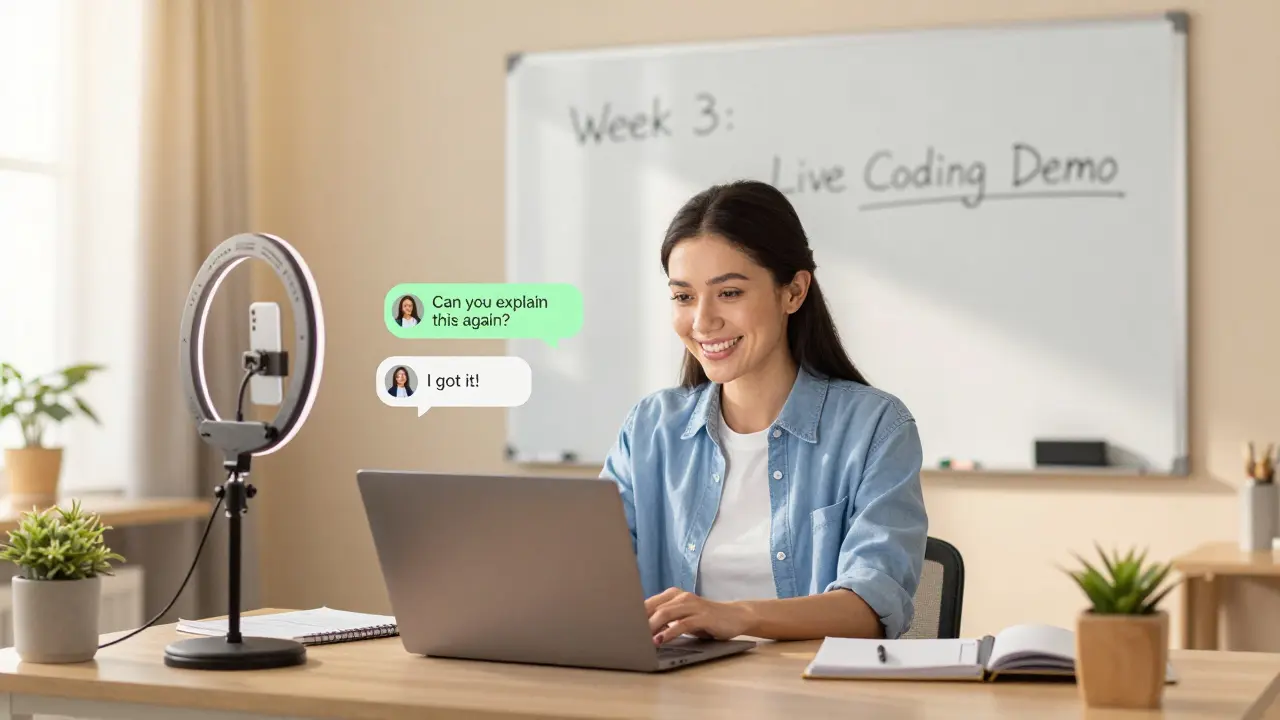
Teaching live online isn’t just about hitting ‘go live’ and hoping for the best. If you’re running courses and want students to stay engaged, learn effectively, and come back for more, you need the right tools and formats. The days of static video uploads are fading. Real-time lessons create connection, urgency, and interaction - things learners crave but rarely get from pre-recorded content.
Why Live Streaming Works Better for Courses
Think about your own learning experience. When you’re in a live class, you raise your hand. You ask questions. You react to the instructor’s tone. You feel like you’re part of something happening right now. That’s not possible with a 30-minute video you watch alone at 2 a.m.
Studies from the University of Michigan in 2025 showed that students in live-streamed courses had 42% higher completion rates than those taking self-paced video courses. Why? Because live sessions create accountability. When you know the instructor is waiting for your input - or that others are watching - you show up.
Live streaming also lets you adapt on the fly. If half the class is struggling with a concept, you can pause, re-explain, or run a quick poll. No editing. No re-uploading. Just real-time teaching.
Top Tools for Live Streaming Courses in 2026
Not all platforms are built for education. Some are made for gaming, others for corporate webinars. You need tools that handle interactive lessons, student management, and reliable streaming - all without a 10-minute setup.
- Zoom for Education: Still the most widely used. It supports breakout rooms, screen sharing, live polls, and recording. Its free tier allows 40-minute sessions - fine for short lessons, but not for full courses. Paid plans start at $14.99/month per host.
- Microsoft Teams for Education: Comes with built-in integration into Office 365. If your school or organization already uses Microsoft accounts, this is the easiest path. It supports assignment tracking, grading, and live Q&A with student names visible. Free for schools with verified .edu domains.
- StreamYard: Designed for creators. It lets you stream to YouTube, Facebook, and Twitch all at once. You can add branded overlays, guest panels, and even live chat moderation. Great if you want to grow your audience beyond enrolled students. Starts at $25/month.
- Google Meet with Classroom: Simple, reliable, and free. Integrates directly with Google Classroom for attendance, assignments, and grading. Limited to 100 participants on the free plan. Best for smaller classes or institutions already in the Google ecosystem.
- Demio: Built specifically for course creators. It has automated reminders, registration pages, replay options, and analytics on engagement. You can schedule recurring sessions and auto-send follow-up materials. Starts at $49/month.
Don’t just pick the tool with the most features. Pick the one that matches your workflow. If you’re teaching 10 students a week, Zoom or Google Meet is enough. If you’re running a 500-student certification course, Demio or StreamYard gives you the control you need.
Formats That Actually Keep Students Engaged
Just streaming a lecture from a desk? That’s not live teaching - that’s a video with a delay. The best live courses mix formats to keep energy high and attention locked in.
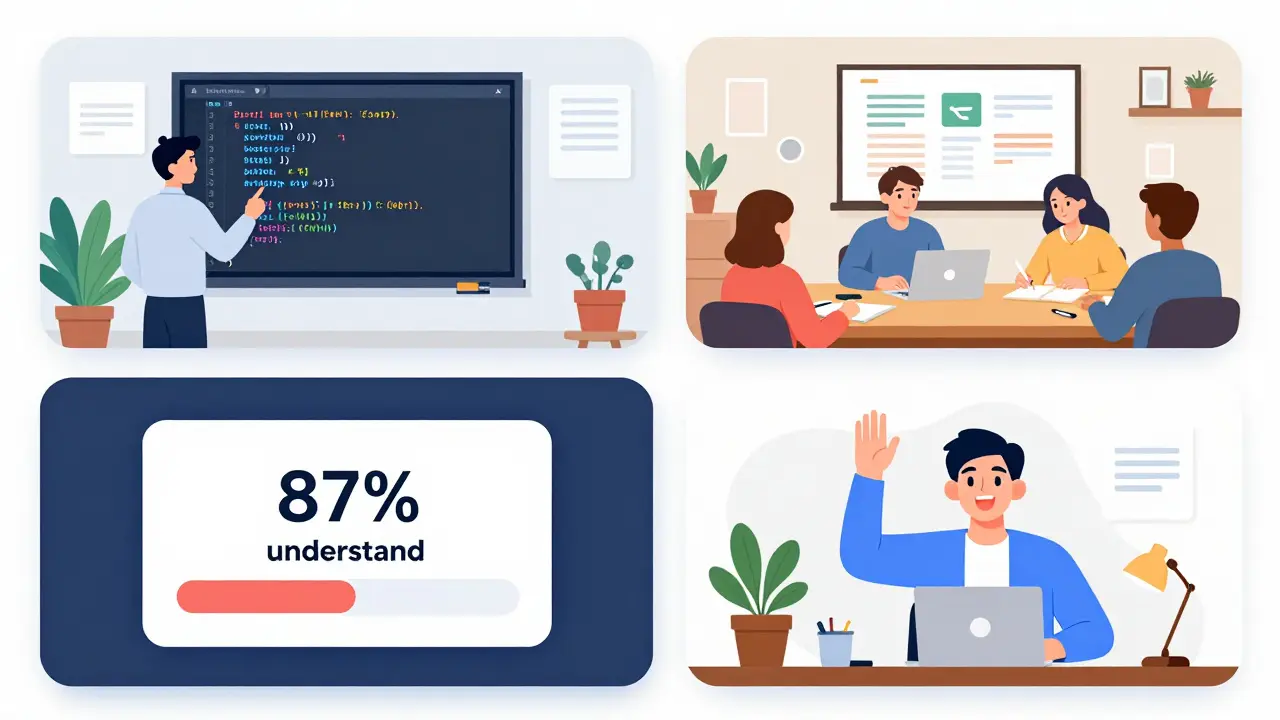
- Live Q&A + Mini-Lecture: Start with 10 minutes of teaching, then open the floor. Use polls to let students vote on what they want to dive into next. This turns passive viewers into active participants.
- Group Breakouts: Split students into teams of 3-5 for problem-solving tasks. Give them 10 minutes to work, then bring them back to share results. This builds community and lets you see who’s really getting it.
- Live Coding or Demonstration: If you teach tech, design, or writing, show your screen. Type live. Make mistakes. Fix them. Students learn more from watching you struggle than from seeing a polished final product.
- Student Spotlight: Invite one student each session to share their project or ask for feedback. It builds confidence and makes others feel like they’re part of a learning community.
- Hybrid Format: Live + On-Demand: Stream the lesson live, then immediately upload the recording. Add timestamps for key sections. This gives flexibility without losing the live experience.
One course creator in Berlin runs weekly live coding sessions using StreamYard. She starts with a 15-minute tutorial, then opens the floor. Students submit their code in the chat. She picks three to review live. Attendance has grown 70% in six months because students know they might be the one featured.
What Not to Do
Even with great tools, bad habits kill engagement.
- Don’t go silent for minutes: If you’re waiting for someone to unmute or for tech to load, say something. “I’m checking the connection - hang tight.” Silence feels like abandonment.
- Don’t ignore the chat: Assign a co-host or TA to monitor questions. If you’re the only one managing tech and teaching, you’ll miss half the feedback.
- Don’t stream without a script: Even a loose outline keeps you on track. Random rambling confuses learners and makes them tune out.
- Don’t forget lighting and sound: A blurry face or muffled voice is a deal-breaker. Use a simple ring light and a $30 USB mic. Your students notice.
- Don’t skip the intro: Say who you are, what today’s goal is, and how to participate. It sets the tone.
How to Scale Without Losing Quality
As your course grows, you can’t be the only one managing everything. Here’s how to keep it personal, even with 200+ students.
- Use teaching assistants: Assign one TA to handle tech, another to moderate chat, and a third to collect feedback after each session.
- Create templates: Have a standard agenda: 5-min intro, 20-min lesson, 10-min Q&A, 5-min wrap-up. Repeat it every time. Students know what to expect.
- Record and repurpose: Turn live sessions into short clips for social media. A 3-minute highlight from your lesson can attract new students.
- Use automation: Tools like Demio or Zapier can auto-send post-session emails with slides, recordings, and next steps. No manual work needed.
A math tutor in Texas went from 15 to 120 students in four months. She didn’t change her teaching style. She added one assistant, started using Demio for scheduling, and automated follow-ups. Her retention rate stayed at 89%.
What to Measure
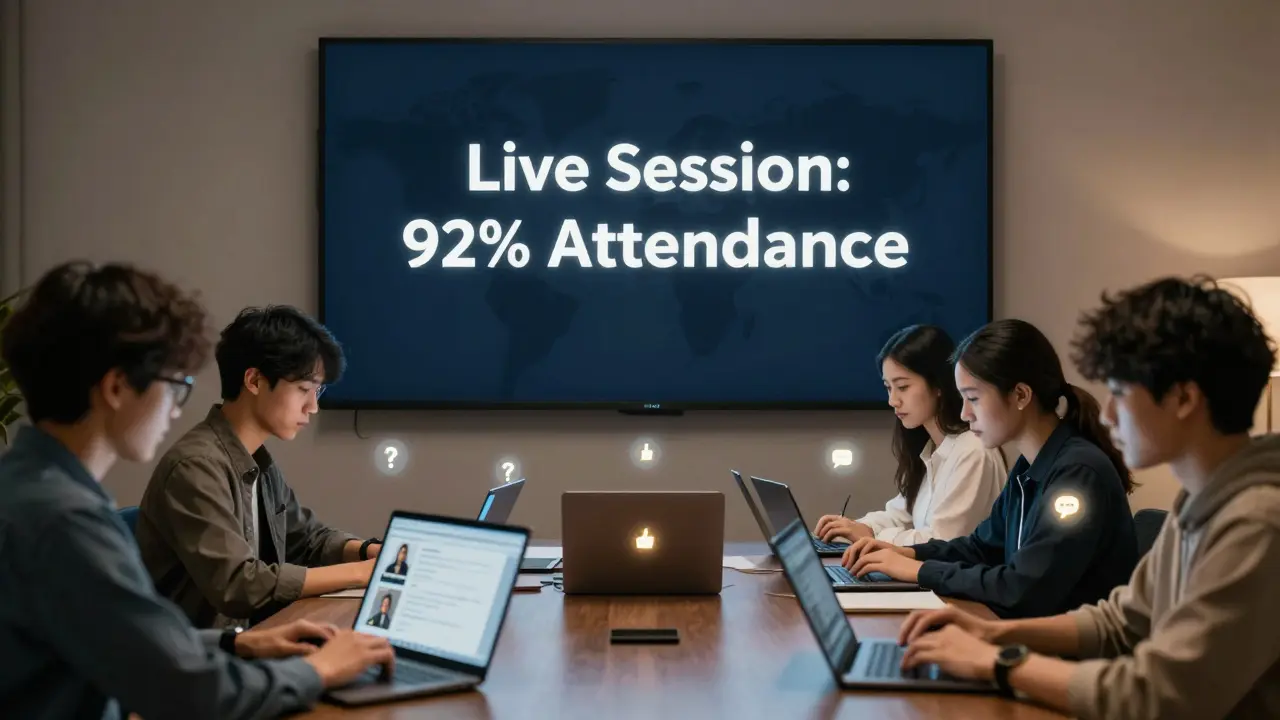
You can’t improve what you don’t track. Focus on these three metrics:
- Attendance rate: How many enrolled students show up live? Below 60%? You need to adjust timing, format, or incentives.
- Engagement score: Count how many students ask questions, use reactions, or join breakouts. Tools like Zoom and Demio show this automatically.
- Completion rate: After 4 sessions, how many are still attending? Drop-offs often happen around week 2. That’s your signal to add more interaction.
One course in Toronto noticed 40% of students dropped off after the second session. They added a 5-minute “student win” segment where someone shared a small victory. Completion jumped to 82%.
Start Simple. Improve Fast.
You don’t need fancy gear or a studio. You just need to show up, interact, and listen. Pick one tool. Try one format. Get feedback. Adjust. Repeat.
Live streaming for courses isn’t about perfection. It’s about presence. Students don’t remember your lighting setup. They remember the moment you helped them understand something they’d struggled with for weeks.
Can I use YouTube Live for teaching courses?
Yes, but with limits. YouTube Live works for public courses or free content. It doesn’t support private sessions, student management, or assignment tracking. You’ll need to use Google Classroom or another LMS separately to handle enrollments and grading. It’s great for broad reach but not for structured, private courses.
Do I need to pay for live streaming tools?
Not always. Zoom, Google Meet, and Microsoft Teams offer free tiers that work for small groups. But if you’re running a paid course with more than 20 students, paid tools like Demio or StreamYard give you automation, branding, analytics, and reliability that free tools can’t match. The cost is usually less than $50/month - far less than losing one student.
How do I handle tech issues during a live lesson?
Always have a backup plan. Test your setup 30 minutes before each session. Use a wired internet connection, not Wi-Fi. Keep a phone ready to join as a backup participant. If you lose audio, ask students to type questions in chat. If the stream drops, restart quickly and apologize briefly - most students understand. Never panic. Your calm keeps them calm.
Should I record my live lessons?
Always. Even if you’re teaching live, recordings become your evergreen content. Students who miss a session can catch up. You can reuse clips for social media. And if you ever want to turn your course into a self-paced product, the recordings are your foundation. Most platforms auto-record - just make sure to inform students beforehand.
What’s the best time to schedule live courses?
It depends on your audience. For working adults, Tuesday and Thursday evenings (6-8 p.m. local time) have the highest attendance. For students, mid-morning (10 a.m.-12 p.m.) works best. Test two slots over four weeks. Track who shows up. Then stick with the winner. Don’t assume - measure.
If you’re just starting, begin with one tool, one format, and one group of 10 students. Master that. Then scale. Live teaching isn’t about having the most advanced setup - it’s about showing up, listening, and making learning feel human again.

Comments (9)
Jawaharlal Thota March 16 2026
Let me tell you something I’ve seen firsthand teaching live courses to rural students in India-this isn’t just theory, it’s survival. When you’re streaming from a village with spotty internet, every second of engagement matters. I started with Google Meet, free tier, no fancy gear. Just a phone on a stack of books, a $20 mic from Amazon, and a whiteboard I drew on with a marker. The first week, attendance was 30%. Second week? I added a 5-minute student spotlight-just one kid, every session, sharing how they applied the lesson. By week four, attendance hit 88%. Not because I had better tech, but because I made them feel seen. Live teaching isn’t about the platform-it’s about the human moment. That moment when a 16-year-old girl in Odisha types ‘I finally get it’ in chat and you pause, smile, and say ‘I knew you could.’ That’s the magic. No algorithm, no AI, just presence. And yeah, Demio’s great, but if you’re not listening to your students, you’re just broadcasting into the void.
Start small. One tool. One format. One student who says ‘thank you’ at the end. That’s your metric. Not completion rates. Not engagement scores. A real human moment. That’s what lasts.
I’ve had students quit their jobs because a live session changed their career path. That’s the power of showing up-not perfectly, just consistently. And if you’re reading this and thinking ‘I don’t have time,’ I get it. I was you. Two years ago. Now I train other teachers. All because I dared to hit ‘go live’ with a shaky connection and zero confidence. You can too.
Don’t wait for perfect. Just show up. They’ll show up too.
-J.T.
Lauren Saunders March 16 2026
Oh please. You’re romanticizing ‘live teaching’ like it’s some sacred ritual. Let’s be real-most of these ‘live sessions’ are just poorly lit lecturers reading slides while students scroll TikTok in the background. The ‘42% higher completion rate’? Probably cherry-picked from a study funded by Zoom’s marketing team. And Demio? For $49/month? That’s a glorified calendar with a chat box. Real educators use LMS platforms with LTI integration, not flashy streaming tools designed for influencers. Also, ‘student spotlight’? That’s performative pedagogy. You’re not teaching-you’re curating content for Instagram. If you want engagement, stop treating students like audience members and start treating them like collaborators. But hey, if you need a $30 USB mic to feel like a ‘real teacher,’ go ahead. I’ll be over here using a properly configured Moodle instance with peer-reviewed assessment rubrics. Oh, and please stop saying ‘showing up’ like it’s a yoga retreat. Teaching is work. Not a vibe.
-L.S.
sonny dirgantara March 18 2026
lol i just use zoom and it works fine. sometimes the audio cuts out but i just say ‘hey can u unmute?’ and we move on. no need for all this fancy stuff. i teach 8 kids and we just chill. one time someone’s dog barked and we all laughed. that’s the good stuff. demio? what even is that. i dont care. just hit go live and talk. if they dont show up, they dont wanna learn. simple.
also i use a lamp as a light. it’s bright enough. no ring light needed. my cat sits on my lap during class. she’s my co-teacher. she’s better than demio.
-sonny
Andrew Nashaat March 19 2026
Oh, you ‘forgot’ to mention that YouTube Live doesn’t allow private sessions? That’s not an oversight-it’s a fundamental failure of the platform. And you call that ‘good for broad reach’? That’s like saying a public toilet is ‘good for broad access’-congratulations, now everyone can pee in your classroom. Also, ‘$30 USB mic’? You’re kidding, right? A Blue Snowball iCE costs $60 and actually has a cardioid pattern. A $30 mic? That’s a $30 mic. It picks up keyboard clacks, your neighbor’s dog, and your own breath like it’s a nature documentary. And ‘don’t forget lighting’? You think a ring light is optional? If your face looks like a shadow puppet show, you’re not teaching-you’re performing a horror skit. And ‘no script’? That’s not ‘real’-that’s unprofessional. A ‘loose outline’? You mean a bullet point? That’s not an outline, that’s a grocery list. If you can’t structure a 45-minute lesson with a clear objective, transition, and closure, you shouldn’t be teaching. Also-‘student win’ segment? That’s not pedagogy, that’s emotional manipulation. You’re rewarding participation like it’s a game show. And you’re surprised people drop off? Of course they do. You’re treating education like a YouTube series. It’s not. It’s a discipline. And you’re doing it wrong. Fix your mic. Fix your lighting. Fix your structure. Or stop pretending you’re an educator. -A.N.
Gina Grub March 20 2026
Live streaming? More like live performance art. You’ve got this whole ‘community’ narrative, but it’s just a thinly veiled attention economy. Student spotlight? That’s not inclusion-it’s spectacle. You’re turning learning into a talent show. And Demio? Please. It’s a corporate tool repackaged as ‘for creators.’ It’s not about automation-it’s about monetizing presence. You say ‘show up’ like it’s a mantra, but what you’re really selling is performative presence. The data? 42% higher completion? That’s not because of interaction-it’s because of FOMO. You’re not teaching. You’re creating a social contract of obligation. And let’s talk about the ‘hybrid format.’ That’s not flexibility-that’s dilution. You’re not enhancing the live experience-you’re cannibalizing it with on-demand. You’re turning a living, breathing moment into a commodity. The real question isn’t which tool to use-it’s why we’ve reduced education to a livestreamed spectacle. What happened to deep, slow, reflective learning? What happened to silence? To thought? To the space between words? You’ve replaced pedagogy with performance. And we’re all just spectators now.
-G.G.
Nathan Jimerson March 22 2026
I’ve been running live coding sessions for beginners for three years now. Started with 5 students. Now I have 140. I use Google Meet. No fancy tools. No branding. Just me, a screen share, and a whiteboard. The key? Consistency. Same time. Same format. Always start with ‘what’s one thing you struggled with this week?’ I don’t even call it Q&A. I just ask. And I listen. Not to respond. To understand. I’ve had students cry in chat because they finally understood recursion. I’ve had people say, ‘I didn’t think I could do this.’ And I say, ‘You already did.’ That’s it. No Demio. No StreamYard. Just presence. And patience. You don’t need more features. You need more heart. And if you’re overcomplicating it, you’re missing the point. Keep it simple. Show up. Listen. That’s all.
-N.J.
Sandy Pan March 23 2026
There’s a philosophical tension here, isn’t there? Between presence and performance. Between connection and control. The post frames live streaming as a solution-‘the days of static video are fading’-but what if static video isn’t the problem? What if the problem is the assumption that learning must be mediated by visibility? That we must be seen to be valid? That our value as learners is tied to our participation metrics? The ‘42% higher completion’ statistic doesn’t tell us whether learning was deeper-it tells us whether compliance was higher. And the tools? They’re not neutral. Zoom doesn’t just facilitate connection-it commodifies attention. Demio doesn’t just automate-it gamifies presence. We’re not just choosing platforms-we’re choosing epistemologies. Are we learning to know? Or are we learning to be seen? The student who types ‘I finally get it’ in chat-is that a moment of understanding? Or a moment of social performance? I don’t have answers. But I’m asking. And maybe that’s the first step. Not picking a tool. But questioning why we need one at all.
-S.P.
Eric Etienne March 23 2026
Wow. This is the most overthought thing I’ve read all year. You people act like live teaching is rocket science. It’s not. You don’t need a script. You don’t need a ring light. You don’t need Demio. You just need to talk. And if your students aren’t showing up? Maybe your content sucks. Maybe you’re boring. Maybe you’re not actually helping them. Stop blaming the tools. Start asking: ‘Why would anyone care?’ I’ve seen people teach 200-person courses on Discord with zero setup. Just voice. No video. No slides. Just a guy talking. And people came back. Why? Because he was real. Not because he had ‘engagement analytics.’ So stop over-engineering. Just teach. And if you can’t? That’s fine. But don’t pretend you’re an expert because you spent $50 on a tool. You’re not. You’re just trying to look like you are.
-E.E.
Pamela Tanner March 25 2026
Thank you for this thoughtful breakdown. I want to gently correct one misconception: the claim that ‘free tools are enough’ ignores accessibility. Not everyone has a stable internet connection, a quiet room, or a $30 mic. If you’re teaching students from low-income households, rural areas, or marginalized communities, ‘just use Zoom’ isn’t a solution-it’s a barrier. The real innovation isn’t in the platform’s features-it’s in how we adapt them. I use Google Meet with a single TA who handles chat, tech, and translation for non-native speakers. We record everything and upload to a private Google Drive folder with captions. No Demio. No StreamYard. Just intentional design. And yes-we measure attendance, engagement, and completion. But we also measure equity. Did the student who joined from a library computer get the same chance to speak? Did the one with dyslexia get captions? Did the one with no home Wi-Fi get a download link? Tools don’t make teaching human. Intention does. And if you’re not asking those questions, you’re not teaching-you’re broadcasting.
-P.T.