

Adaptive Learning is an educational method that uses computer algorithms to orchestrate the interaction of the student with the instructional materials. While the goal is to tailor the pace and content to the individual, the actual execution often overlooks the physical and cognitive needs of the learner. If a system adapts the content but not the delivery method, it fails the most vulnerable students.
Quick Wins for Inclusive Design
- Flexible Input Methods: Let users choose between typing, speaking, or clicking.
- Consistency in Navigation: Don't move the 'Next' button just because the content changed.
- Multi-Modal Content: Every adaptive text block should have an audio or visual alternative.
- User-Controlled Pacing: Ensure the algorithm doesn't force a speed that precludes the use of screen readers.
The Friction Between Algorithms and Assistive Tech
Most adaptive systems rely on a feedback loop: the student answers a question, the system analyzes the data, and the path shifts. However, this loop often breaks when Assistive Technology is software or hardware that helps people with disabilities perform tasks that would otherwise be difficult or impossible is involved. For instance, a screen reader might struggle with a dynamic interface that updates content in real-time without refreshing the page. If the 'adaptive' part of the lesson changes the layout suddenly, a blind user might lose their place entirely.
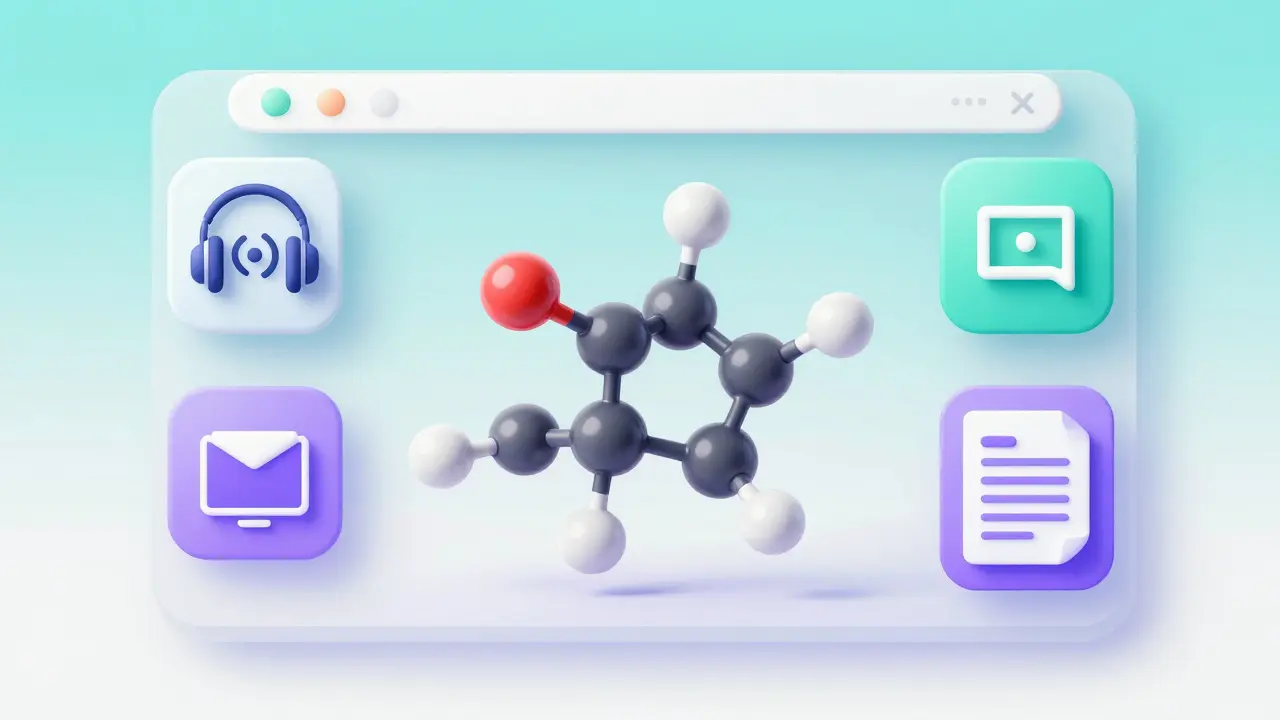
Take a real-world scenario: a chemistry module that adapts by introducing a complex 3D molecule model when a student misses a conceptual question. If that model isn't tagged with proper ARIA (Accessible Rich Internet Applications) labels, the student using a screen reader is effectively locked out of the remedial help they actually need. The algorithm thinks it's helping, but the interface is hindering.
Aligning with WCAG 2.2 Standards
You can't just 'wing it' with accessibility. You need a framework. The Web Content Accessibility Guidelines (WCAG) 2.2 is the international gold standard for making web content more accessible to people with disabilities provides the roadmap. In adaptive learning, three specific principles are non-negotiable: Perceivability, Operability, and Understandability.
Perceivability means the user can see or hear the adaptive shift. If a system highlights a wrong answer in red to guide the user, a color-blind student won't see that cue. You need a secondary indicator-like an icon or a text label-to communicate the same information. Operability ensures that the adaptive path doesn't require a mouse for complex drag-and-drop interactions, which are nightmares for people with motor impairments.
| Adaptive Feature | Potential Accessibility Barrier | WCAG 2.2 Solution |
|---|---|---|
| Dynamic Content Updates | Screen readers don't announce the change | Use ARIA live regions |
| Time-based Challenges | Users with cognitive delays can't keep up | Allow time extension/removal |
| Interactive Simulations | Keyboard-only users cannot navigate | Full keyboard focus indicators |
| Visual Progress Maps | Blind users can't perceive the 'path' | Text-based summary of progress |
Solving the Cognitive Load Problem
Adaptive learning often tries to keep students in the 'Zone of Proximal Development,' but for neurodivergent learners, the constant shifting of content can actually cause cognitive overload. A student with ADHD might find a constantly changing interface distracting, while a student on the autism spectrum might find the unpredictable nature of a dynamic path anxiety-inducing.
The fix is simple: predictability. Even if the adaptive learning accessibility depends on shifting content, the structural elements-the menus, the save buttons, and the help icons-must remain static. Give the user a 'map' of where they are in the adaptive journey. When the system decides to pivot the lesson, it should explicitly tell the user: 'Based on your last answer, we're going to explore this concept from a different angle.' This transparency reduces anxiety and helps the brain transition to the new material.
The Role of Universal Design for Learning (UDL)
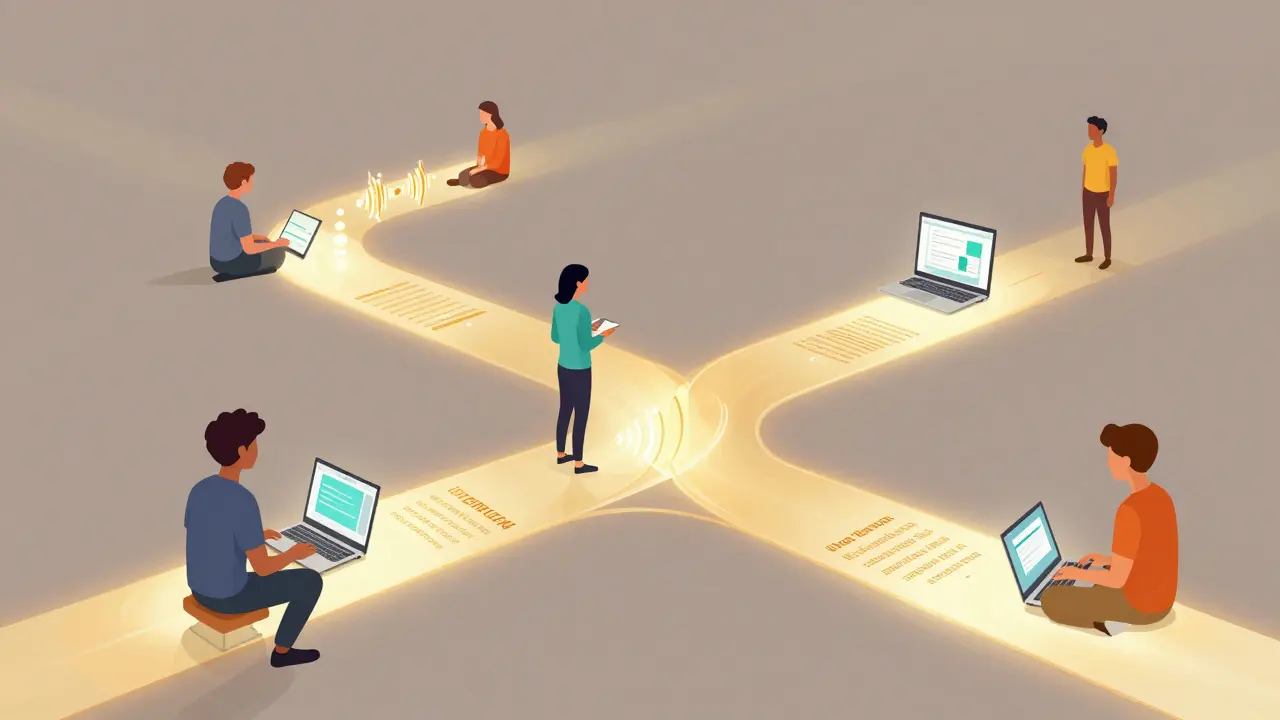
Universal Design for Learning (UDL) is a framework to improve and optimize teaching and learning for all people based on scientific insights into how humans learn . Instead of creating a 'standard' path and then adding accessibility 'patches' for disabled users, UDL suggests building the system for everyone from the start. In an adaptive context, this means providing multiple means of representation.
For example, instead of the system choosing one 'best' remedial video, it should offer a choice: 'Would you like to watch a captioned video, read a summarized article, or listen to an audio explanation?' By letting the user choose the medium, the adaptive algorithm focuses on the *what* (the content) while the user controls the *how* (the delivery). This shifts the power back to the learner and ensures the path is truly inclusive.
Common Pitfalls in Adaptive EdTech
Many developers fall into the trap of thinking that 'AI' equals 'Accessibility.' They assume that because a system is smart, it will automatically figure out that a user is struggling. But an algorithm that tracks 'time spent on page' might mistake a slow reader for a struggling student, triggering a 'simpler' path that actually insults the user's intelligence or ignores their disability.
Another common mistake is ignoring the 'alt-text' for dynamic images. If the adaptive system generates a graph on the fly to explain a math problem, that graph needs a dynamic description. A static description like 'Graph of a line' isn't enough. It needs to be 'A line starting at (0,0) and rising at a 45-degree angle,' updated in real-time as the graph changes.
Future-Proofing Your Learning Paths
As we move toward more immersive environments, like VR-based adaptive learning, the stakes get higher. Spatial accessibility-ensuring a user in a wheelchair or someone with limited mobility can 'reach' adaptive elements in a 3D space-is the next big challenge. We need to move away from the idea of accessibility as a checklist and start seeing it as a core component of the user experience.
Testing with real people is the only way to ensure a path is actually accessible. Automated accessibility checkers are great for catching missing tags, but they can't tell you if a learning path is frustrating or confusing. Run your adaptive software through a group of users with diverse needs. Their feedback will reveal the gaps that no algorithm can find.
Does adaptive learning always benefit students with disabilities?
Not automatically. While it has the potential to provide much-needed scaffolding, it can actually create new barriers if the interface isn't accessible. For example, if an adaptive path uses complex animations to explain a concept, it may be inaccessible to users with photosensitive epilepsy or visual impairments unless alternatives are provided.
What is the biggest mistake in adaptive path design?
The biggest mistake is focusing solely on the content algorithm and ignoring the delivery mechanism. Designers often spend months perfecting the 'learning logic' but forget to ensure that the buttons, labels, and navigation are compatible with screen readers and keyboard-only navigation.
How do ARIA labels help in adaptive learning?
ARIA (Accessible Rich Internet Applications) labels provide a way to tell assistive technologies what is happening on a page when the visual change isn't obvious. In adaptive learning, they can be used to notify a screen reader that a new set of questions has appeared or that a progress bar has updated without requiring the user to refresh the page.
Can UDL coexist with automated adaptive paths?
Yes, and it should. The best systems combine the two: the algorithm suggests the most effective content based on performance, but the UDL framework allows the user to choose how they consume that content (e.g., text, audio, or video).
Is WCAG 2.2 enough for educational software?
WCAG 2.2 is an excellent baseline and legally required in many jurisdictions, but for education, you should also look at UDL and specific cognitive accessibility guidelines. Educational software often requires deeper considerations for focus, memory, and sustained attention than a standard corporate website.
Next Steps for Educators and Developers
If you're building or buying an adaptive system, start with an accessibility audit. Check if the platform supports keyboard navigation and if all dynamic elements have corresponding text descriptions. If you're an educator, advocate for "User-Controlled Adaptation," where students can tweak the system's delivery method to suit their needs.
For those in the development phase, prioritize the creation of a "fallback path." This is a simplified, linear version of the course that remains accessible even if the complex adaptive algorithms fail or if the user's assistive technology cannot handle the dynamic shifts. It's the digital equivalent of a fire exit-hopefully not needed, but vital for safety and access.

Comments (9)
Mbuyiselwa Cindi April 30 2026
This is such a great breakdown of the gaps in current EdTech. I've seen so many students struggle because the software just doesn't "get" their specific needs, and focusing on the delivery method rather than just the logic is exactly where we need to be heading. Putting the power back in the learner's hands via UDL is a total game changer for inclusivity!
Nathan Pena May 1 2026
The premise is fundamentally pedestrian. While the author correctly identifies the failure of current ARIA implementations, the suggestion that "predictability" solves cognitive overload is a superficial analysis of neurodivergence. One must wonder if the author possesses any actual background in cognitive psychology, or if this is merely a collection of buzzwords designed to satisfy a surface-level craving for "inclusivity." The structural linearity requested is a regression in pedagogical design.
Krzysztof Lasocki May 2 2026
Oh sure, just add a few buttons and suddenly the algorithm is a genius! But seriously, I love the energy here. Let's just make everything a choice and watch the magic happen. Who needs a structured curriculum when you have a 'choose your own adventure' book for chemistry, right? Totally optimistic about this!
Henry Kelley May 3 2026
i think its just fair to say we all want the same thing here. maybe the deves just didnt think about it that way before. its a good start to get the convo goin without fightin over who is right
VIRENDER KAUL May 4 2026
The lack of rigorous quantitative metrics in this proposal is appalling
You speak of WCAG 2.2 as if it is a panacea yet you ignore the latency issues inherent in real-time ARIA updates across low-bandwidth regions. This is a classic case of Western-centric design being pushed as a global standard without considering the infrastructure of the Global South. Truly an amateur observation
Sarah Meadows May 5 2026
We need to stop outsourcing our educational frameworks to global standards that dilute American excellence. If we're talking about a strategic pivot toward a robust UX architecture, we should be leveraging proprietary US-led innovation in AI-driven accessibility rather than playing catch-up with international guidelines. This is about maintaining a competitive edge in the global pedagogical marketplace. Get the technical stack right and stop worrying about the fringe cases that slow down the primary deployment pipeline. We need a high-velocity rollout of these tools to secure our intellectual hegemony in the EdTech sector.
Mike Marciniak May 5 2026
The real question is why the algorithms are tracking our 'time on page' in the first place. You think it's for 'adaptive learning' but it's actually just data harvesting for biometric profiling. Once the AI knows exactly how your brain processes information, they can manipulate your learning path to steer your political beliefs. These 'accessibility' features are just a way to get us to trust the software more while it maps our cognitive weaknesses.
Tonya Trottman May 6 2026
Im sorry but the lack of a comma in the second paragraph of the 'Common Pitfalls' section is practically an act of violence. And please, let's not pretend that 'Universal Design' is some deep philosophical breakthrough when it's basically just common sense rebranded for people who need a fancy acronym to feel important. It's honestly precious that people think a 'fallback path' is a revolutionary concept in software engineering. How quaint.
Victoria Kingsbury May 7 2026
Love the focus on the heuristic evaluation of these paths! It's all about reducing the cognitive load to optimize the UX for neurodiverse users. The intersection of UDL and adaptive logic is such a vibe for the future of schooling.