

Imagine losing the only key to your house. You can’t call a locksmith who has a master copy because there isn’t one. That’s the reality of private keys. They are the mathematical backbone of digital ownership, from securing your bank login to controlling your Bitcoin wallet. If you lose them, or someone else steals them, you’re out. There is no "forgot password" link for true cryptographic sovereignty.
But here’s the kicker: most people treat these keys like passwords. They stick them in text files, email them to themselves, or leave them on unencrypted hard drives. In 2024 alone, Chainalysis reported that private-key compromises accounted for nearly 44% of all stolen cryptocurrency value. That’s not just bad luck; it’s a failure of process. Whether you’re running a small business with TLS certificates or holding significant crypto assets, protecting your private keys requires a shift in mindset from convenience to operational discipline.
What Exactly Is a Private Key?
To protect something, you need to know what it is. A private key is a secret cryptographic string used in asymmetric cryptography. It works in tandem with a public key. While the public key can be shared freely-like an email address-the private key must remain hidden. It allows you to sign transactions, decrypt messages, and prove identity. The relationship is mathematically one-way: you can derive the public key from the private one, but you cannot reverse the process to find the private key without brute-forcing through billions of possibilities.
This asymmetry is why standards bodies like NIST (National Institute of Standards and Technology) are so strict about key management. According to NIST SP 800-57, the integrity and confidentiality of the private key are paramount. If that string leaks, the attacker doesn’t just see your data; they become you. They can sign documents as you, spend your coins, or authenticate as your server. Unlike a password, which you can change after a breach, a compromised private key often means starting over with a new identity pair, potentially losing access to historical records or funds if recovery wasn’t planned.
The Lifecycle: From Birth to Death
Keys aren’t static objects; they have a lifecycle. Ignoring this leads to "key rot," where old, forgotten keys linger in systems, creating attack surfaces nobody monitors. The lifecycle starts with generation. Never generate keys on a device connected to the internet if you can avoid it. Use a cryptographically secure random-number generator (CSPRNG). For high-value assets, this should happen inside a validated module, such as a Hardware Security Module (HSM).
Once generated, the key enters its active period. This is when it’s used for signing or decryption. But keys shouldn’t live forever. OWASP guidelines suggest rotating keys based on risk exposure. If a server is hacked, even if the key wasn’t stolen, assume it was exposed. Rotation involves generating a new key pair, updating dependent systems, and securely destroying the old private key. Destruction is critical. Simply deleting a file isn’t enough; you need secure erasure to prevent forensic recovery of the memory blocks where the key resided.
| Stage | Action | Risk Mitigation |
|---|---|---|
| Generation | Use CSPRNG in isolated environment | Prevents weak entropy attacks |
| Storage | HSM, Secure Enclave, or Encrypted Vault | Protects against malware/memory scraping |
| Usage | Sign/Decrypt within boundary | Keys never leave secure area in plaintext |
| Backup | Encrypted, geographically separated | Ensures recovery without single point of failure |
| Destruction | Cryptographic erasure | Prevents forensic recovery of deleted keys |

Where Should You Store Them?
If your private key sits in a plain text file on your desktop, you’re already vulnerable. Malware today is sophisticated enough to scan memory and specific directories for patterns resembling keys. The gold standard for storage is isolation. This means keeping the key material inside a hardware boundary where it cannot be exported in plaintext. Examples include Hardware Security Modules (HSMs), Trusted Platform Modules (TPMs), and secure elements found in modern smartphones and laptops.
For cloud environments, services like AWS KMS, Azure Key Vault, or HashiCorp Vault offer managed solutions. These platforms keep the actual key material in their own HSMs, exposing only an API to interact with the key. You send data to encrypt; the service returns ciphertext. The key never leaves the vendor’s secure enclave. This reduces your operational burden but introduces dependency on the provider’s availability and security posture.
For individuals managing cryptocurrency, hardware wallets (like Ledger or Trezor) act as personal HSMs. They store the seed phrase (which generates multiple private keys) in a chip that signs transactions internally. When you approve a transaction, the device displays the details on its own screen. This prevents "blind signing," where malware tricks you into approving a transaction you didn’t intend to make. However, remember that a hardware wallet is only as good as your backup strategy. If you lose the device and haven’t written down the recovery phrase, your funds are gone.
The Human Factor: Backups and Recovery
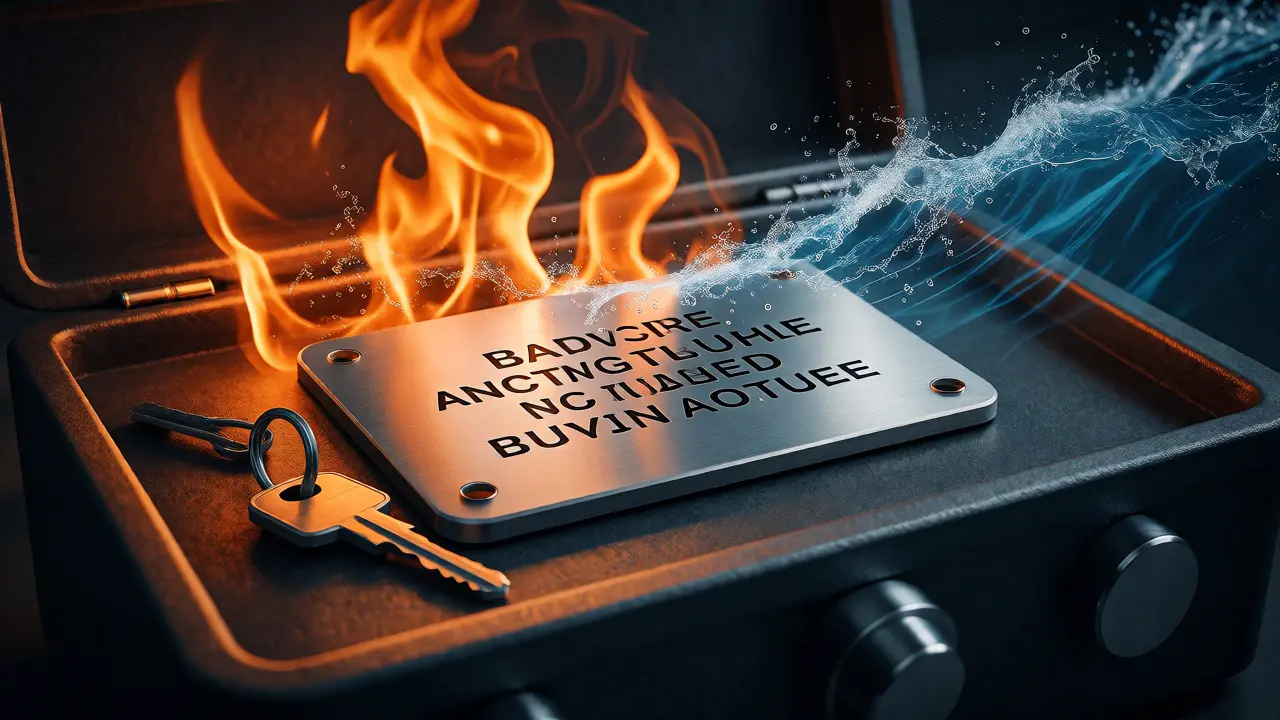
Technology fails. Drives corrupt, devices get lost, and fires happen. Your backup strategy is your insurance policy. For cryptographic seeds, specifically BIP-39 mnemonic phrases used in Bitcoin and Ethereum, writing words on paper is risky. Paper burns, fades, and gets wet. Metal backups, engraved onto stainless steel plates, are far more resilient against fire and water.
A common mistake is storing backups in the same location as the primary key. If your house burns down, you lose both. Geographic separation is key. Keep one copy in a home safe and another in a bank deposit box or with a trusted family member. Also, test your restoration. Many people discover during a crisis that their backup method was flawed-perhaps they wrote down the wrong word order or forgot a passphrase. Perform a dry run: wipe a test wallet and restore it using only your backup materials.
Passphrases add complexity. Some wallets allow an optional "25th word" or passphrase that creates a hidden wallet. If you forget this passphrase, the wallet appears empty, but the funds are still there. However, unlike a seed phrase, a forgotten passphrase is unrecoverable. Do not store the passphrase next to the seed phrase. If someone finds both, they have full access. Store them separately.
Threats and Real-World Failures
Let’s look at what actually goes wrong. It’s rarely a complex mathematical break of RSA encryption. It’s usually human error or simple malware. The Zanubis mobile trojan, identified by Kaspersky in 2025, used fake apps and screen recording to steal credentials. Users thought they were logging into their bank, but they were feeding their private keys to attackers.
Another frequent issue is accidental exposure. Developers sometimes commit production keys to GitHub repositories. Once public, bots scrape these keys within minutes. Even if you delete the commit, the history remains unless you rewrite it completely. Similarly, leaving an unencrypted backup on a cloud drive synced across devices means every device holds a potential entry point.
Phishing remains the top vector for individual users. Attackers create convincing replicas of wallet support pages. They ask you to enter your seed phrase to "verify" your account. Remember: legitimate support will never ask for your private key or seed phrase. Ever. If a website asks for it, close the tab.
Best Practices Checklist
- Generate Offline: Create keys on air-gapped machines or hardware devices.
- Never Share: Private keys and seed phrases are bearer instruments. Anyone with them owns the asset.
- Use Hardware: For significant value, use HSMs or hardware wallets to keep keys off general-purpose computers.
- Encrypt Backups: If you must export keys, encrypt them under a separate Key Encryption Key (KEK).
- Rotate Regularly: Change keys after staff departures, suspected breaches, or according to policy timelines.
- Test Recovery: Verify backups work before relying on them in emergencies.
- Destroy Properly: Securely wipe old keys to prevent forensic recovery.
Protecting your private key isn’t about paranoia; it’s about understanding the finality of cryptographic control. By treating these secrets with the respect they demand-through isolation, careful backup, and disciplined lifecycle management-you ensure that your digital identity and assets remain yours, regardless of who tries to take them.
Can I recover my private key if I lose my hardware wallet?
Yes, provided you have your backup seed phrase (usually 12, 18, or 24 words). The hardware wallet itself is just a tool to generate and sign transactions. As long as you have the seed phrase, you can restore your wallet on any compatible device or software. If you lose both the device and the seed phrase, the funds are permanently inaccessible.
Is it safe to store private keys in a password manager?
It depends on the value of the assets. Password managers are convenient and encrypted, but they rely on the security of your computer and the master password. For large sums, dedicated hardware wallets or metal backups are safer because they isolate the key from everyday computing risks like malware and phishing. Use password managers for low-value keys or development credentials, but consider offline storage for high-value holdings.
What happens if I share my private key with customer support?
You likely lost your funds. Customer support agents do not need your private key to help you. They might ask for your public address or transaction ID. Asking for a private key or seed phrase is a classic red flag for scams. Legitimate companies will never request this information.
Do I need to rotate my private keys regularly?
For cryptocurrencies held long-term, frequent rotation isn't always practical due to network fees and transaction costs. However, for enterprise applications, SSL/TLS certificates, and SSH keys, regular rotation is a best practice. It limits the damage window if a key is compromised without detection. Always follow the specific guidance of the protocol or organization you are working with.
Can quantum computers break current private keys?
Potentially, yes. Shor's algorithm suggests that sufficiently powerful quantum computers could factor large integers, breaking RSA and Elliptic Curve Cryptography (ECC), which underpin many current private keys. This is why post-quantum cryptography is being developed. For now, current keys are secure, but migration plans are underway for long-term security.
