
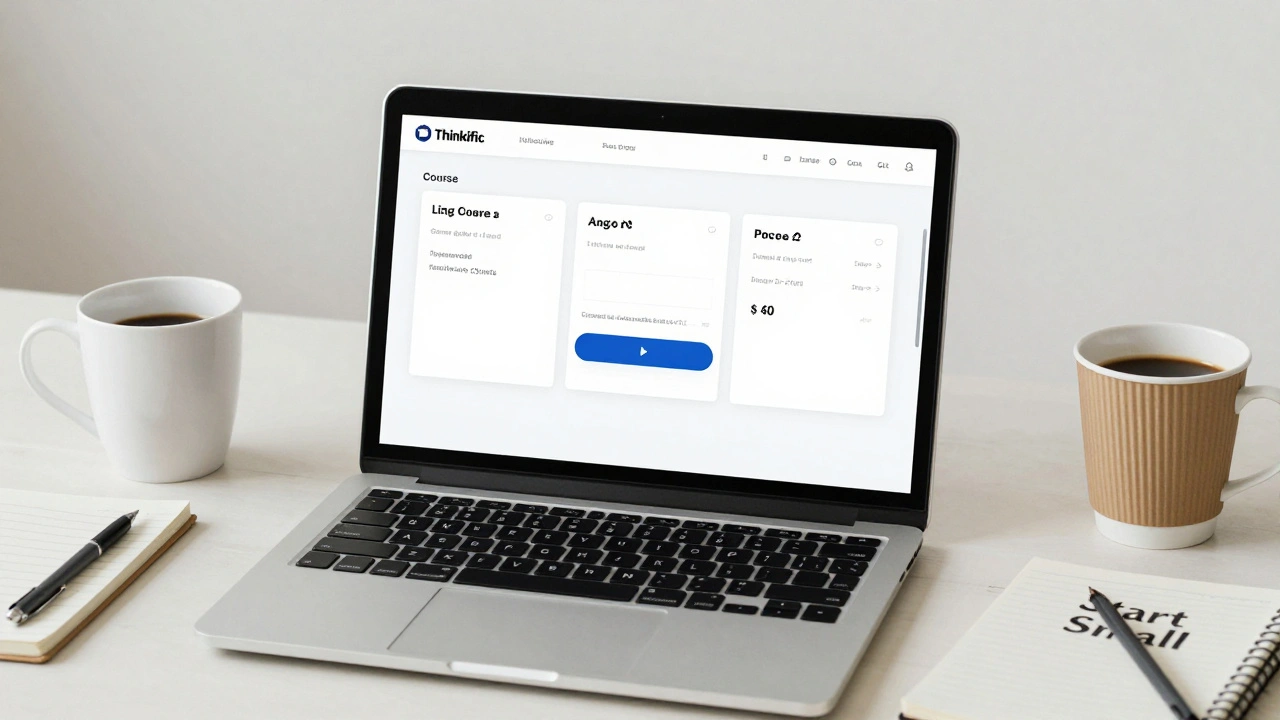
If you’re running a small business and want to sell online courses, you’re not alone. Thousands of coaches, consultants, and creators are ditching YouTube and Instagram for their own branded course platforms. But picking the right one? That’s where things get messy. Two names keep popping up: Thinkific and Kajabi. Both promise to be all-in-one solutions-hosting, payments, marketing, emails, all in one place. But which one actually works for a small team with limited time and budget?
What You Really Need from a Course Platform
Before comparing tools, get clear on what matters. Most small business owners don’t need enterprise-grade features. They need:- A simple way to build and sell courses without coding
- Payment processing that actually works (no surprise fees)
- Email marketing that doesn’t require a separate tool
- Basic automation-like sending a welcome email when someone signs up
- Mobile-friendly design that looks good on phones
- Pricing that doesn’t explode after month three
Thinkific and Kajabi both hit these points. But how they do it? That’s the difference.
Thinkific: Simple, Transparent, and Built for Beginners
Thinkific started as a tool for teachers and coaches who just wanted to sell a single course. It stayed that way. That’s its strength.You can build a course in under an hour. Drag and drop lessons, upload videos, add quizzes, set a price. Done. There’s no clutter. The interface feels like Google Docs-clean, predictable, no surprises.
Thinkific’s pricing is straightforward. The Free plan lets you sell up to 25 students without paying a cent. No transaction fees. No hidden costs. If you grow, you move to the Start plan at $49/month. That includes unlimited courses, students, and video hosting. No upsells. No forced add-ons.
It doesn’t do everything. Thinkific doesn’t include email marketing by default. You have to connect it to Mailchimp, ConvertKit, or ActiveCampaign. That’s a downside if you want everything in one place. But it’s also a plus-if you already use one of those tools, you’re not paying twice.
Thinkific’s community features are solid. You can create student groups, discussion boards, and even set up private communities. That’s great if you’re selling a membership-style course where students interact.
Kajabi: The All-in-One Powerhouse (With a Price Tag)
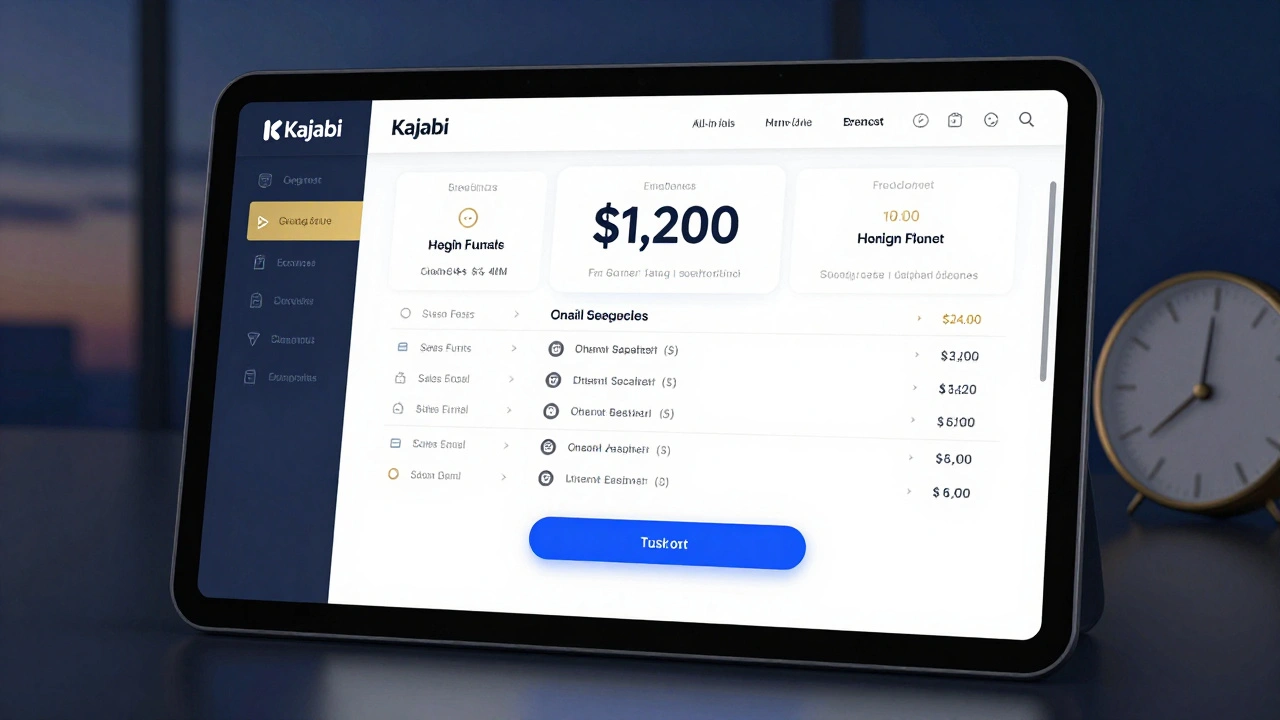
Kajabi was built for people who want to run a full digital business-not just sell courses. It’s a website builder, email marketer, sales funnel creator, and course platform rolled into one.Want to sell a $997 course? Kajabi makes it easy. You can set up landing pages, checkout flows, upsells, and automated email sequences-all without touching code. The automation is powerful. If someone buys your course, Kajabi can automatically enroll them, send a welcome email, trigger a follow-up sequence three days later, and even invite them to a live Q&A.
Kajabi’s design tools are more advanced. You can customize every page, change fonts, colors, layouts, and even add custom CSS if you know how. That’s great if you care about branding. But if you just want to get started, it’s overwhelming.
And then there’s the price. Kajabi starts at $149/month. That’s three times Thinkific’s cheapest plan. You don’t get a free tier. No trial without a credit card. And if you want to scale, you’re locked into higher tiers that cost $199 or $399/month.
Kajabi includes email marketing, landing pages, and sales funnels. That’s convenient. But if you’re only selling a $49 course and have 200 students, you’re paying $149 a month to do what Thinkific does for $49-and you’d still need to pay extra for email if you used Thinkific.
Comparison: Thinkific vs Kajabi at a Glance
| Feature | Thinkific | Kajabi |
|---|---|---|
| Starting Price | $0 (Free plan) | $149/month |
| Transaction Fees | None | None |
| Email Marketing Included | No (integrations available) | Yes |
| Landing Pages | Basic (with Pro plan) | Advanced |
| Sales Funnels | Requires third-party tools | Native |
| Course Builder Ease | Very easy | Complex |
| Student Community | Yes | Yes |
| Best For | Beginners, low-budget creators | Advanced marketers, higher-ticket offers |
Who Should Choose Thinkific?
Thinkific is the clear pick if:- You’re just starting out and don’t have a big budget
- You’re selling courses under $100
- You already use Mailchimp or another email tool
- You want to test your idea before investing
- You care more about simplicity than flashy automation
One real-world example: A yoga instructor in Edinburgh built a 5-week course on stress relief. She used Thinkific’s Free plan to launch it. She promoted it on Instagram, collected 47 sign-ups, and made $1,880 in her first month-without paying a cent in platform fees. She used a free Canva template for her landing page and sent emails through her existing Mailchimp account. That’s the Thinkific sweet spot.
Who Should Choose Kajabi?
Kajabi makes sense if:- You’re selling courses over $500
- You want to build a full digital business (courses, memberships, coaching)
- You need automated sales funnels and landing pages
- You don’t want to juggle multiple tools
- You’re ready to invest $150+/month from day one
Think of a business coach who sells a $1,200 program. She uses Kajabi to create a landing page that captures emails, sends a 5-day email sequence, offers a payment plan, and then upsells a $3,000 VIP coaching package. All of that happens inside Kajabi. She doesn’t need to hire a web developer or pay for a separate CRM. The time savings are real.
What’s Missing? The Real Trade-Offs
Neither platform is perfect. Thinkific’s biggest weakness is the lack of built-in email marketing. If you don’t already use an email tool, you’ll need to add one-and that adds cost and complexity. Kajabi’s biggest weakness is its price. If you’re not selling high-ticket items, you’re overpaying.Another thing: customer support. Thinkific’s support is responsive but can feel robotic. Kajabi’s support is faster and more personalized, but you pay for it. If you get stuck at 2 a.m. with a broken checkout, Kajabi’s team will jump in. Thinkific? You might wait 24 hours.
And then there’s scalability. Thinkific handles up to 10,000 students just fine. But if you hit 50,000, you’ll hit limits. Kajabi scales better for large audiences, but you’ll pay more for every extra student.

Final Decision: Pick Based on Your Next 12 Months
Don’t pick based on what looks cool. Pick based on what you’ll actually use.If you’re testing a course idea, starting small, or keeping costs tight-go with Thinkific. You can always upgrade later. Many businesses start on Thinkific and move to Kajabi after they hit $5,000/month in sales.
If you’re already running a business with a clear offer, a mailing list, and the budget to invest-Kajabi saves you time and creates a smoother experience for your customers.
There’s no right answer. But there is a smart one. Choose the tool that matches your current stage-not your future dreams.
Frequently Asked Questions
Can I use Thinkific for free forever?
Yes, Thinkific’s Free plan lets you sell up to 25 students with no transaction fees. You can use it indefinitely. But you can’t use custom domains, advanced quizzes, or email marketing without upgrading.
Does Kajabi really include everything?
Kajabi includes course hosting, email marketing, landing pages, sales funnels, and basic website building. You don’t need separate tools for these. But it doesn’t include things like CRM, calendar scheduling, or advanced analytics-those still need third-party integrations.
Which platform is better for video hosting?
Both host video natively. Thinkific uses AWS for video, which is reliable and fast. Kajabi uses its own servers, which are also fast but can slow down during traffic spikes. For most small businesses, both are fine. If you’re hosting hours of HD video, Thinkific’s pricing is more predictable.
Can I migrate from Thinkific to Kajabi later?
Yes, but it’s not automatic. You’ll need to re-upload videos, re-create quizzes, and manually transfer student data. Kajabi doesn’t have a one-click import tool for Thinkific. Plan ahead-if you think you’ll switch, keep backups of your course files.
Are there cheaper alternatives to both?
Yes. Teachable is similar to Thinkific but has higher transaction fees on lower plans. Podia is cheaper than Kajabi and includes memberships, but its course builder is less flexible. If you’re on a tight budget under $50/month, consider Podia or Teachable’s basic plan.
Next Steps: What to Do Right Now
If you’re unsure, start with Thinkific’s Free plan. Build a simple course. Test it with five friends. See how long it takes to set up. See if you like the interface. Then, if you’re ready to scale, upgrade to Start or Growth. You can always move to Kajabi later.If you’re already making $3,000+ a month from courses, and you’re spending hours juggling tools-Kajabi will save you time. Book a demo. Try the 14-day trial. See if the automation feels worth the price.
There’s no rush. The best platform is the one you’ll actually use. Not the one with the fanciest features.
