
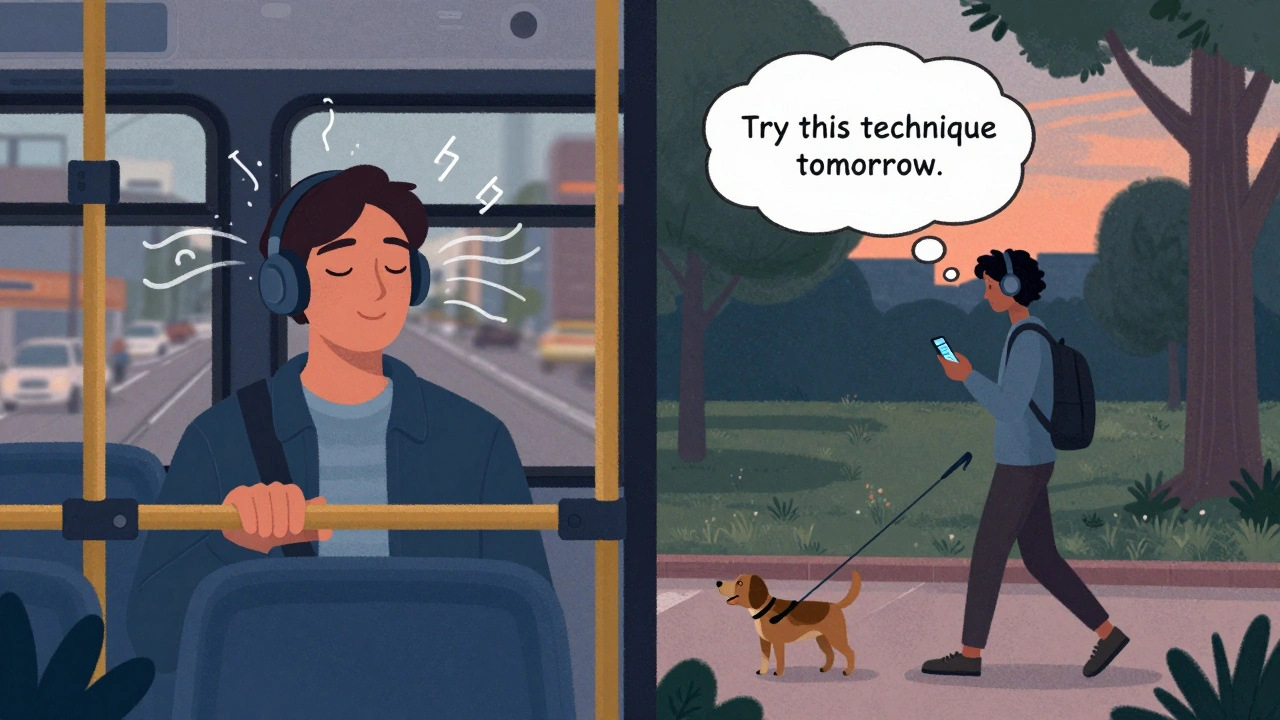
Most online courses are built around videos and text. But what if your students are commuting, cooking, or walking the dog? That’s where audio lessons and podcasts come in. They turn passive moments into learning opportunities-and they’re easier to produce than you think.
Why Audio Works Better Than You Expect
People don’t just watch videos on their phones. They listen. A 2024 study by Learning Pool found that 68% of learners use audio content during commutes or chores. That’s not a niche group-it’s the majority. Audio lessons remove the need to stare at a screen. They let learners absorb information while doing other things. And because the brain processes spoken words differently than written ones, retention often improves.
Think about it: you remember the tone of your mom’s voice telling you to clean your room. That’s emotional memory. The same applies to your course. A calm, clear voice explaining a complex concept sticks better than a wall of bullet points.
Audio Lessons vs. Podcasts: What’s the Difference?
Not all voice content is the same. Audio lessons are short, focused, and tied directly to your course curriculum. Think 5-12 minutes per topic. They follow a script, often repeat key points, and are structured like a textbook chapter-but spoken.
Podcasts are longer, looser, and more conversational. They can be 20-45 minutes. They explore ideas beyond the syllabus-interviews, case studies, behind-the-scenes stories. Used right, they build community. Students start subscribing to them like a favorite show.
Best practice? Use both. Audio lessons teach. Podcasts inspire.
How to Record Audio Lessons That Don’t Sound Like a Robot
You don’t need a studio. You just need to avoid these three mistakes:
- Reading word-for-word. It sounds stiff. Write a loose outline instead. Talk like you’re explaining it to a friend.
- Recording in a bathroom. Yes, people do this. But echo ruins everything. Use a closet full of clothes, or hang a thick blanket behind you.
- Skipping the edit. Silence gaps, breaths, and umms add up. Cut them. Tools like Audacity (free) or Descript make it easy.
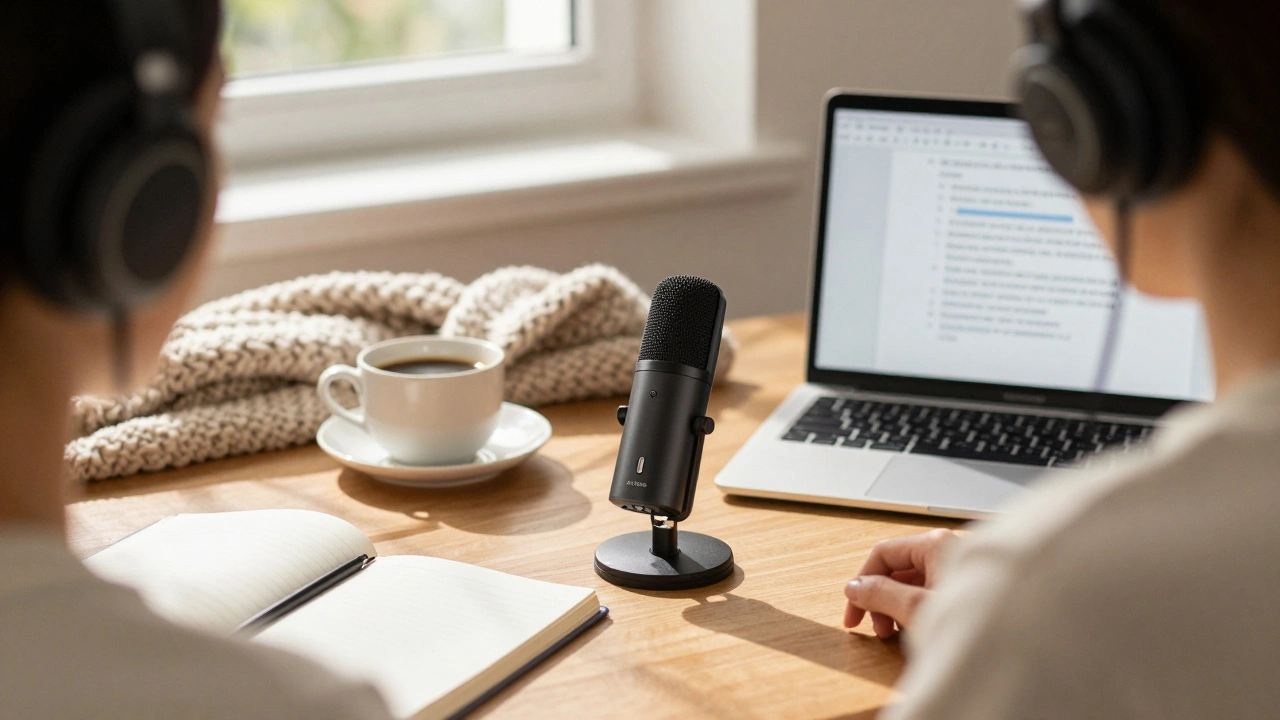
Use a USB mic like the Audio-Technica AT2020 or Shure MV7. Plug it into your laptop. Record in a quiet room. Speak slowly. Pause after key points. Let the silence breathe.
Pro tip: Record in the morning. Your voice is clearer. And wear headphones so you hear yourself-this helps you adjust tone and pace in real time.
Turn Your Podcast Into a Learning Engine
A podcast doesn’t have to be a side project. Make it part of your course. Here’s how:
- Start each episode with a quick recap of the last audio lesson.
- End with a challenge: “Try this technique before next week’s lesson.”
- Invite students to send voice messages. Play them anonymously in future episodes.
- Use episodes to answer common questions from your course forum.
One course creator in Glasgow added a weekly podcast called “Coffee Break Coding” to her Python course. Within three months, student completion rates jumped 22%. Why? Students felt like they were part of a club-not just another enrolled user.
Where to Host Audio Content
You can’t just drop MP3 files into your course platform. You need structure, tracking, and accessibility.
Here are your best options:
| Platform | Best For | Pros | Cons |
|---|---|---|---|
| Thinkific | Integrated learning | Embeds audio directly, tracks completion, integrates with quizzes | Higher cost, less podcasting flexibility |
| Podbean | Pure podcasting | Easy publishing, analytics, monetization, RSS feed | No course structure, no quizzes |
| Buzzsprout | Beginner-friendly podcasts | Simple interface, automatic distribution to Apple/Spotify | Not built for courses |
| Anchor (by Spotify) | Free podcasting | Zero cost, auto-editing, easy to start | Weak integration with LMS platforms |
If you’re serious about blending audio into your course, use Thinkific or Teachable. They let you upload audio files, set them as lessons, and require completion before moving forward. For podcast episodes that expand beyond the curriculum, host them on Podbean and link to them from your course.
Make It Accessible
Audio isn’t just for people on the go. It’s for learners with visual impairments, dyslexia, or those who prefer auditory learning. But you can’t just leave it as an MP3.
Always provide a transcript. Use Otter.ai or Rev.com to auto-generate them. Then edit for clarity-don’t just copy the raw text. Add timestamps, speaker labels, and key terms in bold.
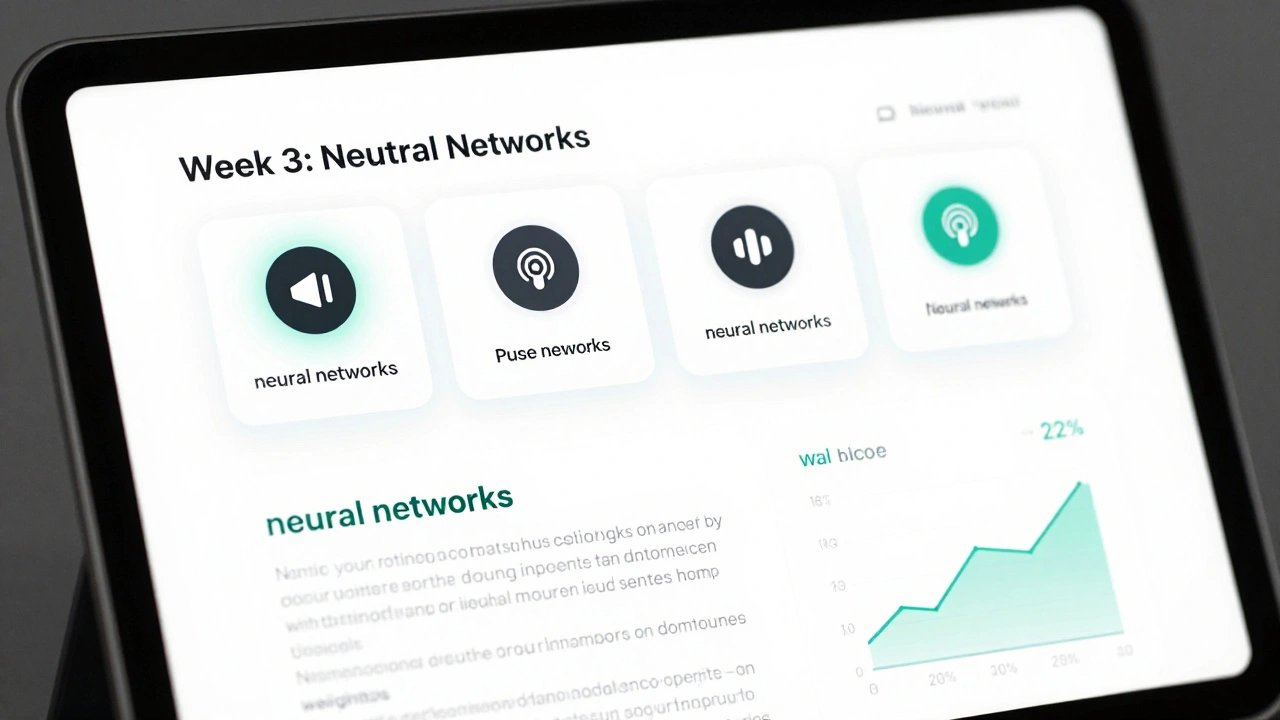
Example: “Neural networks are modeled after the human brain. They learn by adjusting weights between layers.”
Transcripts also help SEO. Google can index them. Students can search for “how to optimize weights” inside your course-and find the exact moment in the audio where you explained it.
Don’t Overdo It
Audio is powerful, but it’s not a magic fix. Too many audio lessons overwhelm learners. Too many podcasts distract from the core curriculum.
Start small. Pick one module-maybe the first one-and turn it into three audio lessons and one podcast episode. Track engagement. Ask students: “Did the audio help you understand this better?”
Then scale. Add one more per week. Don’t try to convert your whole course overnight. Quality beats quantity every time.
Audio Isn’t an Add-On. It’s a Strategy.
Online learning isn’t just about delivering content. It’s about meeting learners where they are. If they’re listening while brushing their teeth, your course should be there too.
Audio lessons turn fragmented time into learning time. Podcasts turn students into fans. Together, they make your course feel alive-not like a digital textbook.
You don’t need fancy gear. You don’t need to be a professional voice actor. You just need to speak clearly, care about your message, and give learners a way to absorb it without staring at a screen.
Start today. Record one 7-minute lesson. Upload it. Send it to five students. Ask for feedback. Then do it again tomorrow.
Do I need to buy expensive equipment to record audio lessons?
No. A basic USB microphone like the Audio-Technica AT2020 costs under $100 and works great. Even a good pair of AirPods can record decent audio in a quiet room. What matters more is your environment-record in a closet or behind a thick blanket to reduce echo. Focus on clear speech, not studio quality.
How long should my audio lessons be?
Keep them between 5 and 12 minutes. That’s the sweet spot for attention and retention. Anything longer becomes hard to digest in one sitting. Break complex topics into smaller chunks. Think of each lesson as a single idea, not a full lecture.
Can I use AI to generate audio lessons?
You can, but it’s risky. AI voices often sound robotic and lack emotional tone, which reduces engagement. They also struggle with context-mispronouncing terms or missing nuance. Use AI only for draft transcripts or background music. Always record your own voice for the final lesson. Students connect with real people, not algorithms.
Should I make my podcast public or private?
Private, if it’s part of your course. Public, if you’re using it to attract new students. For course-embedded podcasts, host them on your LMS (like Thinkific) so only enrolled learners can access them. If you want to grow your audience, publish the same content publicly on Spotify or Apple Podcasts-but only after students have had first access. That builds loyalty.
How do I track if students are actually listening?
Use your course platform’s built-in analytics. Thinkific and Teachable show completion rates for audio lessons. You can also add a quick quiz after each audio lesson-just one question. If 80% of students get it right, they listened. If not, revisit the pacing or clarity of the lesson.
What if I’m not a good speaker?
You don’t need to be a radio host. Authenticity beats polish. If you stumble, pause, and restart. Silence is fine. Students appreciate realness. Practice once. Record. Listen. Do it again. After three tries, you’ll sound natural. The goal isn’t perfection-it’s connection.
Next Steps: Start Small, Stay Consistent
Here’s your action plan:
- Pick one module from your course that feels dry or hard to explain in text.
- Write a 7-minute script-not a full transcript, just bullet points.
- Record it in a quiet space with your phone or USB mic.
- Upload it to your course platform as a lesson.
- Ask five students for feedback: “Was this easier to understand than the text version?”
- Repeat next week with another module.
Within a month, you’ll have a voice-driven course that stands out. And your students? They’ll thank you-not with emails, but with higher completion rates and more referrals.

Comments (8)
Donald Sullivan December 5 2025
Stop pretending audio is some magic bullet. Most people just skip it. I’ve seen the analytics-half the students don’t even play the first 30 seconds. You’re wasting time if you think this is gonna boost completion rates.
Tina van Schelt December 6 2025
OMG YES. I recorded a 7-minute audio lesson on CSS grid while eating cereal and it felt like I was chatting with my bestie. My students started DMing me like, 'Bro, your voice is my new ASMR.' 🎧✨ It’s not about perfection-it’s about personality. The robotic AI voices? Nah. I’d rather hear someone stumble over 'flex-wrap' than some soulless bot.
Ronak Khandelwal December 7 2025
Audio isn’t just content-it’s connection. 🌱 When we speak, we don’t just transmit information, we transmit presence. The pauses, the breaths, the slight crack in your voice when you’re tired-that’s human. That’s where learning lives. I’ve seen students cry because they finally understood recursion after hearing your voice say, 'Imagine it like Russian dolls, but with code.' No textbook did that. Your voice did. And that’s sacred.
Start small? Yes. But start with your heart. Not your mic. Not your LMS. Your heart. And the rest will follow.
Also, if you’re using Audacity, try the noise reduction filter at 12dB. It’s magic. 🎶
Jeff Napier December 9 2025
Audio lessons are a corporate scam designed to keep you glued to your phone while they harvest your attention data. The '68% statistic'? Made up by Learning Pool who gets paid by platform vendors. You think your students are listening? Nah. They’re scrolling TikTok with headphones on. And transcripts? That’s just SEO bait. Google doesn’t care if you teach Python. It cares if you rank for 'how to fix audio lag'. Wake up.Sibusiso Ernest Masilela December 10 2025
Let’s be brutally honest: if you need audio to make your course 'engaging', your content is fundamentally weak. Real educators don’t need voice modulation or cozy closet studios. They have depth. They have rigor. You’re turning education into a Spotify playlist. Pathetic.
And don’t get me started on 'Coffee Break Coding'. That’s not learning-that’s intellectual junk food. If your students can’t sit still for a 30-minute lecture, they don’t belong in your course. Quality over convenience? Please. There is no quality here. Only compromise.
Daniel Kennedy December 11 2025
Jeff, you’re missing the point. This isn’t about dumbing things down-it’s about accessibility. People with dyslexia, anxiety, or chronic fatigue can’t always stare at screens. Audio gives them a way in.
And Donald? You’re right that people skip, but that’s why you pair it with a single quiz question. One. That’s it. If they get it, they listened. If they don’t, you adjust. Simple.
I’ve seen a single audio lesson turn around a whole cohort. One student said, 'I failed three times reading the text. Then I listened to you explain it while walking my dog. It clicked.' That’s not fluff. That’s impact.
Use the right mic. Record in a closet. Edit the umms. Don’t overdo it. But don’t dismiss it because it feels too easy. Sometimes the simplest tools change lives.
Taylor Hayes December 13 2025
I started with one audio lesson last month-just a 6-minute breakdown of SQL joins. I was terrified. My voice sounded weird. I kept restarting.
But after I posted it, a student sent me a voice note saying, 'I listened to this 4 times while cooking. I finally get it.' I cried. Not because I’m emotional-I’m just not used to hearing that kind of feedback.
Don’t aim for studio quality. Aim for clarity. And don’t worry if you sound like you’re talking to your cat. That’s the magic. Real people don’t sound like TED speakers. They sound like themselves.
Also, use Descript. It’s free. And the text-to-audio edit feature? Game changer. You can fix a flub just by editing the words. No re-recording needed.
One lesson. One week. Try it. You’ll be surprised.
Sanjay Mittal December 13 2025
For beginners: use your phone. Record in a quiet room with the window closed. Save as MP3. Upload to your LMS. Done. No need for Audacity, no need for mics, no need to overthink. The first version doesn’t need to be perfect-it needs to exist. Get it out. Then improve. Iteration beats perfection every time.
Also, if you’re using Thinkific, enable the 'audio progress tracker' setting. It shows exactly how far each student listened. That’s how I caught 30% of my class skipping the security module. Fixed it by adding a 10-second quiz after. Boom. Engagement up.