
Running a Bitcoin miner isn’t just about plugging in a box and waiting for Bitcoin to appear. If you’re serious about mining, you need to know what’s happening inside each machine - hash rate, temperature, and power usage - in real time. Without this data, you’re flying blind. A single overheated ASIC can burn out in hours. A drop in hash rate might mean your miner is failing silently. And if you’re paying too much for electricity, you could be losing money even while mining.
Why Monitoring Matters More Than You Think
Most new miners think their hardware will run forever without checks. That’s a myth. ASIC miners like the Antminer S21 or Whatsminer M50 run hot, hard, and 24/7. They’re designed to push limits. Without monitoring, you won’t know when something goes wrong until it’s too late. A study by CryptoMinerBros in 2024 found that 63.2% of miners who lost hardware did so because of overheating. Another 18% lost profits because their hash rate dropped by 5% or more - often due to firmware glitches or dust buildup. And here’s the kicker: power consumption is rarely what the miner reports. Many ASICs show 3,000W, but a real power meter at the outlet says 3,400W. That 13% difference eats into profits fast. Good monitoring doesn’t just protect your gear. It saves money. One mining farm in Texas used real-time power tracking to shift operations to off-peak hours, cutting electricity costs by 22%. Another user on Reddit switched from basic CGMiner to Minerstat and saw an 18.3% boost in daily Bitcoin earnings - all from automatic pool switching and thermal throttling alerts.What to Track: Hash Rate, Temperature, Power
There are three core metrics you need to watch - and they’re not all equally important.- Hash rate tells you how much computational power your miner is delivering. Measured in TH/s (terahashes per second), this is your mining output. A stable hash rate means your ASIC is working right. A sudden drop? Could be a bad ASIC chip, overheating, or a faulty power supply.
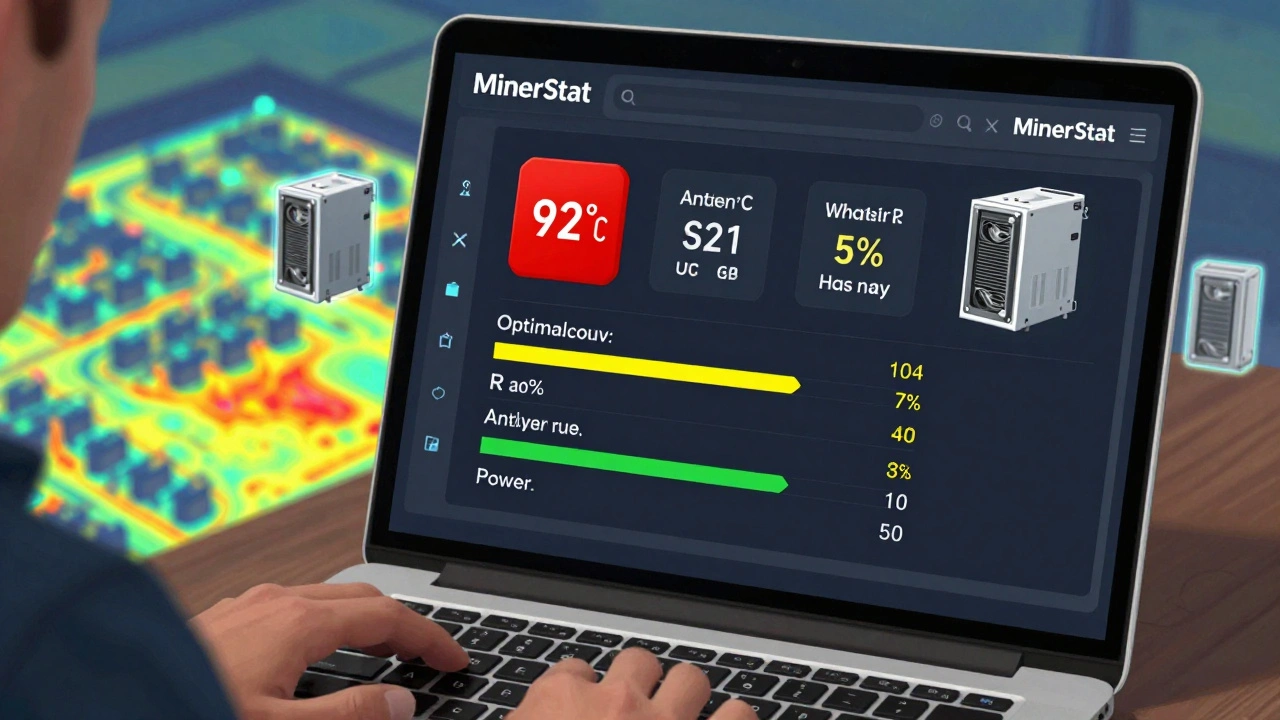
- Temperature is the silent killer. Most ASICs run safely between 60°C and 85°C. Above 90°C, you’re in danger zone. Every 5°C over 85°C cuts your miner’s lifespan by 15%. Tools that show live temperature graphs - not just numbers - let you spot hot spots before they melt components.
- Power usage is your biggest expense. Efficiency is measured in J/TH (joules per terahash). The best modern miners like the Antminer S21 hit around 15.5 J/TH. If yours is at 18 J/TH, you’re wasting electricity. But here’s the catch: most software overestimates power by 1.5-3.5%. You need a smart PDU (power distribution unit) with built-in meters to get real numbers.
Top Monitoring Tools Compared
Not all tools are made equal. Some are for beginners. Others are for large farms. Here’s what actually works in 2025.| Tool | Best For | Hash Rate Tracking | Temperature Alerts | Power Accuracy | Platform | Price |
|---|---|---|---|---|---|---|
| Minerstat | Cloud users, multi-site farms | Yes, real-time | Yes, customizable thresholds | With smart PDU: ±1.2% | Web-based (any OS) | Free for 10 miners; $9.99/month for 50+ |
| Hive OS | Advanced users, overclockers | Yes, detailed per card | Yes, fan control built-in | Estimates only (needs external meter) | Linux-based OS (boots on rig) | Free for <5 GPUs; custom pricing for ASICs |
| Awesome Miner | Windows users, large ASIC farms | Yes, heat maps | Yes, visual alerts | Estimates only | Windows 10/11 only | $15/month or $150/year |
| EZ Blockchain | Enterprise operations | Yes, fleet-wide analytics | Yes, predictive thermal alerts | Yes, integrates with PDU sensors | Cloud dashboard | Custom enterprise pricing |
| NiceHash QuickMiner | Beginners, casual miners | Basic only | No | No | Windows, macOS | Free |
Minerstat wins for most people because it’s cloud-based, works on any device, and gives you alerts when something goes wrong. Hive OS is the powerhouse for those who want full control over fan speeds and overclocking - but it’s not for beginners. Awesome Miner is great if you’re on Windows and manage hundreds of ASICs, but it’s useless if your miners are in a remote location. EZ Blockchain is the only one that gives you real power data - if you’re willing to spend on enterprise gear.
Real-World Problems You’ll Face
Even the best tools have flaws. Here’s what you’ll actually run into.- Power readings are wrong - Almost every tool guesses your power use based on miner reports. But ASICs don’t measure power internally. You need a smart PDU (like those from CyberPower or APC) with energy meters. Without it, you’re flying blind on your biggest cost.
- Hash rate doesn’t match pool stats - Your miner might say it’s at 110 TH/s, but your mining pool says 105 TH/s. That’s normal. Pools use statistical sampling. A 3-5% difference is expected. But if it’s 15%? You’ve got a hardware issue.
- Overheating kills faster than anything - Dr. Adam Back from Blockstream says temperature monitoring is the “canary in the coal mine.” A miner running at 95°C for 48 hours has a 70% chance of permanent damage. Tools that let you set automatic shutdowns at 90°C can save you thousands.
- Network issues break monitoring - If your miner’s network drops, the monitoring tool loses contact. Hive OS users often report this. Solution? Use wired Ethernet. Never rely on Wi-Fi for mining rigs.
How to Start Monitoring - Step by Step
If you’re new to this, here’s how to get started without wasting time or money.- Start simple - If you have one or two miners, use Minerstat’s free tier. It takes 10 minutes to set up. Just enter your miner’s IP address and pool credentials.
- Get a smart PDU - Buy a PDU with energy monitoring (like the CyberPower CP1500PFCLCD). Plug your miners into it. Then connect the PDU to your network. This gives you real power data - not guesses.
- Set alerts - In Minerstat or Hive OS, set alerts for: hash rate drop >5%, temperature >85°C, and power spike >10% above baseline.
- Check daily - Spend 2 minutes a day looking at your dashboard. Look for red flags. A single miner with low hash rate and high temp? That’s your next replacement.
- Upgrade when needed - Once you hit 10+ miners, switch to Hive OS or Awesome Miner. They give you more control and automation.
What’s Coming Next
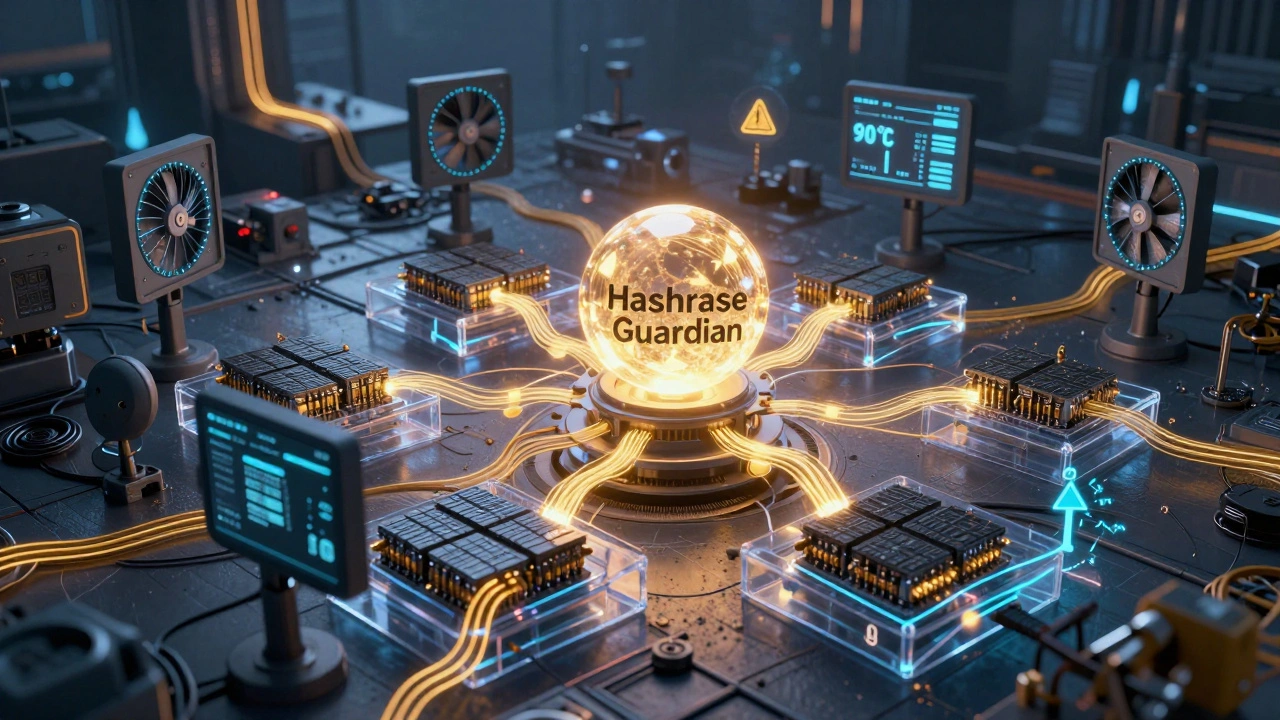
The monitoring space is evolving fast. In late 2024, Hashrate Index is launching “Hashrate Guardian,” a tool that uses machine learning to predict when a miner will fail - before it fails. It’s trained on data from 23 large mining farms. Early tests show 83.7% accuracy. Braiins OS+ already does something similar: it watches temperature and hash rate patterns to flag failing chips. Minerstat just added integration with smart energy meters, cutting power measurement errors from ±7.5% down to ±1.2%. The future isn’t just watching. It’s acting. By 2027, most enterprise mining tools will automatically adjust fan speeds, switch pools, or even pause mining during peak electricity rates - all without human input.Final Advice: Don’t Guess. Measure.
Bitcoin mining is a numbers game. Every watt, every TH/s, every degree matters. If you’re not tracking your miners properly, you’re leaving money on the table - or worse, burning through hardware. Start with Minerstat. Add a smart PDU. Set alerts. Check your dashboard every day. That’s it. You don’t need fancy gear or a degree in engineering. You just need to know what’s happening - and act before it’s too late.Do I need to monitor my Bitcoin miner if I only have one?
Yes. Even one miner can fail silently. A drop in hash rate might mean a failing chip. High temperature can kill it in weeks. Free tools like Minerstat let you monitor one miner with alerts. It takes 10 minutes to set up and can save you hundreds in replacement costs.
Why does my miner show 3,000W but my power meter says 3,500W?
Most mining software estimates power based on the ASIC’s internal sensors - which aren’t designed for accuracy. Real power draw is measured at the outlet. Use a smart PDU with energy monitoring. That’s the only way to know your true electricity cost.
Can I use a regular computer to monitor my miners?
You can, but it’s not ideal. Running monitoring software on a regular PC adds power draw and heat. Most serious miners use a dedicated device like a Raspberry Pi or run cloud-based tools like Minerstat. These don’t need to be on the same network as your miners - just able to reach their IP addresses.
What’s the best free tool for Bitcoin miner monitoring?
Minerstat’s free tier supports up to 10 miners and gives you real-time hash rate, temperature, and pool status. It’s web-based, so you can check it from your phone. No setup beyond entering your miner’s IP and pool info. It’s the best free option for beginners and small operations.
How often should I clean my Bitcoin miners?
Every 2-4 weeks, depending on your environment. Dust clogs fans and heatsinks, causing temperatures to rise. If your monitoring tool shows a steady increase in temp over time - even with fan speeds unchanged - it’s time to clean. Use compressed air. Never use a vacuum.
Can monitoring tools fix my miner if it’s failing?
No. Monitoring tools only show you what’s happening. They can’t repair hardware. But they can alert you before total failure. For example, if your hash rate drops 10% and temp spikes, you can shut it down and replace the ASIC before it damages your power supply or motherboard.

Comments (12)
Indi s December 4 2025
Just started mining with one Antminer and was clueless until I found Minerstat. Free tier saved me already - caught a temp spike at 89°C before it fried a chip. Set the alert, shut it down, cleaned the dust. Took 5 minutes. No drama. Just works.
Rohit Sen December 5 2025
Minerstat? Cute. If you’re not running Hive OS on a dedicated Raspberry Pi with custom fan curves, you’re not mining - you’re just hosting a crypto heater.
Vimal Kumar December 5 2025
Hey Rohit, I get you love Hive OS - I used it for a year. But for folks just starting out, Minerstat’s web dashboard is a lifesaver. No need to flash firmware or deal with Linux. You can check your miner from your phone while eating chai. That’s what matters.
Amit Umarani December 6 2025
You say ‘Minerstat’ but you misspelled ‘MinerStat’ - it’s capitalized S. Also, the article says ‘3,000W’ but the correct notation is ‘3,000 W’ with a space. And ‘J/TH’ should be ‘J/THs’ if you’re pluralizing. These details matter.
Noel Dhiraj December 8 2025
Start simple. Free tools work. Smart PDU is non negotiable. Clean every 3 weeks. Check your dashboard daily. That’s it. No magic. No hype. Just discipline. You got this.
vidhi patel December 9 2025
This article is riddled with grammatical inconsistencies. The use of ‘you’re’ in place of ‘your’ in multiple instances, inconsistent capitalization of ‘ASIC’, and the misuse of ‘TH/s’ versus ‘TH/s’ - it’s unacceptable for a technical guide. The author clearly lacks editorial oversight.
Priti Yadav December 9 2025
Minerstat? Hive OS? They’re all just fronts. The real power is in the mining pools - they’re manipulating hash rate reports to push you into paid tools. The government and big mining farms control the data. Your ‘smart PDU’? It’s probably sending your usage data to the NSA. Trust no one.
Ajit Kumar December 11 2025
It is imperative to note that the assertion regarding the 13% discrepancy between reported and actual power consumption is not universally applicable. The variance is contingent upon the manufacturer’s calibration, ambient temperature, and the specific firmware version installed. Moreover, the term ‘smart PDU’ is a marketing euphemism - the correct technical designation is ‘energy-monitoring power distribution unit with IEC 62053 compliance’. To suggest that a CyberPower unit is sufficient without mentioning its power factor correction rating is misleading. Furthermore, the phrase ‘flying blind’ is a cliche, and its usage here reflects a lack of originality in technical communication.
Diwakar Pandey December 11 2025
I’ve got three S21s running in my garage. Minerstat free tier, wired Ethernet, no Wi-Fi. Cleaned them last week - dust was choking the exhaust. Temp dropped 8°C. No alerts yet, but I check the dashboard every morning with coffee. Simple. Quiet. Works.
Geet Ramchandani December 12 2025
Everyone’s talking about tools like Minerstat like they’re some kind of miracle cure. But let’s be real - if you’re relying on software to tell you your miner is failing, you’re already too late. The real issue is that most people buy ASICs without understanding basic thermal dynamics. They plug them into a 120V outlet in a sealed room and wonder why it dies in 6 months. This isn’t a monitoring problem - it’s a stupidity problem.
Pooja Kalra December 13 2025
Monitoring is just another layer of control imposed by the capitalist machine. We are taught to obsess over metrics - hash rate, temperature, joules - as if these numbers define our worth. But what are we really measuring? The erosion of our autonomy, the commodification of energy, the quiet death of the individual miner. Perhaps the truest tool is not software, but silence.
Sumit SM December 14 2025
Minerstat, Hive OS, Awesome Miner - yes, yes, yes - but have you considered the ethical implications of running 24/7 rigs in a climate crisis? The electricity you’re consuming? It’s not ‘just’ power - it’s carbon emissions, it’s strain on the grid, it’s future generations paying the price for your ‘18.3% boost’ in BTC earnings. And yet - you’re still here - typing away - while the planet burns - and you’re just… checking… your… dashboard…