

Most course creators make the same mistake. They build a brilliant curriculum, launch it, and then stare at an empty sales page because nobody knows it exists. Paid ads can fix this temporarily, but they burn cash fast. The real growth engine? organic social media. It’s slow, it’s consistent, and it builds trust that cold traffic never will.
If you’re selling courses, your audience isn’t just buying information; they’re buying a transformation. Organic social is where you prove you can deliver that change before they ever open their wallets. This guide breaks down how to build a content calendar that actually works and gives you concrete post ideas to fill it.
Why Organic Social Wins for Course Creators
Let’s be honest about the landscape in 2026. Algorithms are noisy. Attention spans are short. But human psychology hasn’t changed. People buy from people they know, like, and trust. Organic social media is the only channel where you can demonstrate expertise, personality, and results without paying for every single impression.
When you teach through social media, you filter out bad fits. If someone engages with your tips on "how to manage project budgets," they are likely your ideal student for a "Project Management Masterclass." You aren’t casting a wide net; you’re attracting specific fish. This reduces churn and increases lifetime value.
Building a Content Calendar That Doesn’t Feel Like a Chore
The biggest barrier to consistency is decision fatigue. Waking up and asking, "What should I post today?" kills momentum. A content calendar solves this by batching decisions. You don’t need complex software. A simple spreadsheet or tool like Notion works fine. What matters is structure.
Your calendar needs three pillars:
- Frequency: How often can you realistically post without burning out? Start with three times a week. Consistency beats intensity.
- Platforms: Pick one primary platform where your audience hangs out. If you teach B2B skills, choose LinkedIn. If you teach creative arts, choose Instagram or TikTok. Don’t spread yourself thin across five channels yet.
- Themes: Define 3-4 core topics related to your course. These become your recurring buckets.
For example, if you sell a "Digital Marketing for Beginners" course, your themes might be: SEO basics, Content Strategy, Analytics, and Career Advice. Every post must fit into one of these buckets. This keeps your messaging tight and helps the algorithm understand who to show your content to.
7 High-Converting Post Ideas for Course Creators
Here is the meat of the strategy. These seven post types have proven track records for driving interest and sales in the education sector. Rotate through them to keep your feed dynamic.
1. The "Myth Buster" Carousel
Take a common misconception in your niche and debunk it. Use a swipeable carousel format on Instagram or LinkedIn. For instance, if you teach coding, start with "You Need a CS Degree to Code." Slide two explains why bootcamps and self-study work. Slide three offers a free resource. This positions you as an authority who challenges the status quo.
2. Behind-the-Scenes of Your Process
Show how you work. If you’re a writing coach, share your messy first draft. If you’re a fitness trainer, show your meal prep. Vulnerability builds connection. People want to see the human behind the course. It proves you practice what you preach.
3. Student Success Stories (Social Proof)
This is non-negotiable. Share screenshots of DMs, testimonials, or case studies. "Sarah went from zero clients to $5k/month using my framework." Specific numbers convert better than vague praise. Tag the student if possible. It validates your method and encourages others to engage.
4. Quick Tip Reels/TikToks
Short-form video is king for reach. Give away one actionable tip in under 60 seconds. "Three ways to improve your email open rates." Keep it snappy. No intro fluff. Just value. The goal here is top-of-funnel awareness. Get new eyes on your profile.
5. Polls and Questions (Engagement Bait)
Use Instagram Stories or LinkedIn polls to ask your audience about their pain points. "What’s your biggest struggle with [topic]?" This does two things: it boosts engagement (which algorithms love) and gives you research for future posts. You’ll learn exactly what your audience wants to learn next.
6. The "How I Did It" Story
Share your personal journey. How did you go from novice to expert? What mistakes did you make? Narrative drives emotion. Emotion drives action. Connect your past struggles to your current success, then position your course as the shortcut for others.
7. Direct Value Snippets
Post a direct excerpt from your course. A checklist, a template, or a script. Let them taste the quality. If your free content is good, they’ll assume the paid course is incredible. Include a clear call-to-action: "Link in bio to get the full template."

Structuring Your Weekly Workflow
To execute this, you need a system. Here is a realistic weekly workflow for a solo creator:
- Sunday (Planning): Spend 30 minutes reviewing last week’s analytics. Which posts got the most saves or shares? Plan three posts for the upcoming week based on those winners. Draft captions.
- Tuesday (Creation): Batch create content. Record three reels or design three carousels. Use tools like Canva or CapCut to speed this up. Schedule them using native platform schedulers or Meta Business Suite.
- Daily (Engagement): Spend 15 minutes replying to comments and DMs. Engagement is a two-way street. If you ignore people, they won’t buy from you.
Notice the emphasis on planning and batching. Trying to create content daily leads to inconsistency. Creating once or twice a week leads to sustainability.
Measuring What Matters
Vanity metrics lie. Likes feel good, but they don’t pay bills. Focus on these three metrics when analyzing your organic social performance:
- Saves: Indicates high value. People save posts they want to reference later. This signals to the algorithm that your content is useful.
- Shares: Indicates resonance. When people share your post, they are endorsing you to their network. This expands your reach organically.
- Click-Through Rate (CTR): Track how many people click the link in your bio or story after seeing a post. Use UTM parameters to track traffic sources in Google Analytics. This directly ties social effort to course inquiries.
If you have high views but low saves, your hook is good but your content lacks depth. If you have high saves but low clicks, your content is valuable but your call-to-action is weak. Adjust accordingly.
Common Pitfalls to Avoid
Even with a great plan, creators stumble. Watch out for these traps:
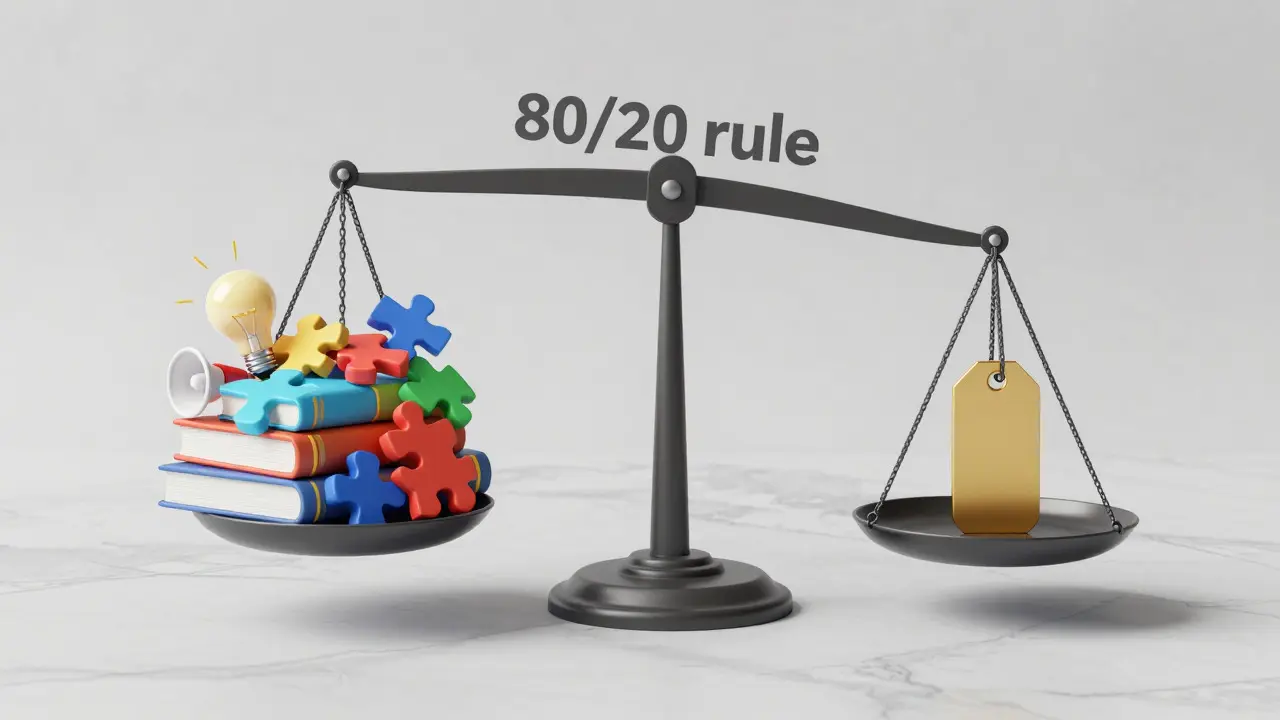
Being Too Salesy: Follow the 80/20 rule. Eighty percent of your content should educate or entertain. Twenty percent can promote your course. If every post says "Buy Now," people will unfollow. Build trust first.
Inconsistent Branding: Your visuals, tone, and voice should be recognizable. If your Instagram looks like a stock photo gallery and your LinkedIn sounds like a robot, you confuse your audience. Develop a simple style guide: fonts, colors, and emoji usage.
Ignoring Comments: Social media is social. If you post and ghost, you miss opportunities to nurture leads. Reply to every comment in the first hour. It boosts visibility and shows you care.
Next Steps for Your Course Launch
Start small. Pick one platform. Choose three themes. Create a four-week calendar. Execute consistently. Review metrics monthly. Organic social is a marathon, not a sprint. But for course creators, it’s the most reliable path to sustainable revenue. You’re not just selling a product; you’re building a community around learning. That’s worth investing time in.
How long does it take to see results from organic social media for courses?
Typically, it takes 3 to 6 months of consistent posting to build significant traction. However, early wins can happen sooner if you leverage trending topics or collaborate with other creators. Patience and consistency are key.
Which social media platform is best for selling online courses?
It depends on your audience. LinkedIn is best for B2B, professional development, and high-ticket corporate training. Instagram and TikTok are ideal for lifestyle, creative, and personal development courses. YouTube is powerful for deep-dive educational content.
Do I need to post every day to succeed?
No, consistency is more important than frequency. Posting three times a week reliably is better than posting daily for a week and then disappearing for a month. Quality and engagement matter more than sheer volume.
How do I turn social media followers into course buyers?
Use a lead magnet. Offer a free mini-course, checklist, or webinar in exchange for email addresses. Nurture these leads via email marketing with value-driven content, then pitch your paid course. Social media brings them in; email closes the sale.
Can I use old blog posts as social media content?
Absolutely. Repurposing content is efficient. Turn a blog post into a carousel, a tweet thread, or a short video script. Just adapt the format to fit the platform’s native style. Don’t just copy-paste; reframe the message for visual consumption.

Comments (8)
Elisabeth Ballet July 27 2026
YES! Finally someone said it. We spend so much time perfecting the curriculum that we forget to actually talk to humans. I started doing those 'Myth Buster' carousels last month and my DMs are exploding with real questions instead of just likes. It’s exhausting at first but the trust factor is insane. Keep showing up even when the algorithm hates you because the people who matter will find you.
Joanna Mucha July 28 2026
Oh, how quaint. You suggest a spreadsheet as if linear planning can capture the chaotic essence of digital existence. The organic social landscape is not a garden to be tended; it is a theater of shadows where attention is currency and truth is merely a suggestion. To reduce human connection to 'conversion rates' is to misunderstand the very fabric of our digital souls. One must curate an aura, not a calendar. But by all means, continue your little rituals of productivity while the rest of us navigate the labyrinth of meaning.
Kim Edwards July 29 2026
I literally cried reading this because I’ve been doing it WRONG for two years. Two YEARS! I thought posting every day was the key and I burned out so hard I almost quit teaching entirely. Now I’m sitting here shaking because I realize I could have had sales months ago if I just focused on saves and shares instead of vanity metrics. This post changed my life today honestly.
Bonnie Watt July 30 2026
Let's be real though. Most of these 'tips' are just recycled guru nonsense wrapped in pretty formatting. You say 'consistency beats intensity' but what about quality? If you're consistent with mediocre content, you're just consistently annoying people. And don't get me started on 'engagement bait.' People aren't stupid. They know when you're fishing for comments. Real growth comes from being genuinely interesting, not following a checklist written by someone who hasn't sold anything in three years.
Meagan Mueller July 31 2026
they want you to think its organic but the algorithms are rigged against small creators anyway why bother building trust when they change the rules every week i noticed my reach dropped 40% after i posted about health topics maybe big pharma paid them off or maybe its just shadowbanning dissenters either way keep your head down and dont trust the platform
Dave Gibbeson August 2 2026
Great breakdown on the workflow. Batching is non-negotiable if you want to scale without losing your mind. I batch record four reels on Sunday morning and schedule them via Meta Business Suite. Takes me exactly two hours. The key is to stop overthinking the hook. Just deliver value. If you’re stuck, look at your top-performing posts from six months ago and recreate them with updated info. Data doesn’t lie.
Sabrina Newland August 3 2026
this makes so much sense 🤔 i always wondered why my blog traffic was high but sales were low... turns out i wasnt connecting emotionally enough 😅 thanks for the reminder about the 80/20 rule. gonna try making some carousels this weekend ✨ hope it works out!
Amara Akbar August 4 2026
Absolutely spot on regarding the importance of community over conversion. When we focus on nurturing relationships rather than just pushing products, the revenue follows naturally. I have found that spending fifteen minutes daily engaging with my audience creates a profound sense of belonging that no advertisement can replicate. Thank you for sharing such valuable insights.