
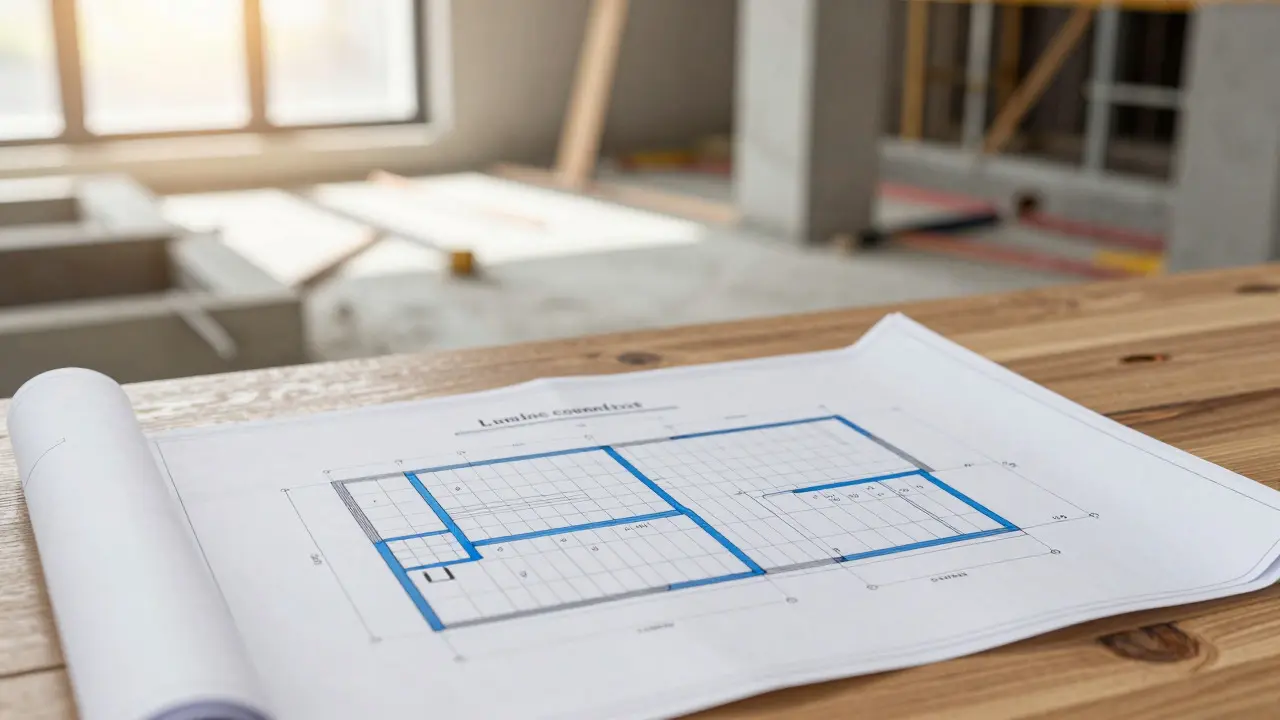
Imagine you’re building a house. You wouldn’t just start pouring concrete and hammering nails without a blueprint, right? Yet, that’s exactly what many creators do when they build online courses. They jump straight into recording videos or writing modules, only to realize halfway through that the logic is broken, the pacing is off, or the student gets lost.
The secret weapon of professional instructional designers isn’t fancy video editing software. It’s the storyboard. A well-crafted storyboard acts as the architectural plan for your digital learning experience. It ensures every minute of content serves a purpose and guides the learner smoothly from confusion to competence.
Why Storyboarding Beats "Just Recording" Every Time
You might think storyboarding is an extra step that slows you down. In reality, it saves weeks of rework. When you record video without a script or outline, you often ramble. You repeat points. You forget to mention critical details. Fixing this in post-production is expensive and tedious.
Storyboarding forces you to think about the learning objective before you create the asset. It answers the question: "What should the student be able to do after watching this specific five-minute clip?" If you can’t answer that clearly on paper, the video won’t help them either.
Consider the difference between a documentary and a tutorial. A documentary entertains; a tutorial transforms behavior. Storyboarding shifts your focus from entertainment to transformation. It helps you strip away fluff and keep only the information that drives results.
Anatomy of an Effective Course Storyboard
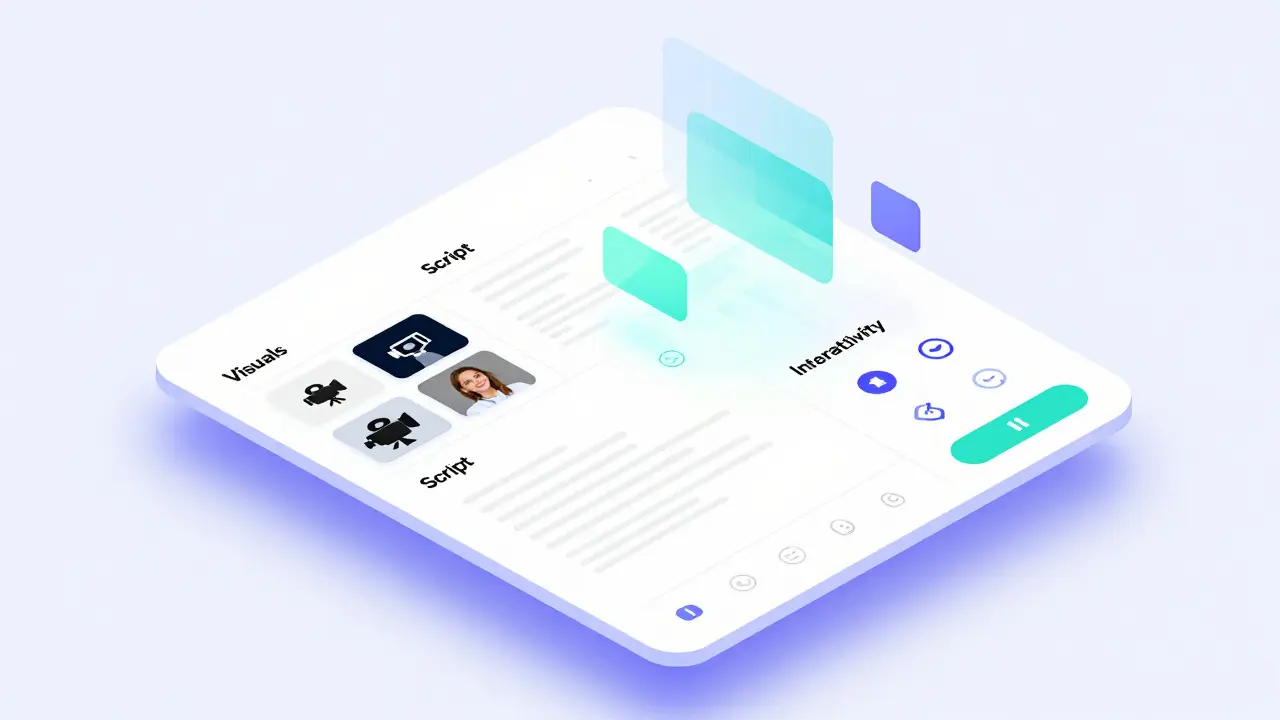
A storyboard isn’t just a script. It’s a multi-column table that maps out the entire lesson. Most professionals use a spreadsheet or a dedicated tool with three to four key columns:
- Visual/Audio Cue: What does the student see and hear? Is it a screen capture, a talking head, animation, or text overlay?
- Narration/Script: The exact words spoken. This keeps timing consistent and reduces cognitive load by avoiding filler words like "um" or "ah."
- Interaction/Prompt: Does the student need to pause, click a link, take a quiz, or download a resource here?
- Learning Objective Link: Which specific skill does this segment teach? This ensures alignment with the overall course goal.
For example, if you are teaching Excel formulas, your visual column might say "Screen share: Highlight cell A1." The narration column would read, "Type equals sign, then VLOOKUP." The interaction column might prompt, "Pause and try this in your own sheet." This level of detail prevents ambiguity during production.
Designing Logical Lesson Flow
Flow is where most beginner courses fail. They dump information randomly. To create a smooth lesson flow, you need to follow cognitive science principles. The human brain processes information best when it moves from simple to complex, and from known to unknown.
Start each module with a "hook" or context setter. Why does this topic matter? Then, introduce the core concept using clear definitions. Follow this with examples, counter-examples, and finally, practice. This structure mirrors how we naturally learn new skills.
Avoid jumping between topics. If Module 1 covers basic photography settings, don’t suddenly discuss lighting theory in Module 3 without revisiting exposure basics. Each lesson should feel like a natural continuation of the previous one. Use transition phrases like "Now that you understand X, let’s look at Y" to bridge gaps.
Pacing and Chunking Content
Attention spans are short, especially online. Research suggests that micro-learning segments of 3 to 7 minutes are most effective for retention. Longer videos lead to drop-offs. Storyboarding helps you enforce these limits by forcing you to break large topics into smaller pieces.
This technique is called chunking. Instead of one 45-minute lecture on "Digital Marketing," create five 6-minute lessons: SEO Basics, Social Media Strategy, Email Campaigns, Analytics, and Budgeting. Each chunk focuses on one single idea.
If a section feels too dense in your storyboard, split it. Ask yourself: "Can I explain this in under 300 words?" If not, you likely have two concepts mixed together. Separate them. This makes the course feel manageable rather than overwhelming.
Incorporating Interactivity Early
Passive watching leads to low completion rates. Active participation boosts engagement. Your storyboard should include interactive elements at regular intervals. These aren’t just quizzes; they are moments where the learner applies knowledge immediately.
Examples of interactivity include:
- Reflection prompts: "Think about a time you faced this problem. Write down one solution in your notes."
- Knowledge checks: Multiple-choice questions embedded after key concepts.
- Downloadable assets: Checklists, templates, or cheat sheets referenced in the video.
- Discussion triggers: Questions posed to the community forum for peer feedback.
By planning these interactions in the storyboard phase, you ensure they are relevant and timed correctly. You avoid adding them as an afterthought, which often results in disjointed experiences.

Tools for Creating Your Storyboard
You don’t need expensive software to start. Many successful instructors use simple tools:
| Tool Type | Best For | Pros | Cons |
|---|---|---|---|
| Spreadsheet (Excel/Sheets) | Detailed scripts | Free, flexible, easy to edit | No visual preview |
| Whiteboard Apps (Miro/Mural) | Visual mapping | Great for brainstorming flow | Hard to write full scripts |
| Dedicated ID Software (Articulate/Captivate) | Professional teams | Direct export to course | Steep learning curve, costly |
For solo creators, a spreadsheet is often the best starting point. It allows you to estimate video length by counting words (average speaking rate is 150 words per minute). If your script is 450 words, expect a 3-minute video. This calculation helps you maintain consistent pacing across all lessons.
Reviewing and Refining the Flow
Once your storyboard is complete, don’t rush to record. Read it aloud. Does it sound natural? Are there jargon-heavy sections that need simplification? Share it with a beta tester who knows nothing about the topic. If they get confused reading the storyboard, they will definitely get confused watching the video.
Look for redundancy. Are you explaining the same concept in Module 2 and Module 5? Consolidate or remove duplicates. Check for logical gaps. Did you assume prior knowledge that wasn’t taught earlier? Fill those holes now, while changes are cheap and easy.
This review process turns a good course into a great one. It ensures that the final product respects the learner’s time and intelligence. By investing hours in storyboarding, you save days of frustration and deliver a polished, professional educational experience.
How long should a typical online course lesson be?
Aim for 3 to 7 minutes per video lesson. This duration aligns with average attention spans and promotes better information retention. If a topic requires more time, break it into multiple shorter chunks focused on single sub-topics.
Do I need to write a word-for-word script for my storyboard?
Yes, especially for technical or precise instructions. A full script ensures consistency, reduces recording errors, and helps you control the pacing. For conversational topics, bullet points may suffice, but a script is safer for maintaining clarity and brevity.
What is the difference between a storyboard and a syllabus?
A syllabus outlines the high-level topics and schedule of a course. A storyboard details the minute-by-minute execution of each lesson, including visuals, audio, and interactions. Think of the syllabus as the map and the storyboard as the turn-by-turn directions.
How can I make my course flow more engaging?
Incorporate varied media types (video, text, graphics) and interactive elements like quizzes or reflection prompts. Ensure each lesson builds logically on the previous one. Use storytelling techniques to connect abstract concepts to real-world scenarios.
Is storyboarding necessary for simple courses?
Even for simple courses, storyboarding saves time and improves quality. It prevents rambling, ensures all key points are covered, and helps maintain a consistent tone. The investment in planning pays off in reduced editing time and higher student satisfaction.

Comments (15)
Elizabeth Brooks August 1 2026
omg this is so true i always just hit record and hope for the best but my students keep dropping out halfway thru because its boring as hell. the part about chunking content really clicked for me tho. im gonna try breaking my next module into like 5 min clips instead of one giant hour long video. thanks for sharing this!
Deb Kortyna, MBA August 1 2026
It is absolutely imperative that we adhere to these structural guidelines if we wish to maintain any semblance of professional integrity in our educational offerings. The lack of planning is not merely an oversight; it is a dereliction of duty to the student body.
alex kobri August 1 2026
i think people forget that learning is messy and rigid structures can sometimes kill creativity. but yeah flow matters. dont overthink it though just make sure you arent confusing them
Zach Loescher August 3 2026
I've been using Miro for my storyboards lately and it's actually pretty nice for visual mapping. I still write the script in Google Docs though because trying to type full paragraphs on sticky notes is a nightmare.
Quintin Franzese August 3 2026
sure, spend 40 hours making a spreadsheet before you even turn on the camera. sounds like fun. i prefer to just wing it and edit out the mistakes later. works for me
Susan Cole August 5 2026
The section on cognitive load was particularly insightful. It is easy to overlook how much information a learner can process at once. Thank you for highlighting the importance of simplicity.
Tamara Miller August 6 2026
Oh, please. Another article telling us what we already know. If you have to be told to plan your course, maybe you shouldn't be teaching. It’s not rocket science, folks. Just do your job properly.
Savara Gunn August 7 2026
This is such helpful advice! I struggle with pacing too often. I will definitely start using the word count trick to estimate video length. Thanks for the tip!
Anthony Miller August 8 2026
you are all wasting your time reading this fluff. real educators know that content is king and structure is irrelevant. stop hiding behind spreadsheets and start teaching or get out of the way
michelle veluz August 9 2026
They want to control our minds through micro-learning segments!!! It is all about keeping us distracted and docile. Wake up sheeple! Who approved this curriculum???
Jacob Baby Official August 9 2026
Actually, the premise here is fundamentally flawed. You assume that linear progression is the only valid pedagogical model. What about non-linear exploration? Your entire argument collapses under the weight of its own rigidity. Typical mainstream thinking.
john randall August 10 2026
I use Excel for everything. It’s free and does the job. No need for fancy tools unless you have money to burn.
Jeff Falcon August 12 2026
Look, I’ve been doing this for years, and honestly, the biggest mistake people make is not testing the flow with someone who knows nothing about the topic. You think you’re clear, but you’re not. Get a beta tester. Seriously. It saves so much headache later on when you realize you assumed everyone knew what 'API' meant without explaining it first.
Alyson Karson August 12 2026
YES!! finally someone says it. stop rambling and get to the point. my attention span is short so keep it under 7 mins plz. love this post thx
Chris Neal August 12 2026
You're missing the nuance of adaptive learning algorithms which render static storyboards obsolete in many modern LMS environments. But sure, stick to your spreadsheets while the industry moves on.