
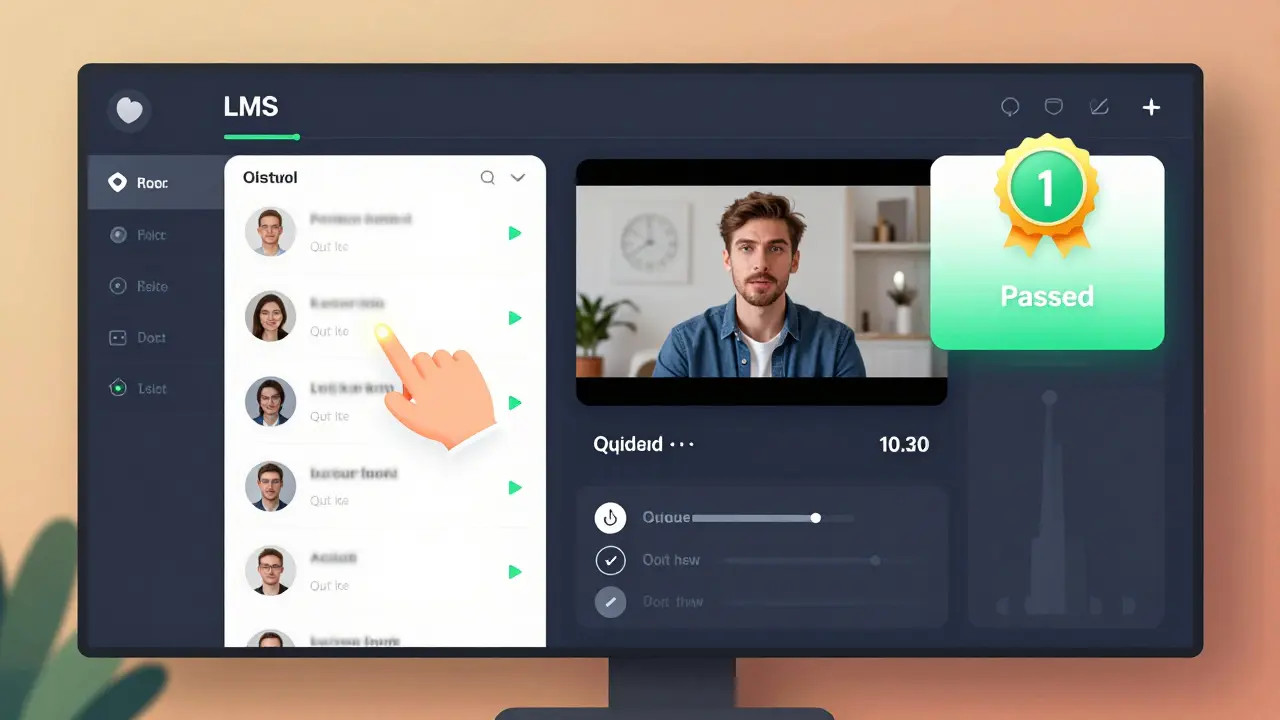
When you run an online course, you don’t just want to know how many people signed up. You want to know who’s actually learning. That’s where event tracking in your Learning Management System (LMS) comes in. Clicks, views, and completions aren’t just numbers-they’re signals that tell you what’s working and what’s falling flat. If your learners are clicking through lessons but never finishing them, something’s off. If they’re watching every video but skipping quizzes, you’ve got a pattern. And if no one is clicking at all? That’s a red flag you can’t ignore.
What Event Tracking Actually Measures
Event tracking in an LMS records user interactions. It doesn’t guess. It doesn’t estimate. It logs every action that happens inside the system. The three most common events are:
- Clicks: When a learner selects a lesson, button, or resource. This tells you what’s catching attention.
- Views: When a page or video loads and stays open for more than 10 seconds. This shows whether content is being seen, not just clicked.
- Completions: When a learner finishes a module, passes a quiz, or hits the "Mark Complete" button. This is the gold standard-it means they didn’t just start, they followed through.
These aren’t vanity metrics. They’re diagnostic tools. For example, a course with 500 sign-ups but only 80 completions has a 16% completion rate. That’s low. But if 400 people clicked on the first module and 300 watched the first video, then dropped off? The problem isn’t motivation-it’s the first lesson. Maybe it’s too long. Too technical. Or just boring.
Why Clicks Don’t Mean Learning
Here’s a common mistake: assuming more clicks = more engagement. A learner might click through ten lessons in five minutes, just to get them out of the way. Or they might open a video, then walk away to make coffee. The system logs a view. But did they learn anything? Probably not.
That’s why you need to look at the sequence. If someone clicks on Module 1, watches the video, takes the quiz, scores 90%, then moves to Module 2-that’s a learner. If someone clicks Module 1, skips the video, takes the quiz, fails, clicks again, skips the video again, and fails again? That’s someone struggling. Or confused. Or disengaged.
One university in Glasgow tracked 12,000 students over six months. They found that learners who watched at least 70% of a video and passed the quiz on the first try were 3.2 times more likely to complete the entire course than those who only clicked through. The video watch time was a stronger predictor than enrollment numbers.
Completions Are the Real Metric
Completion rates are the most honest indicator of course effectiveness. But not all completions are equal. A "Mark Complete" button you can click without doing the work? That’s meaningless. A completion that requires passing a quiz with a minimum score? That’s meaningful.
Take a corporate compliance course. If learners can complete it by just clicking "Next" through 20 slides, you’ve got a checkbox exercise-not training. But if they must pass a 10-question test with 80% accuracy, you’ve got accountability. The difference? A 35% completion rate versus a 78% completion rate. Why? Because one feels like a chore. The other feels like a milestone.
Some LMS platforms let you set completion rules. For example:
- View all videos (minimum 80% watched)
- Complete all interactive elements (drag-and-drop, simulations)
- Pass the final assessment
When you lock completion behind real effort, you get real results. A UK-based training provider switched from simple click-to-complete to rule-based completion. Their course pass rates jumped from 41% to 83% in eight weeks. Why? Because learners knew they couldn’t fake it.

How to Spot Trouble Using Event Data
You don’t need a data science degree to read event tracking. Here’s how to spot problems fast:
- High clicks, low views: Learners are skipping content. Maybe the titles are misleading. Or the previews are too vague.
- High views, low completions: People start, but don’t finish. The content might be too long, too hard, or not relevant.
- Drop-off at quiz time: Learners are fine with videos but freeze at assessment. That’s a sign the material wasn’t explained clearly.
- Repeat clicks on the same module: Someone’s stuck. Maybe they’re confused, or the navigation is broken.
- Zero clicks after sign-up: The onboarding experience is broken. Or the course promise didn’t match reality.
One e-learning company noticed that 60% of users dropped off after the third video in their leadership course. They reviewed the video. It was 18 minutes long. No breaks. No summaries. They split it into three 5-minute segments, added quick checkpoints, and retention jumped by 52%.
What to Do With This Data
Event tracking isn’t just for reporting. It’s for improvement. Here’s how to use it:
- Shorten long modules: If 80% of learners leave after 7 minutes, cut the content to 5.
- Add micro-interactions: A quick poll, a drag-and-drop, a reflection prompt-these keep people engaged.
- Reorder content: If learners skip Module 2 but love Module 4, maybe Module 2 should come after Module 4.
- Improve assessments: If quiz scores are low across the board, the questions might be unclear. Or the material wasn’t covered well.
- Personalize follow-ups: If someone watched the first video but didn’t take the quiz, send them a short message: "Still stuck? Here’s a quick tip."
There’s no magic formula. But there is a pattern: the more you connect data to action, the better your courses become. A software training firm in Edinburgh used event tracking to redesign three courses. Within six months, their learner satisfaction scores rose from 3.4 to 4.7 out of 5. The key? They didn’t just look at numbers-they talked to learners who dropped off.
Tools That Make It Easy
You don’t need custom coding to track events. Most modern LMS platforms include built-in analytics:
- Moodle: Has detailed activity reports, including time spent, clicks, and quiz attempts.
- Canvas: Shows student activity timelines and engagement scores.
- LearnDash (WordPress): Tracks completion rules, quiz scores, and video progress.
- Docebo: Offers heatmaps of learner navigation and drop-off points.
Even free tools like Google Analytics can be connected to your LMS to track page views and session duration. The point isn’t which tool you use-it’s whether you’re looking at the right data.
Common Mistakes to Avoid
- Only checking total enrollments: That number tells you nothing about learning.
- Ignoring drop-off points: If everyone leaves at Lesson 5, fix Lesson 5-not the whole course.
- Assuming mobile users are less engaged: Many learners use phones. Track mobile-specific behavior-it might be different.
- Not setting clear completion rules: If "complete" means "click once," you’re measuring activity, not learning.
- Not sharing insights with instructors: If your course designer doesn’t see the data, they can’t improve.
One college in Aberdeen found that their most popular course had the lowest completion rate. Why? The instructor thought students loved it because of high views. But the data showed 70% of learners watched the first video and never came back. The instructor changed the intro-made it more direct, less fluff-and completions doubled.
Final Thought: Data Without Action Is Just Noise
Event tracking gives you a window into how learners really behave. But if you don’t act on it, you’re just collecting dust. Every click, view, and completion tells a story. Your job is to listen. Then change.
What’s the difference between a click and a view in LMS tracking?
A click happens when a learner selects a link or button-like opening a lesson. A view means the content loaded and stayed active for at least 10 seconds. Clicks show interest. Views show attention.
Why are completion rates more important than enrollment numbers?
Enrollment tells you how many people signed up. Completion tells you how many actually learned. A course with 1,000 enrollments and 100 completions has a 10% success rate. That’s far more useful than knowing 1,000 people clicked "Join."
Can event tracking help reduce course dropout rates?
Yes. By spotting where learners drop off-like after a long video or before a quiz-you can fix the problem. Shorten content, add breaks, clarify instructions. One company cut dropout rates by 45% just by adjusting the first three lessons based on tracking data.
Do mobile learners behave differently than desktop learners?
Often. Mobile users tend to watch shorter videos, complete quizzes in bursts, and drop off more often during long modules. If you see high mobile views but low completions, break content into smaller chunks. Mobile learners prefer quick wins.
What’s the best way to set a completion rule in an LMS?
Require multiple actions: watch 80% of videos, complete all interactive tasks, and pass a quiz with a passing score. Don’t allow completion with a single click. Real learning requires effort.

Comments (8)
Amy P February 14 2026
Okay but let’s be real-clicks are basically the LMS equivalent of a dog wagging its tail. Looks happy, but is it actually learning or just excited for treats? I had a course where 90% of people clicked every module in under 30 seconds. Turns out they were just trying to clear their dashboard before lunch. The real signal? When someone comes back the next day and re-watches the same 3-minute video like it’s a TED Talk. That’s obsession. That’s learning.
Ashley Kuehnel February 16 2026
As someone who designs courses for a living, I can’t tell you how many times we thought ‘high engagement’ meant success-until we looked at completions. One course had 5,000 views but only 87 completions. We dug in and found learners were skipping the quiz because the questions didn’t match the video content. Fixed it in 48 hours. Now completion rate’s at 71%. Just remember: if your quiz feels like a trap, you’re not teaching-you’re testing.
adam smith February 17 2026
This is all nice. But honestly? Most people just want to click through and get the certificate. Data doesn’t change that. Stop overthinking.Mark Nitka February 18 2026
Adam, you’re missing the point. We’re not trying to trick people into learning. We’re trying to create environments where learning happens naturally. If your course requires effort to complete, you’re not losing users-you’re filtering out the ones who aren’t serious. That’s not a bug, it’s a feature. I’ve seen teams cut dropout rates by 60% just by making completion require actual engagement. People rise to the occasion when you stop coddling them.
Kelley Nelson February 19 2026
How quaint. To think that behavioral metrics-mere digital footprints-can be interpreted as proxies for cognitive development is both naive and dangerously reductionist. The human mind is not a machine that logs clicks. You cannot quantify epistemological transformation with a heatmap. This is the pedagogical equivalent of measuring a symphony by counting the number of times someone pressed play on Spotify.
Aryan Gupta February 21 2026
Let me guess-this was written by some Silicon Valley data bro who thinks ‘watch time’ means ‘brain activity.’ Wake up. The LMS tracks clicks because the corporation wants to sell you more courses. They don’t care if you learn. They care if you stay on the platform. And don’t even get me started on ‘completions’-those are rigged with trick questions so you have to buy the ‘premium review pack.’ This whole system is a pyramid scheme disguised as education. I’ve seen it. I’ve reported it. No one listens. But I’m still here. Watching. Waiting.
Fredda Freyer February 21 2026
There’s something beautiful here, beneath the metrics. Every click, every view, every failed quiz attempt-it’s a human being trying to understand something. We reduce learning to numbers because it’s easier to manage, but what we’re really seeing are moments of hesitation, curiosity, frustration, breakthrough. The learner who re-watches the same video three times? That’s not a problem. That’s a person wrestling with an idea. The system should honor that. Not just flag it as ‘low engagement.’ We need to design for the struggle, not just the outcome.
Gareth Hobbs February 22 2026
Right. So we’re supposed to believe that ‘watching 70% of a video’ means ‘learning’? Please. In the UK, we used to have real education-teachers, chalkboards, exams you couldn’t fake. Now? We’ve got this nonsense where you get a certificate for watching a 5-minute clip and clicking ‘I agree.’ It’s pathetic. And don’t even mention mobile learners-half of them are on their phones in the pub, half-drunk, tapping ‘complete’ while scrolling memes. This isn’t progress. It’s a collapse. Someone needs to wake up. And it ain’t gonna be you lot.