
Remember the panic of March 2020? Suddenly, lecture halls were empty, and we were all staring at glowing rectangles, trying to figure out how to teach without eye contact or physical presence. Fast forward to November 2026, and Online Teaching is no longer a crisis response; it’s a standard mode of education. But here’s the thing: just because you’re on Zoom doesn’t mean you’re actually teaching effectively. Many instructors still treat their webcam like a lectern, reading slides to a silent void while students scroll through Instagram in another tab.
If you’re looking to make the shift from traditional classrooms to digital platforms stick, you need more than just a good microphone. You need a complete overhaul of your pedagogical approach. This isn’t about replicating face-to-face interactions online; it’s about leveraging the unique strengths of the digital environment. Let’s break down exactly how to do that, avoiding the common pitfalls that turn online courses into digital graveyards.
Rethinking Your Classroom Space
Your physical environment dictates your mental state. If you’re teaching from a cluttered kitchen table with laundry in the background, your students sense the chaos. Conversely, if you’re sitting in a sterile office with poor lighting, you look like a hostage video subject. The goal is to create a setup that signals professionalism and focus.
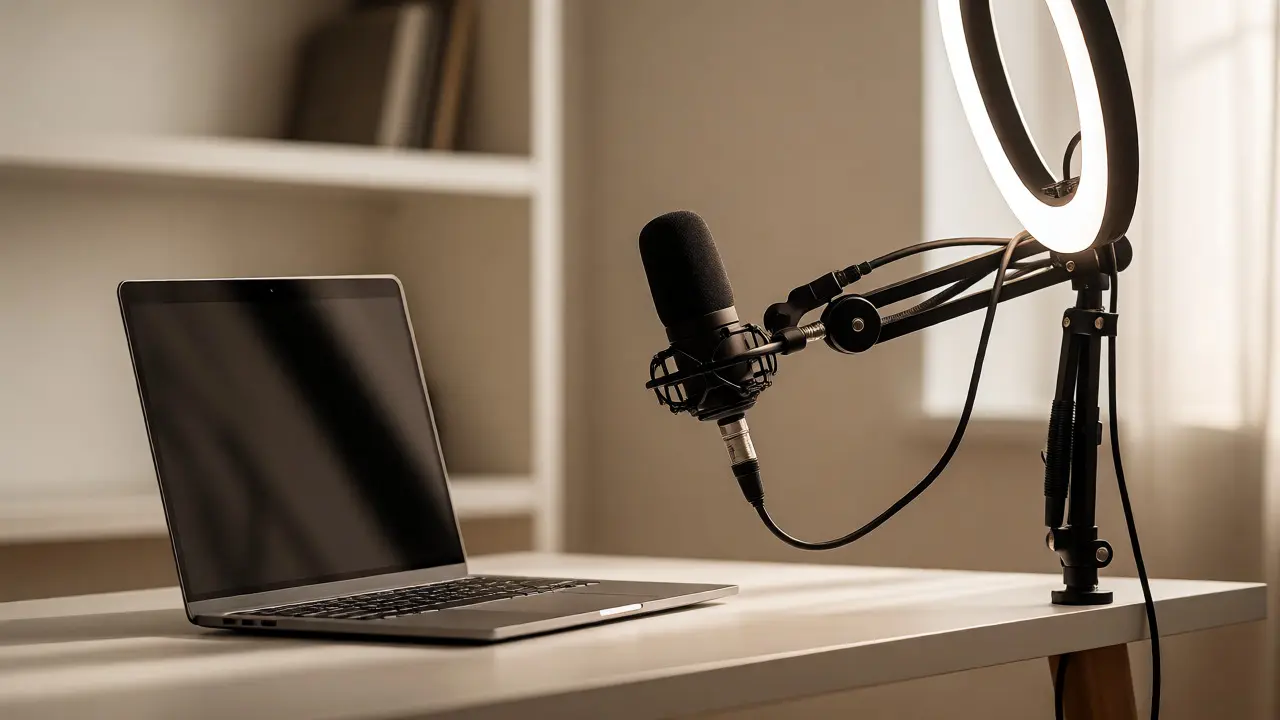
You don’t need a studio-grade rig, but you do need three things: consistent lighting, clear audio, and a neutral background. Natural light from a window facing you works wonders, but avoid backlighting, which turns you into a silhouette. For audio, invest in a dedicated USB microphone. Laptop mics pick up every keyboard click and dog bark, which distracts learners more than you think. A simple boom arm can save your neck during long sessions.
- Lighting: Face a window or use a ring light positioned slightly above eye level.
- Audio: Use a cardioid microphone to isolate your voice from room noise.
- Background: Keep it tidy and uncluttered. Virtual backgrounds can glitch; real depth is better.
This isn’t vanity. It’s respect for your students’ attention spans. When you look polished, they perceive the content as higher quality. It’s a psychological cue that matters.
Mastering Digital Pedagogy
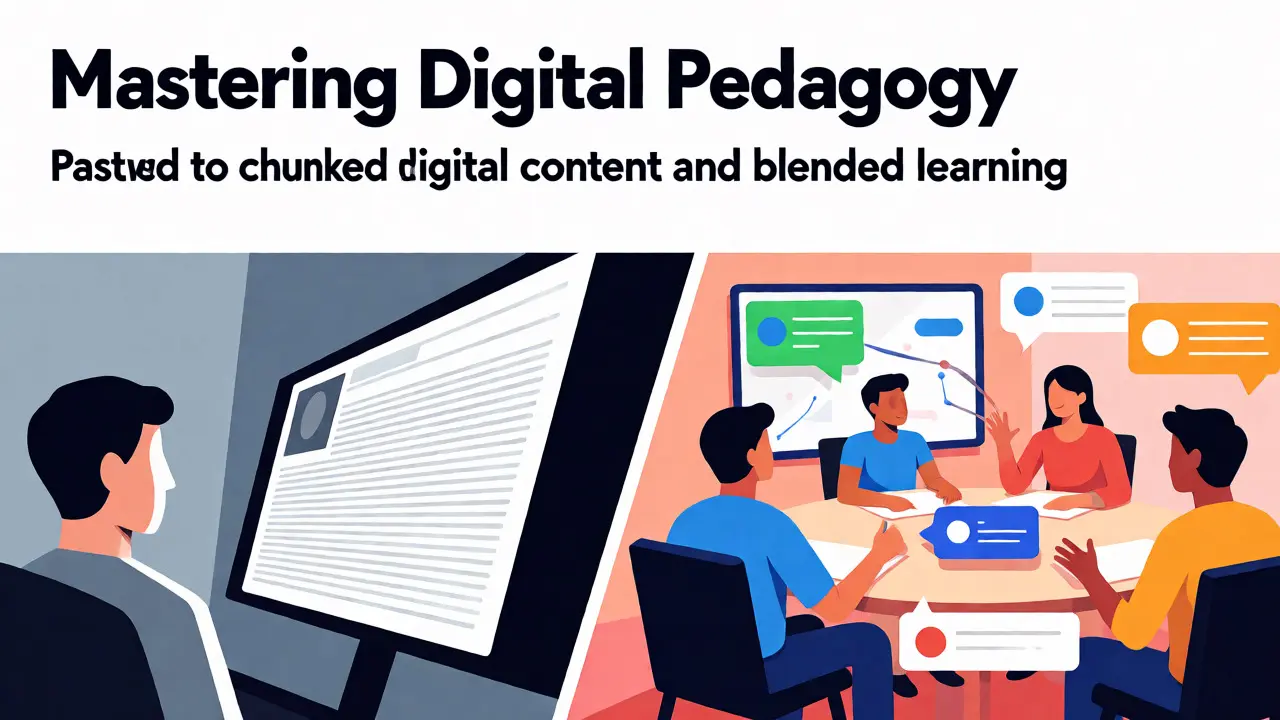
The biggest mistake educators make is copying their offline syllabus directly onto an online platform. A 90-minute lecture that works in person becomes unbearable online. The human brain processes information differently when mediated by a screen. Attention spans shorten, and passive listening drops off sharply after 15 minutes.
Adopt the "chunking" method. Break your content into 10-15 minute modules. Each module should have a clear objective, followed immediately by an active task. This could be a quick poll, a short reflection question in the chat, or a brief breakout room discussion. By interspersing content with interaction, you reset the cognitive clock.
Consider the concept of Blended Learning. This approach combines synchronous (live) sessions with asynchronous (self-paced) work. Use live time for high-value activities: debate, Q&A, and complex problem-solving. Move direct instruction-like recording lectures-to pre-recorded videos students watch before class. This flips the model, turning your live sessions into workshops rather than monologues.
Tools That Actually Help
The market is flooded with ed-tech tools, many of which are shiny distractions. Stick to a core stack that integrates well. You need a reliable Learning Management System (LMS), a communication hub, and a collaboration tool. Don’t try to master ten different apps in one semester. Mastery beats variety.
| Category | Recommended Tool | Primary Use Case | Why It Works |
|---|---|---|---|
| LMS | Moodle or Canvas | Course structure, grading, resources | Centralizes everything; reduces student confusion about where to find assignments. |
| Video Conferencing | Zoom or Microsoft Teams | Synchronous classes, office hours | Stable performance; breakout rooms facilitate small group work. |
| Collaboration | Miro or Padlet | Brainstorming, visual projects | Visual and interactive; mimics whiteboard dynamics remotely. |
| Assessment | Kahoot! or Quizizz | Formative assessment, engagement | Game-based learning boosts participation and provides instant feedback. |
Notice I didn’t list AI tutors or VR headsets. Those are cool, but they add complexity. Start with the basics. Once you’ve mastered the flow of these four categories, then experiment with new tech. Complexity kills adoption, both for you and your students.
Building Human Connection Remotely
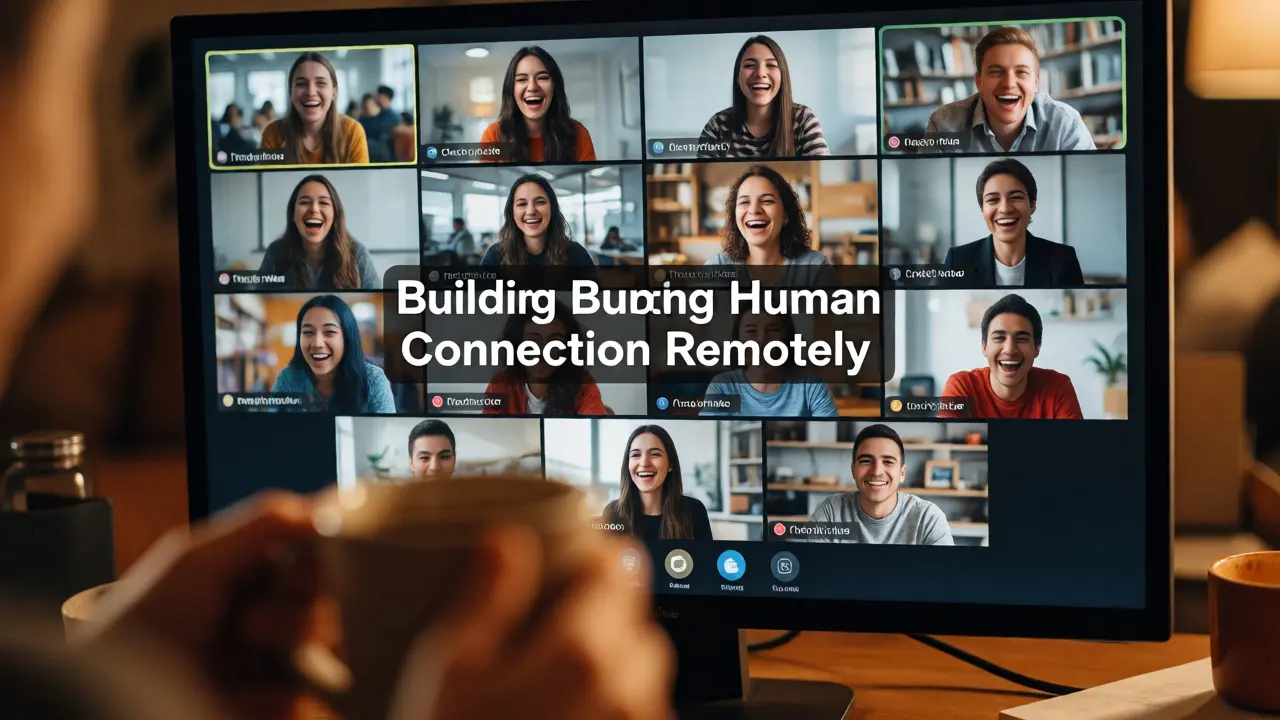
Isolation is the enemy of online learning. Students feel disconnected, and instructors often feel like they’re broadcasting into a vacuum. You have to actively engineer community. It doesn’t happen automatically.
Start each session with a non-academic check-in. Ask them what they had for breakfast or what show they’re binge-watching. It seems trivial, but it builds rapport. Then, establish clear norms for communication. Should students keep cameras on? Is the chat open for questions during lectures? Set these expectations early to reduce anxiety.
Use breakout rooms strategically. Large group discussions online often devolve into two people talking while everyone else mutes themselves. Small groups of 3-4 force participation. Assign roles within those groups-a recorder, a presenter, a timekeeper-to ensure everyone contributes. Afterward, bring everyone back and ask specific groups to share insights. This creates accountability.
Also, consider creating a "virtual watercooler." This could be a dedicated channel on Slack or Discord where students can post memes, ask informal questions, or just hang out. It replicates the hallway chatter that’s missing in digital spaces.
Assessment and Feedback Loops
Traditional exams don’t translate well online. Proctoring software feels invasive and stressful. Instead, focus on authentic assessments. These are tasks that mirror real-world application. Instead of a multiple-choice test on marketing principles, ask students to analyze a recent ad campaign and present their findings via a short video.
Feedback needs to be timely and actionable. In a physical classroom, you can read body language and adjust on the fly. Online, you’re blind. Use low-stakes quizzes frequently to gauge understanding. If 40% of the class fails a quiz on Week 3, don’t wait until the midterm to address it. Re-teach that concept in the next live session.
Peer review is also powerful online. Platforms allow students to anonymously critique each other’s drafts. This not only lightens your grading load but teaches critical evaluation skills. Just make sure to provide rubrics so students know what constitutes good feedback.
Troubleshooting Common Pitfalls
Even with the best plans, things go wrong. Here are the most frequent issues and how to fix them:
- The Silent Room: No one speaks in live sessions. Fix: Use polls first. Getting them to click a button is easier than typing a sentence. Then ask them to explain their vote in the chat.
- Technical Glitches: Wi-Fi drops, audio fails. Fix: Always have a backup plan. Record your lessons anyway, so if the live session crashes, you can upload the recording. Tell students this upfront to lower their stress.
- Plagiarism Concerns: Students copy-paste answers. Fix: Design prompts that require personal reflection or local context. It’s harder to cheat when the answer depends on their specific experience or location.
Don’t let perfectionism paralyze you. A messy, interactive lesson is better than a polished, boring one. Iterate based on student feedback. At the end of each module, ask: "What worked? What didn’t?" Adjust accordingly.
Key Takeaways
- Environment Matters: Invest in basic lighting and audio to signal professionalism.
- Chunk Content: Break lectures into 10-15 minute segments with active tasks.
- Flip the Model: Use live time for interaction, not lecture.
- Build Community: Create informal spaces for social connection.
- Authentic Assessment: Replace rote memorization with applied projects.
Transitioning to online teaching isn’t about becoming a tech wizard. It’s about being a better educator. The medium changes, but the core mission-facilitating learning-remains the same. Embrace the constraints of the digital world, and you’ll find opportunities for deeper engagement that you never had in a crowded lecture hall.
How much shorter should online lectures be compared to in-person ones?
Aim for 10-15 minute segments. While a total session might last an hour, it should be broken up by interactions. Passive listening beyond 15 minutes leads to significant drop-off in retention and attention online.
Should I require students to keep their cameras on?
It depends on the activity. For discussions and presentations, yes, it helps build connection. For long lectures or when bandwidth is limited, be flexible. Strict camera policies can exclude students with poor internet or home environments.
What is the best way to handle technical issues during a live class?
Always record your sessions. If you lose connectivity, resume when possible and upload the recording. Have a backup communication channel (like email or LMS announcements) ready to inform students if you disappear unexpectedly.
How can I prevent plagiarism in online assessments?
Design authentic assessments that require personal reflection, local context, or creative application. Multiple-choice tests are easy to cheat on; video presentations, peer reviews, and project-based tasks are much harder to fake.
Do I need expensive equipment to start online teaching?
No. A decent laptop, a stable internet connection, and natural lighting are enough to start. As you get comfortable, consider upgrading your microphone and adding a ring light. Audio quality is usually more important than video quality.
